Procedural Shaders
Asset Browser Set
Every procedural shader in one Asset Browser library.
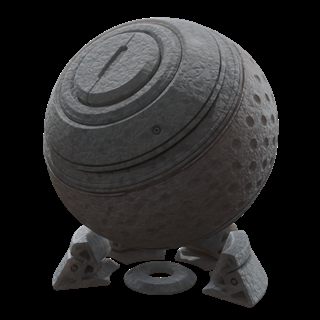
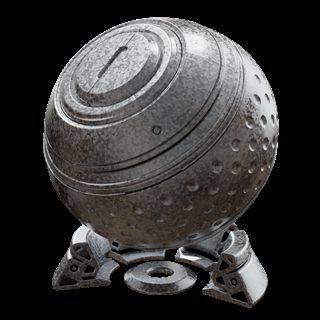
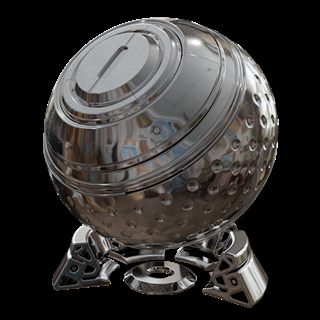
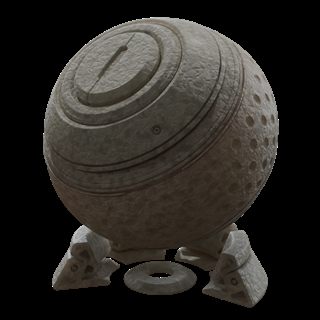
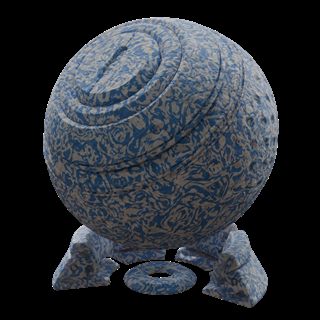
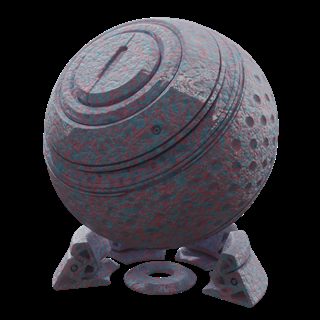
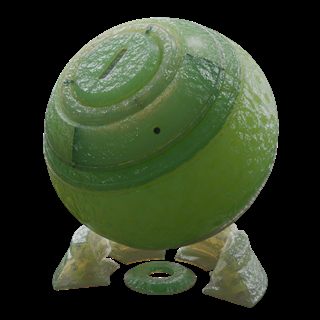
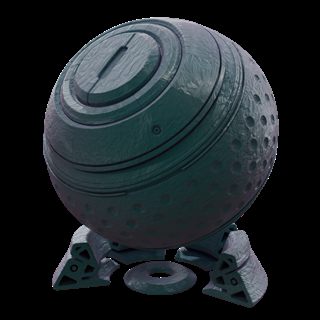
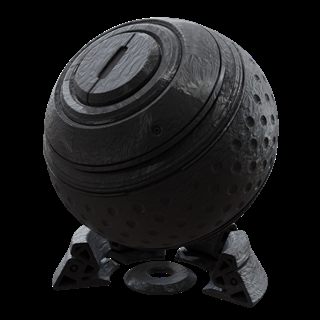
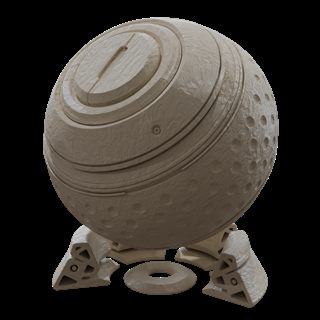
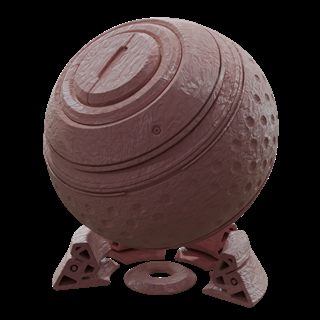
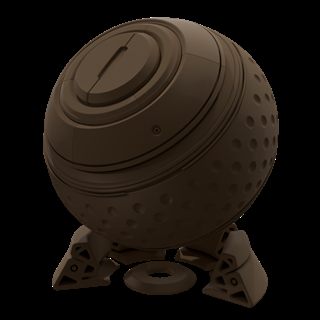
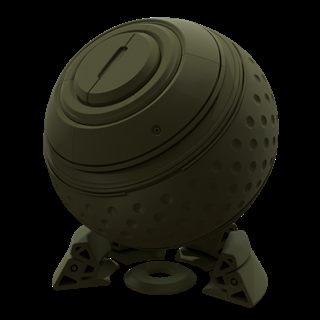
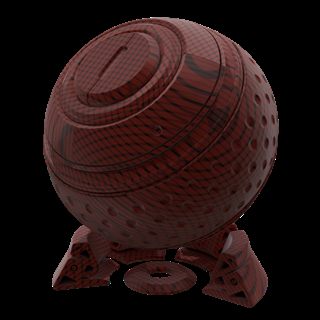
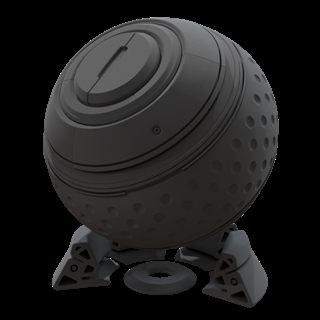
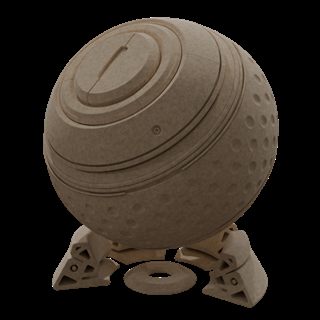
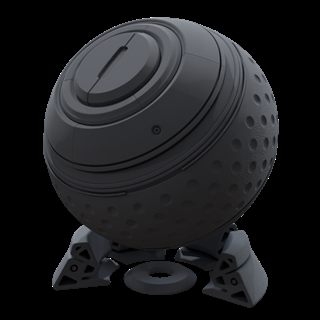
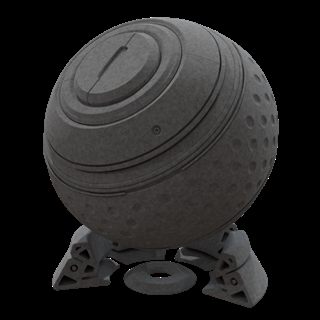
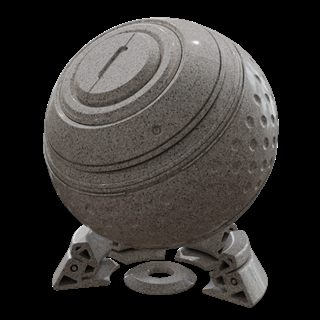
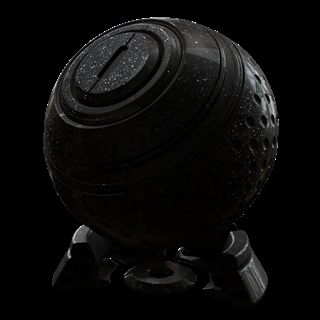
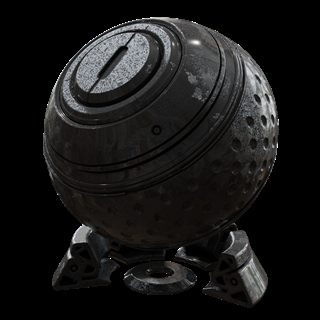
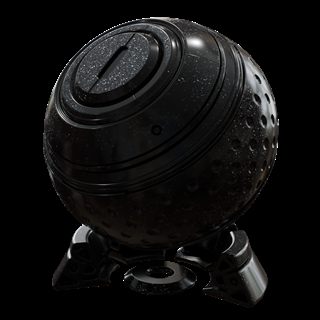
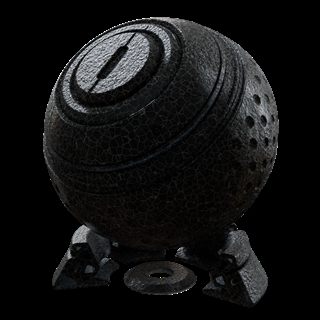
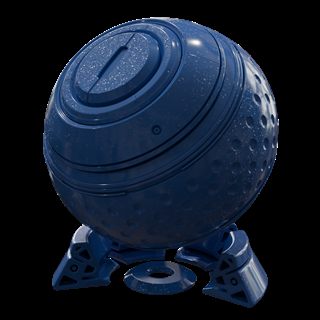
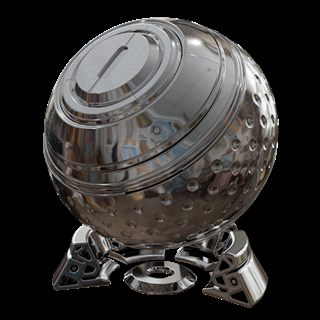
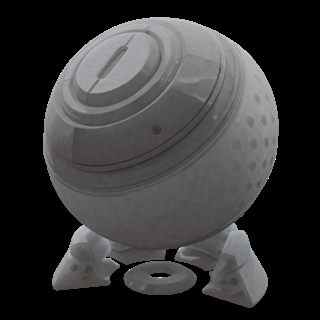
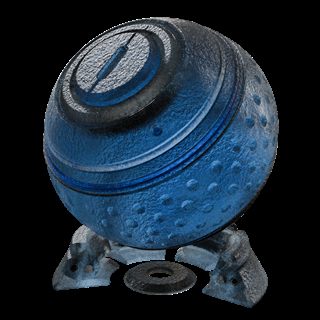
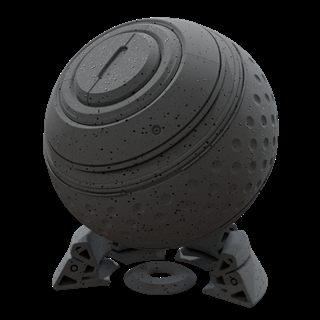
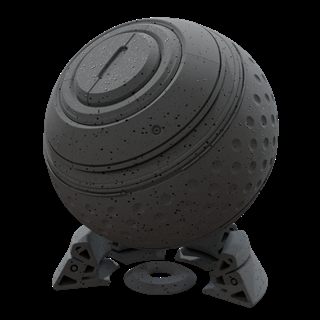
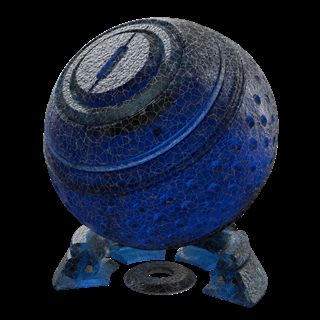
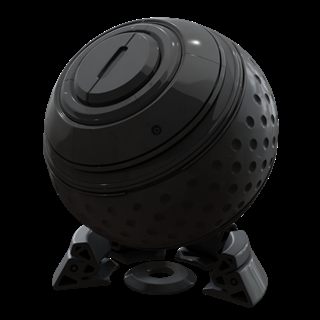
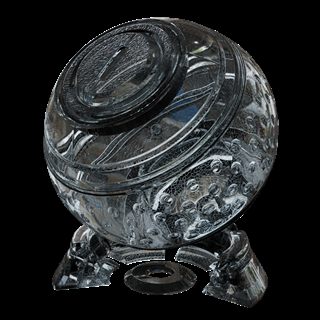
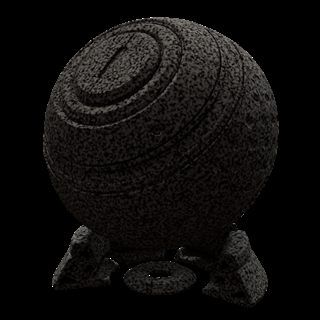
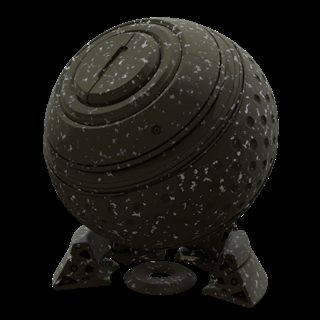
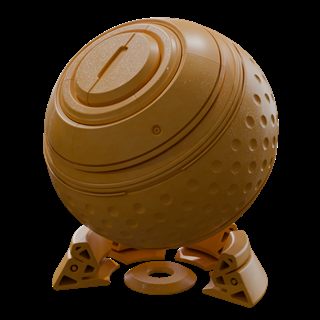
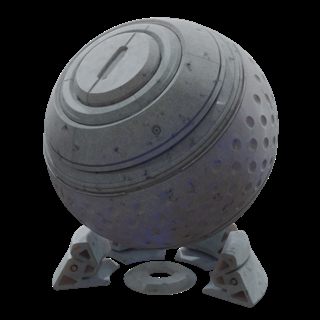
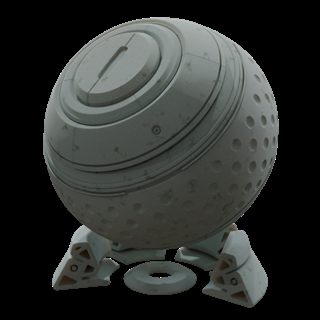
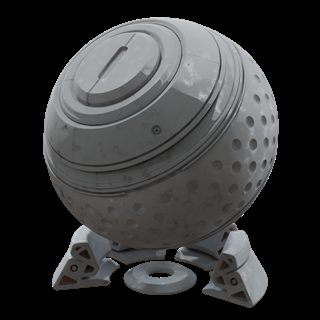
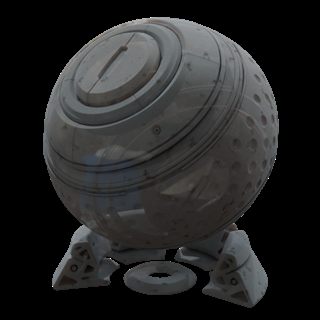
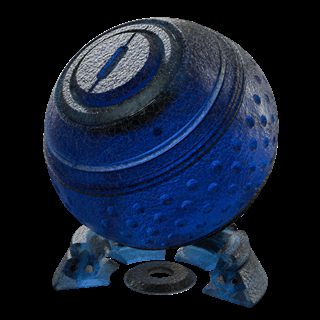
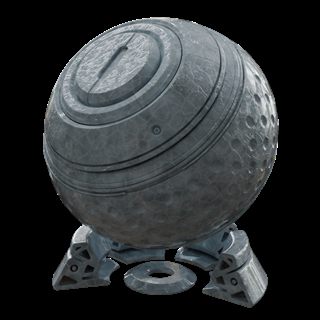
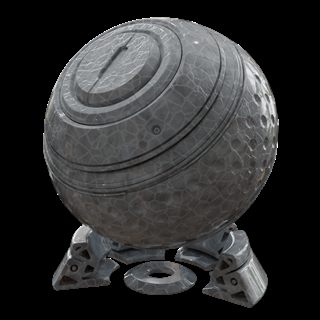
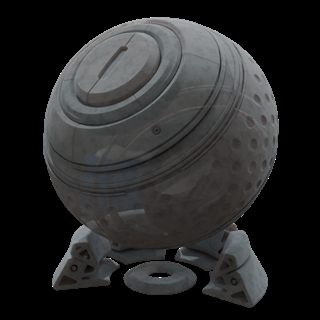
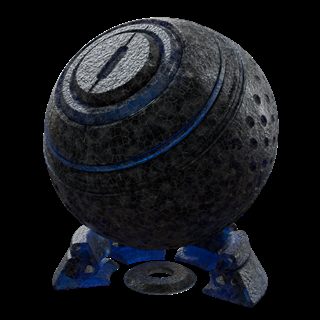
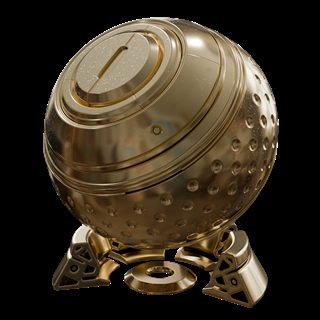
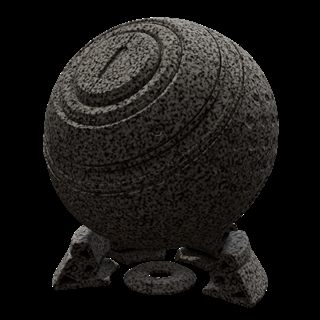
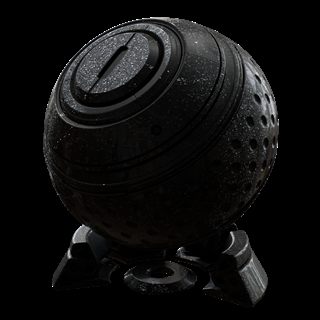
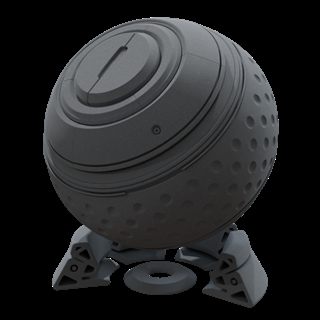
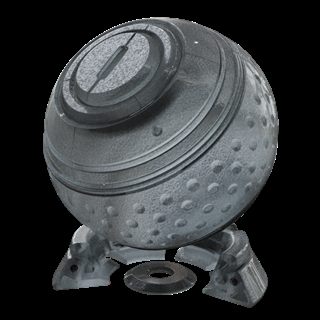
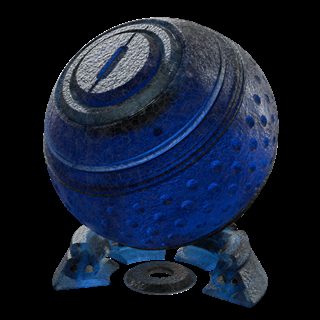
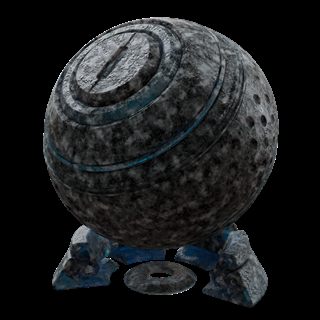
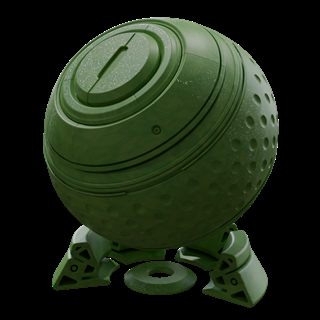
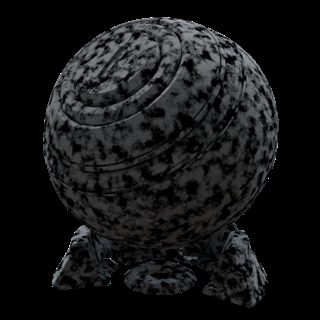
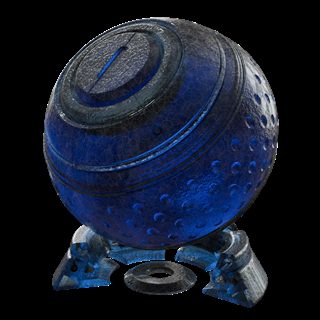
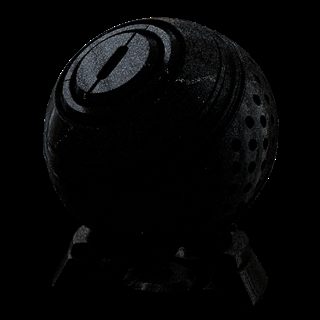
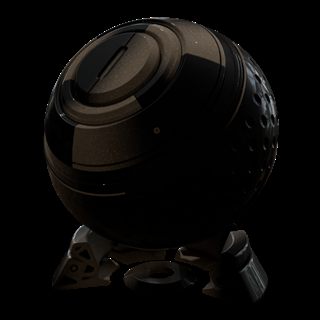
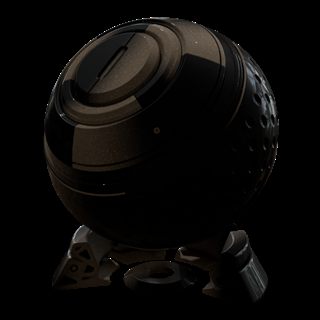
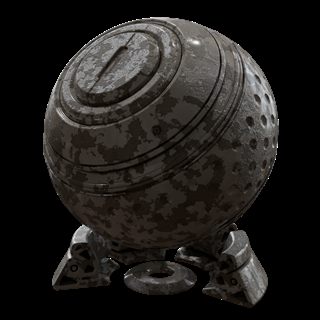
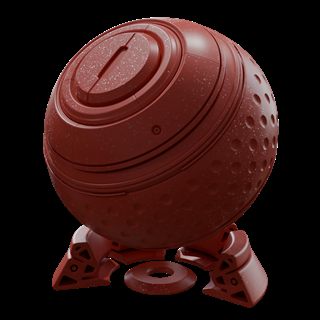
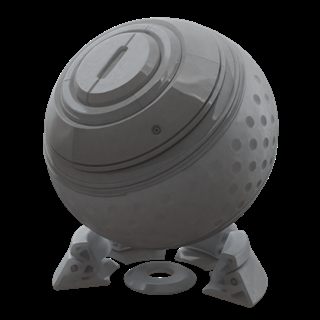
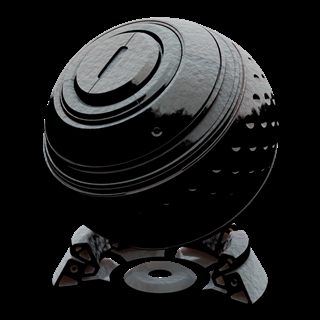
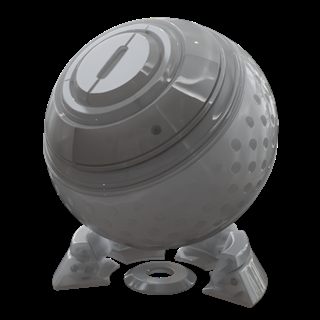
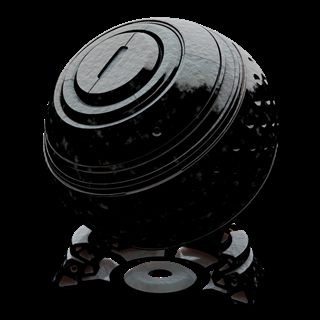
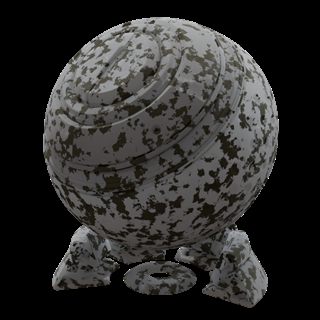
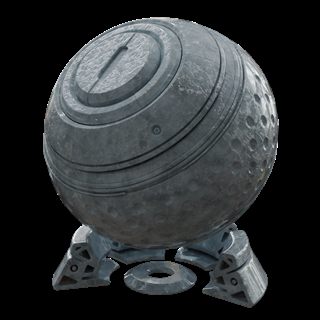
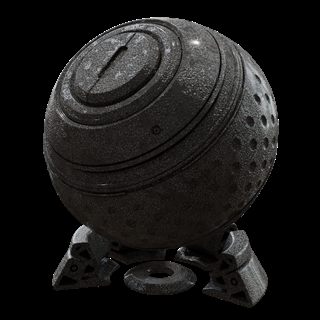
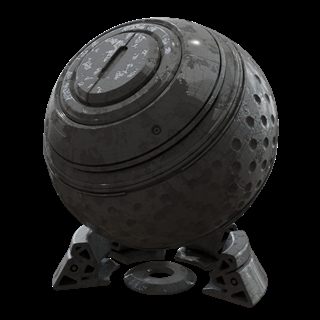
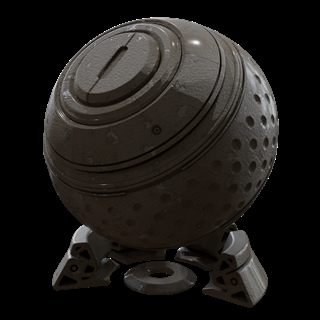
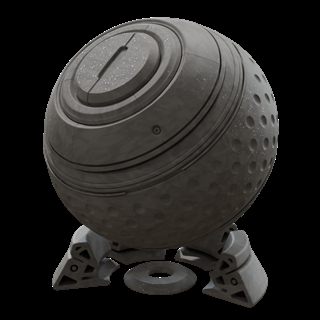
543 Cycles materials from 10 packs, sorted by pack and category. Append any material from the Asset Browser and drop it on your object. Every material comes with its node groups and textures, packed into one file.
543materials
10packs
54categories
1library file
Contents
Four steps to start
Install the folder once, then append any material whenever you need it.
1. Keep the folder together
Textures are packed into the library file. Keep the whole Procedural Shaders Asset Browser Set folder intact.
2. Add the library
Edit › Preferences › File Paths › Asset Libraries. Press +, then choose the assets folder.
3. Append, do not link
Set the import method to Append (Reuse Data).
4. Drop it on your object
Drag a material from the Asset Browser onto any object.
Abstract & Motion Graphics Shaders67 shaders
Art & Graphic6
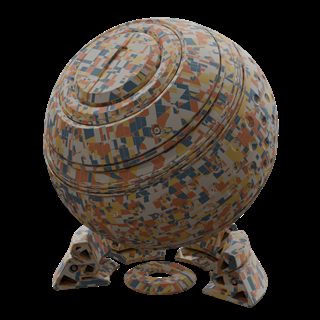
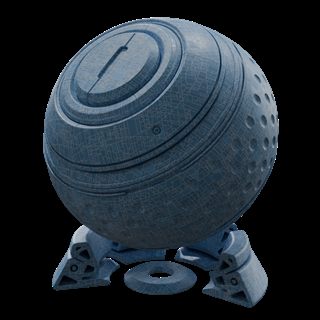
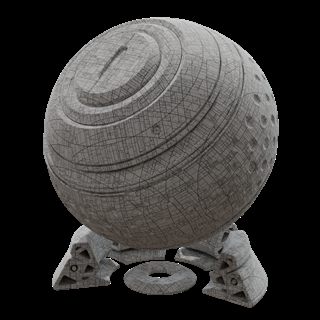
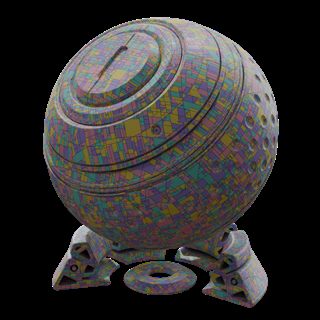
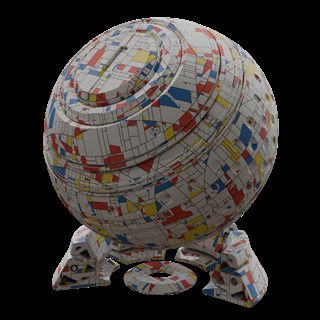
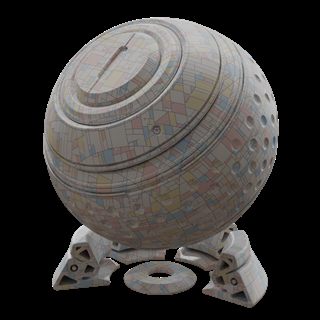
Glitter & Flakes10
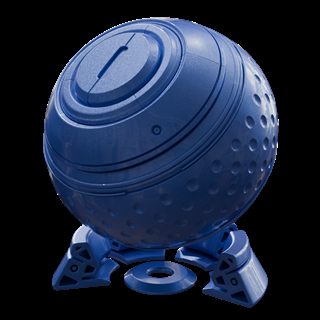
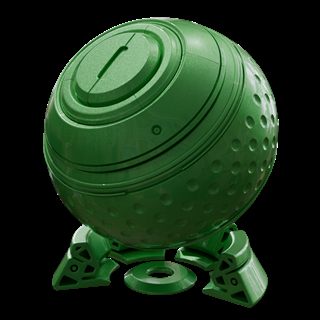
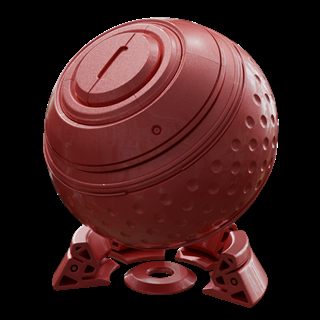
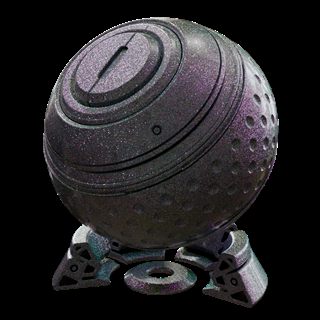
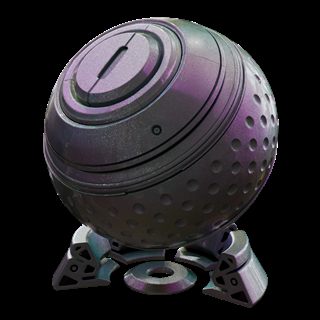
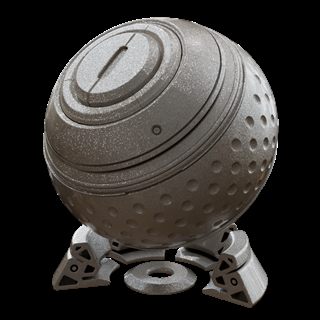
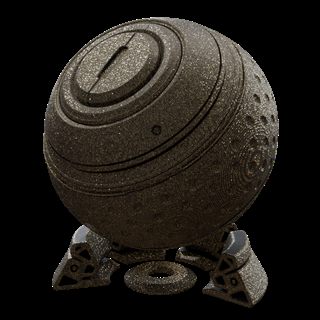
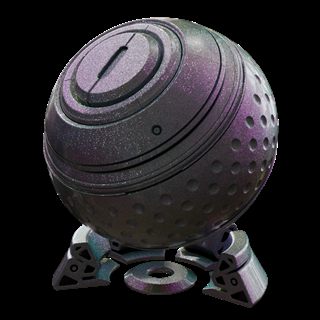
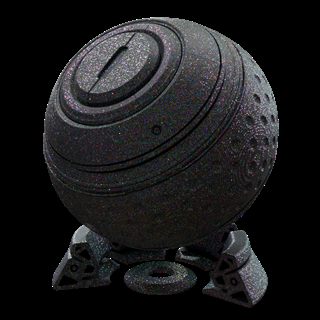
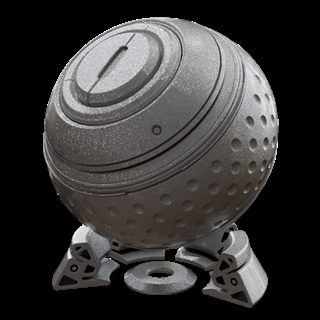
Glow & FX14
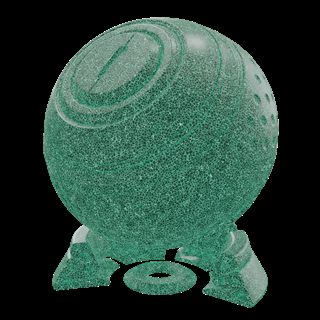
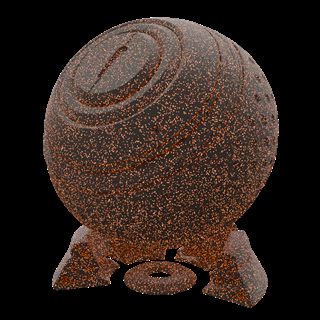
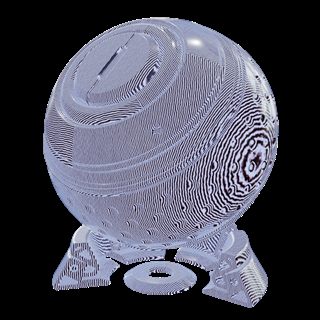
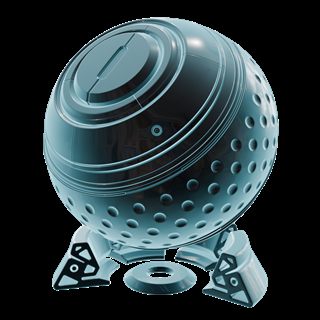

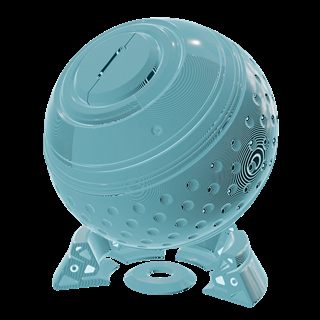
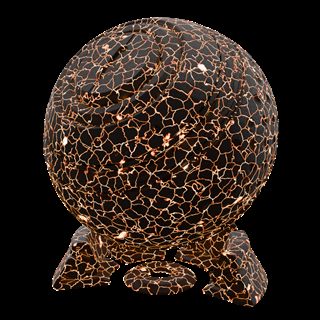
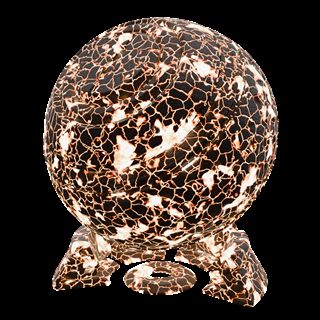
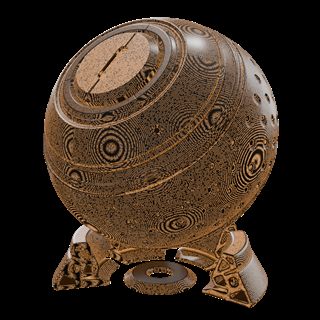
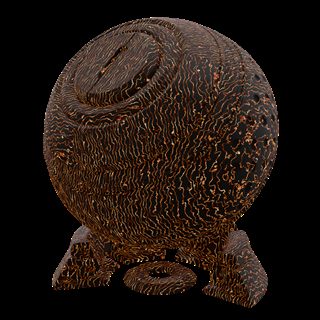
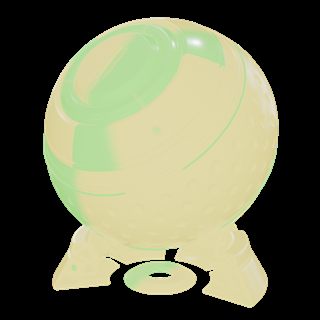

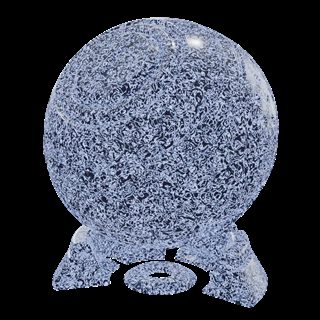
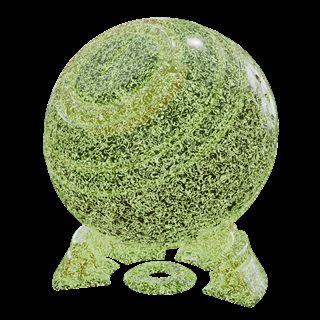
Iridescent & Holo12
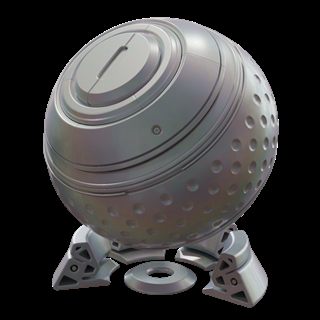
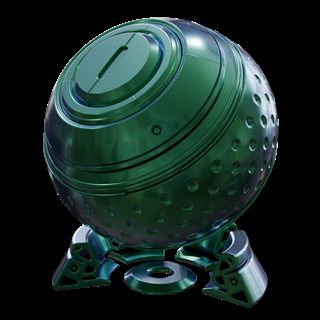
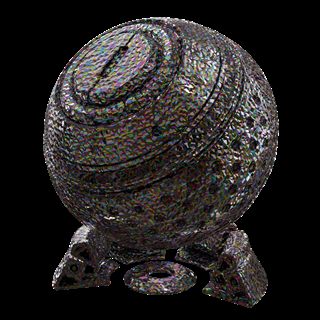
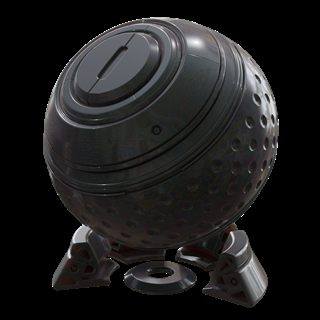
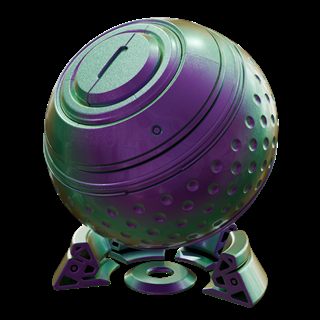
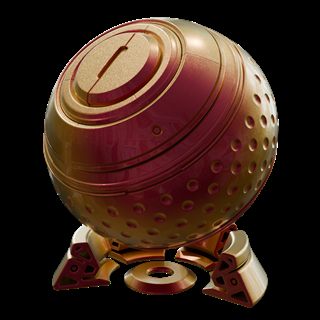
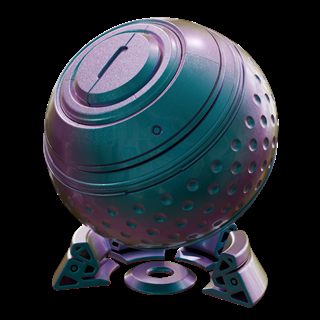
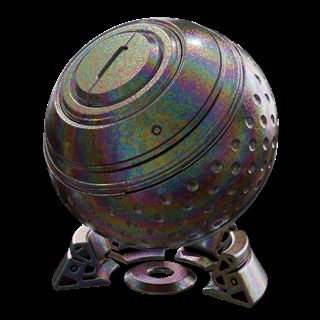
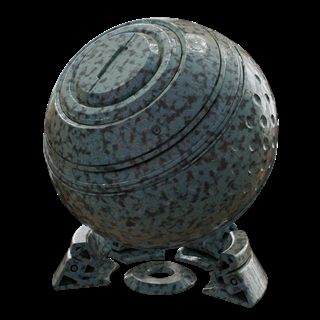
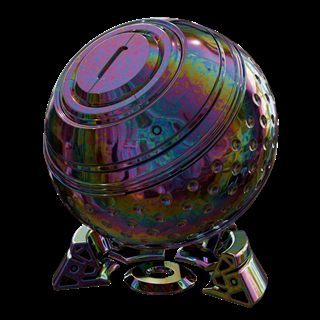
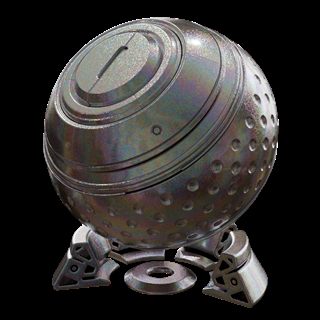
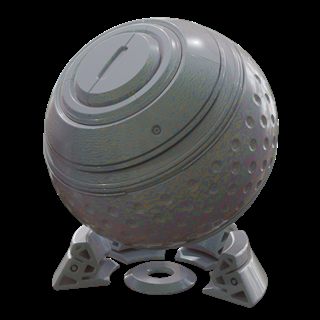
Maps & Aerial3
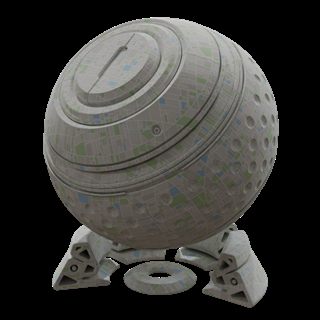
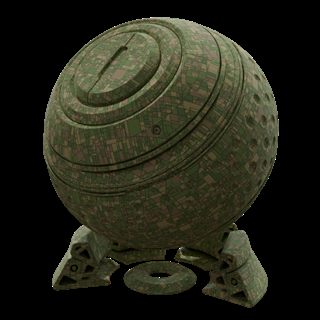
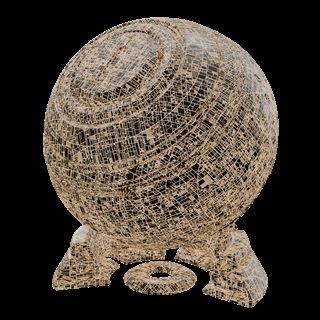
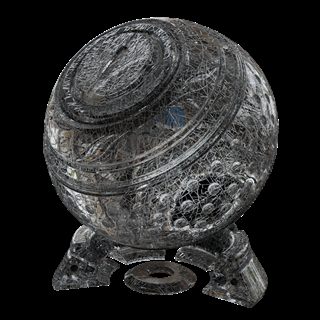
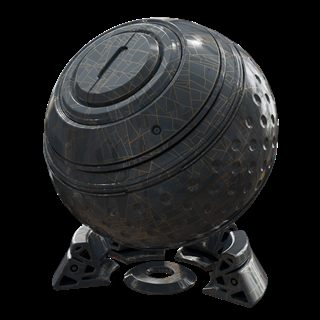
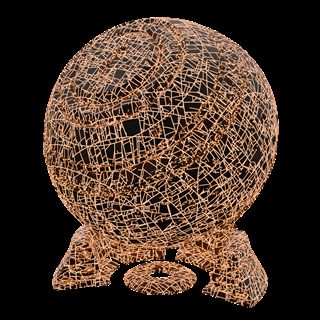
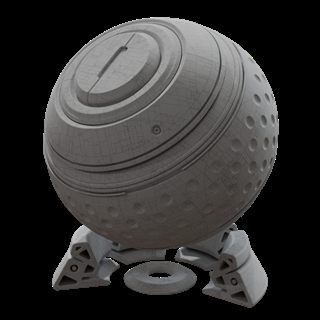
Shatter & Cuts9
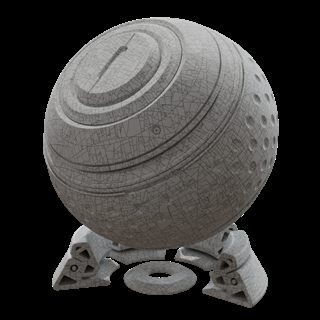
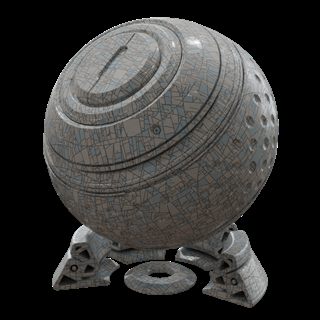
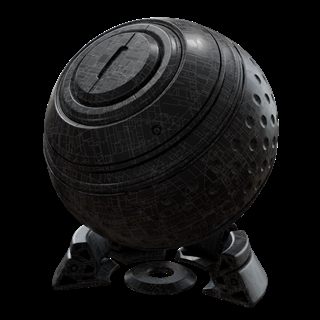
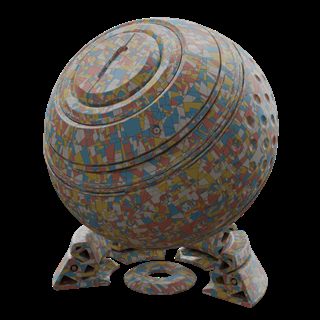
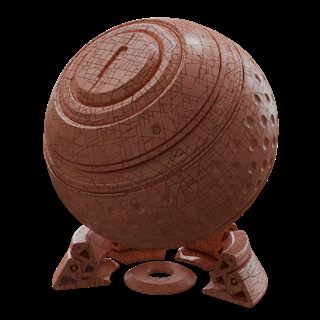
Stylized & Retro7





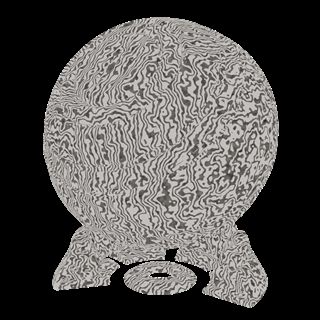
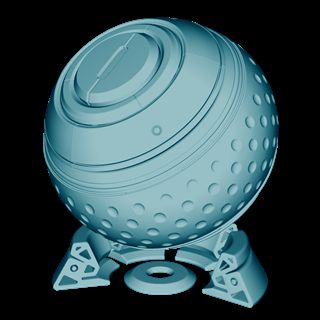
Tech & Neon6
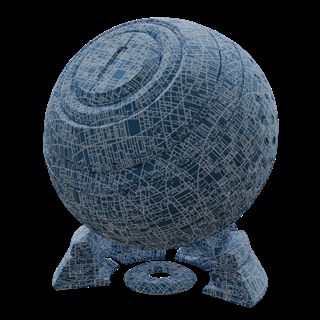
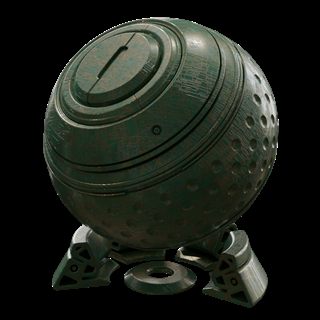
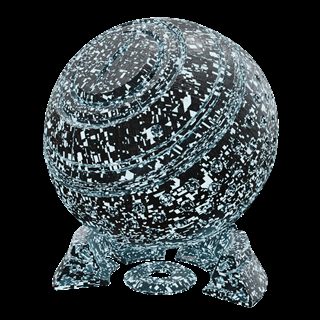
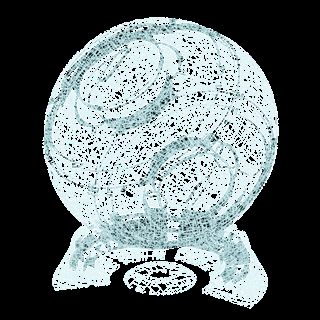
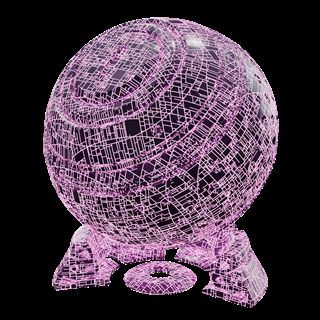
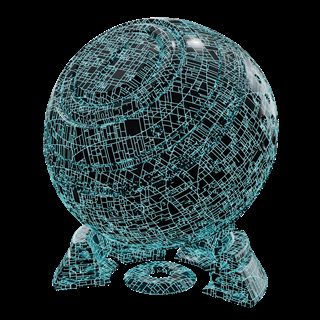
Clay & Craft Shaders51 shaders
Fabric & Soft1
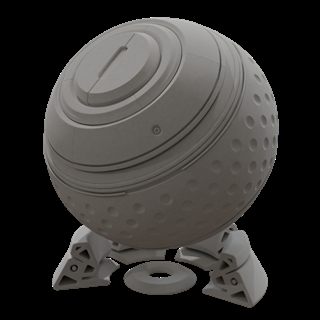
Food & Candy12
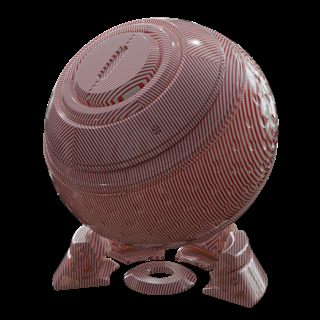
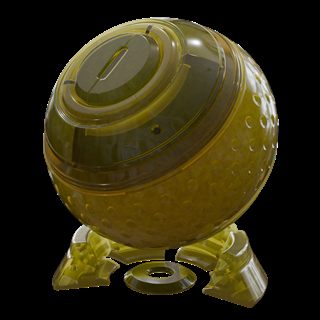
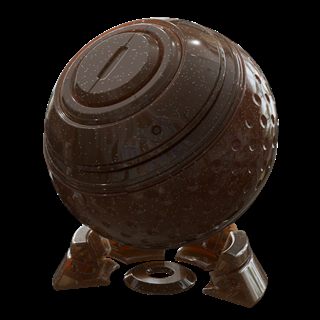
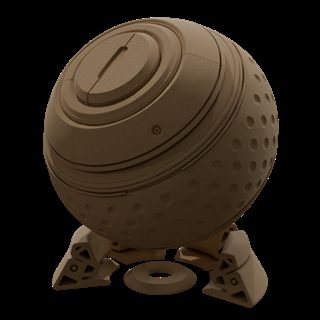
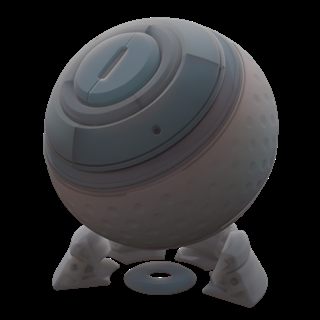
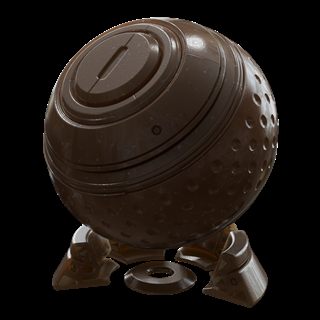
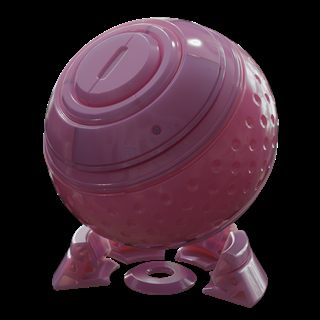
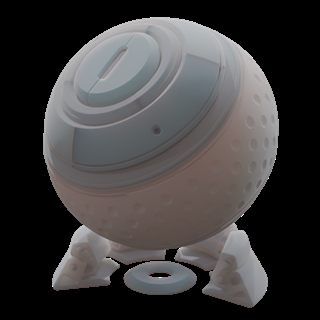
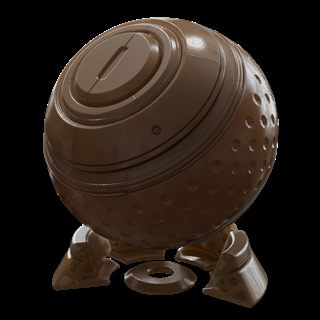
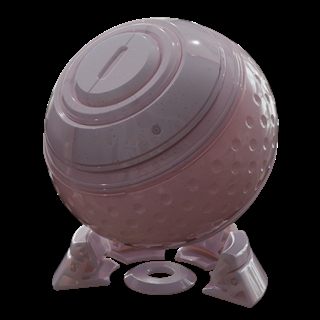
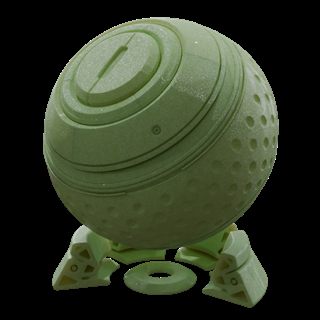
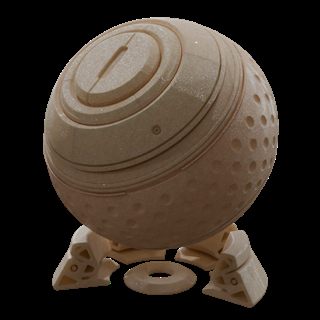
Natural Clay & Earth6
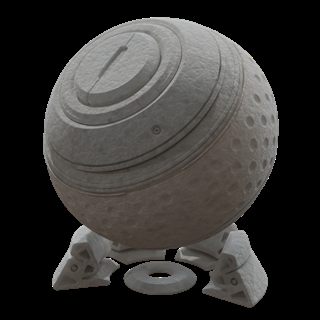
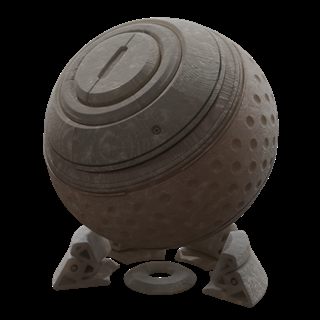
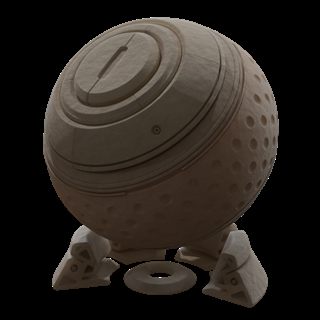
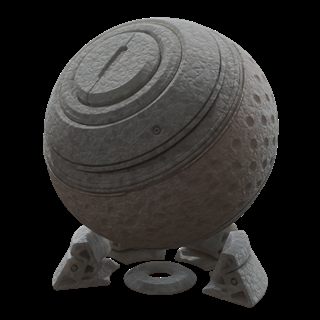
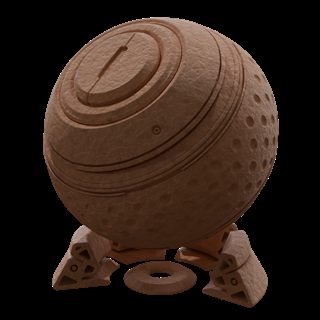
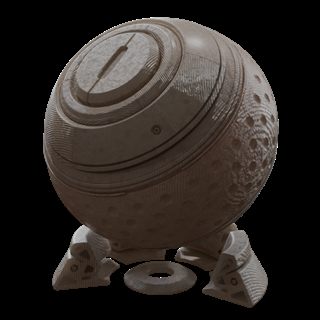
Plasticine14
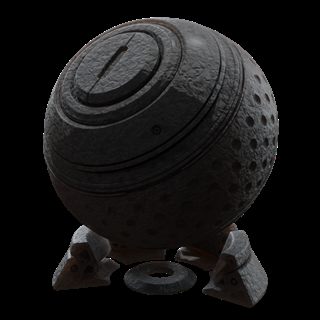
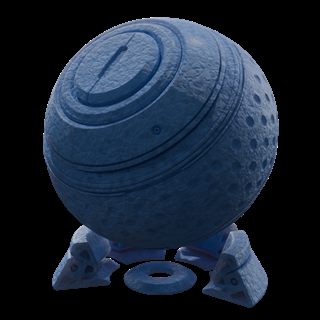
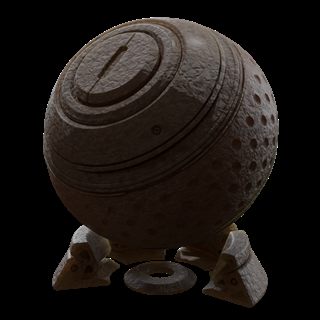
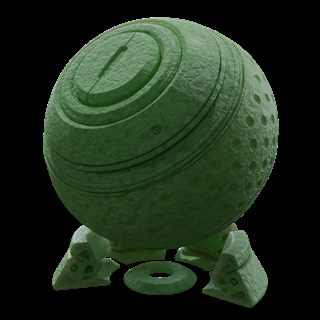
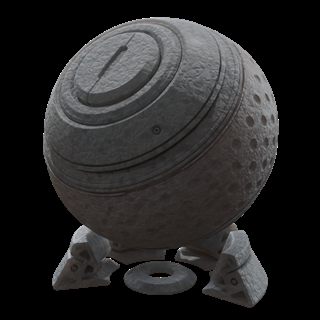
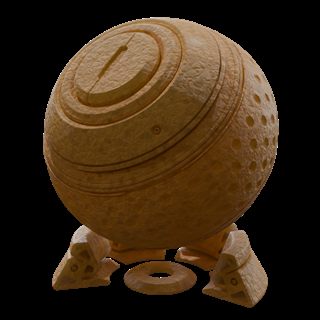
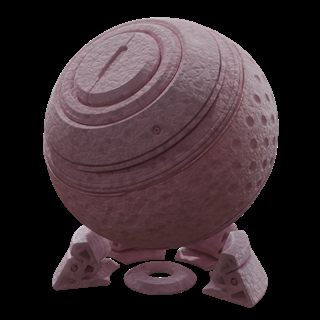
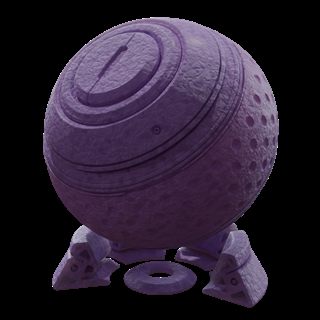
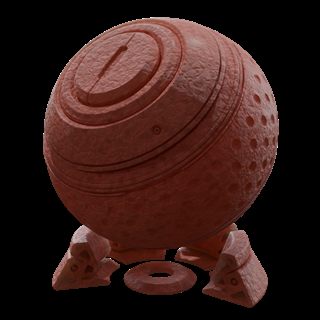
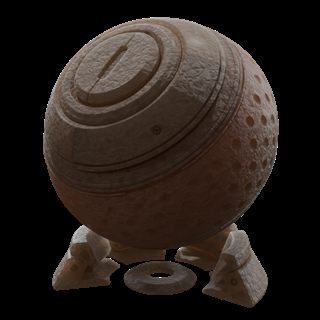
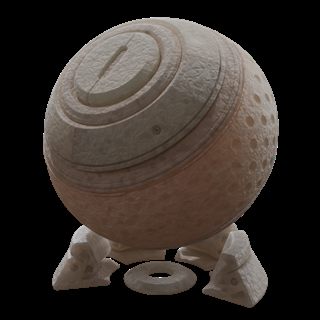
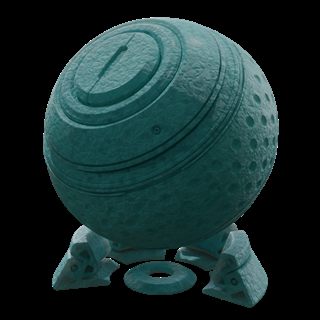
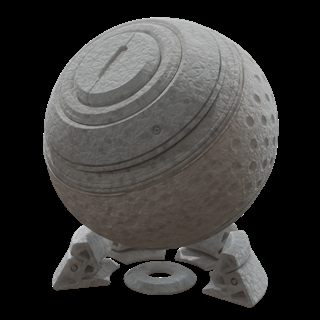
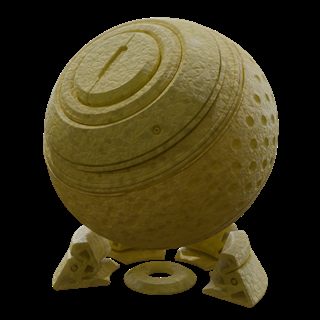
Play & Salt Dough6
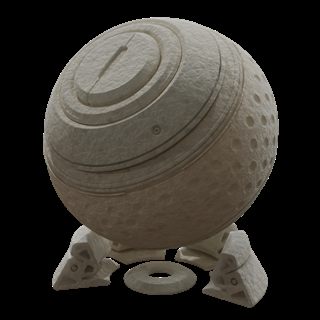
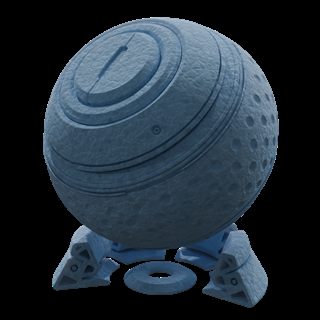
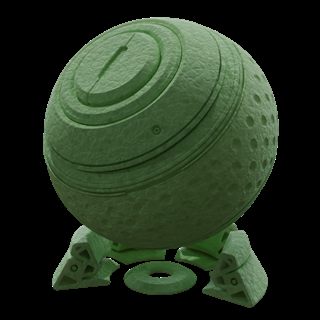
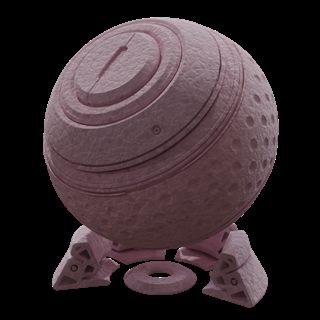
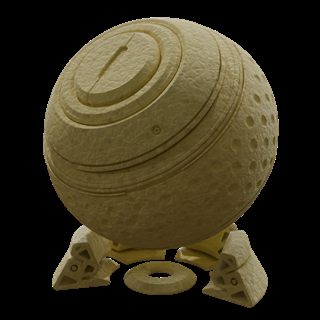
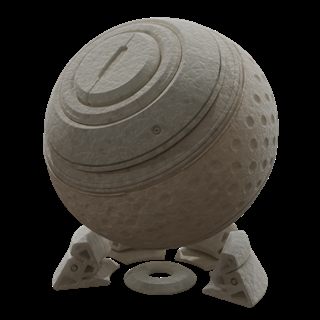
Polymer, Wax & Shiny6
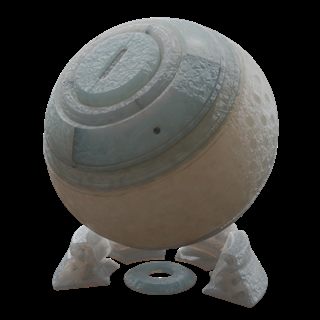
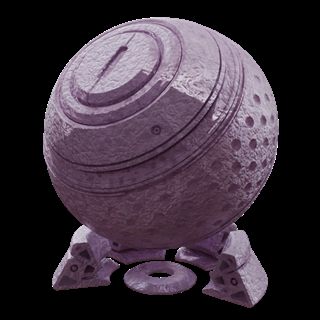
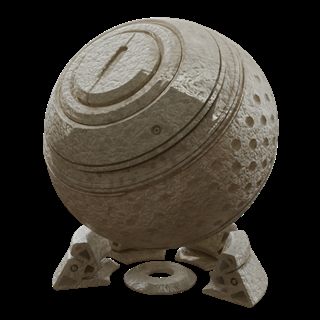
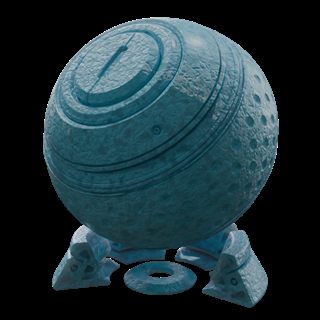
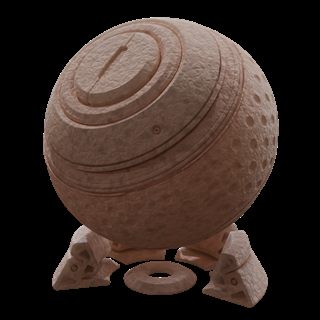
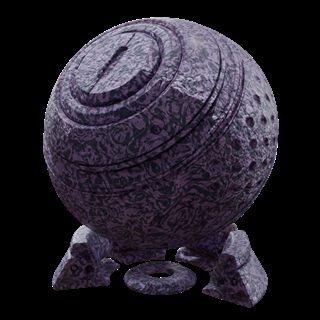
Special & Stop-Motion6
Fabric & Fibre Shaders85 shaders
Fabric & Soft12
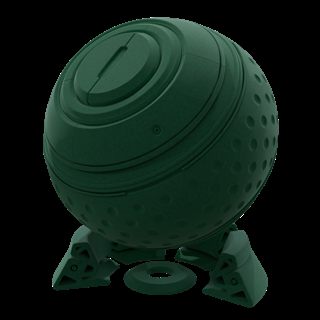
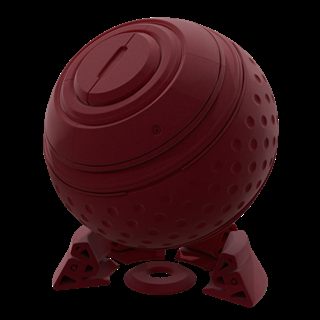
Felt & Fabric8
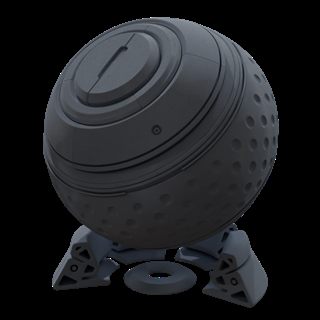
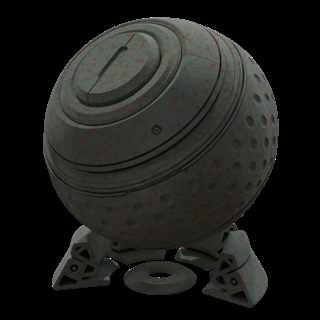
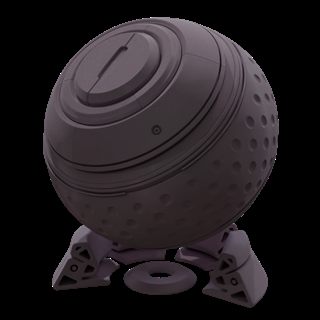
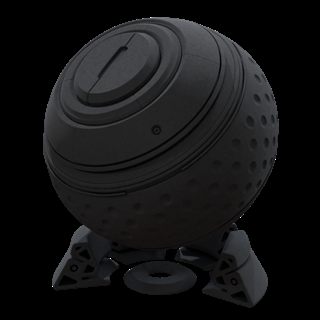
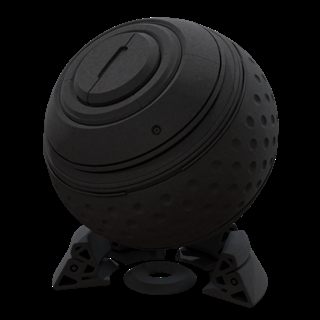
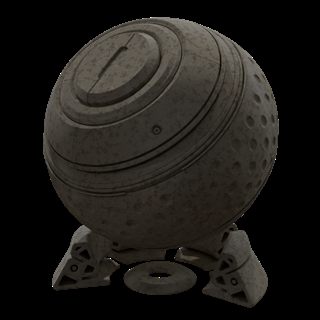
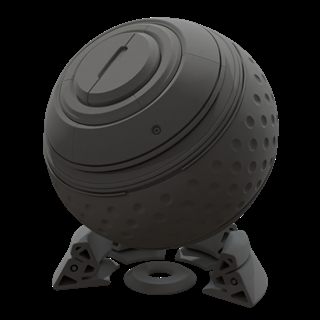
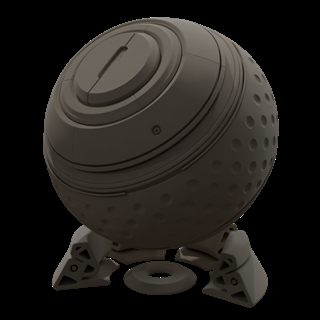
Felt & Fleece10
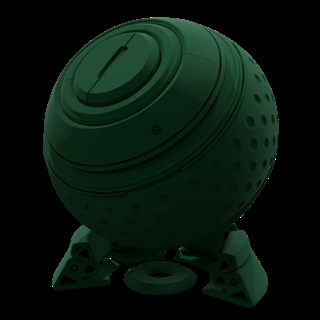
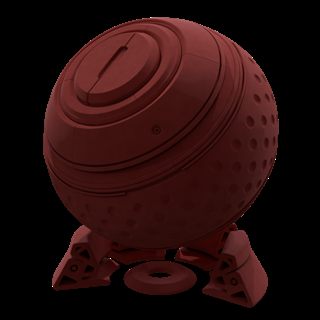
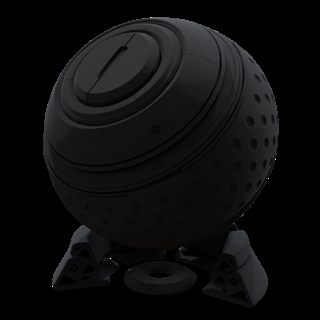
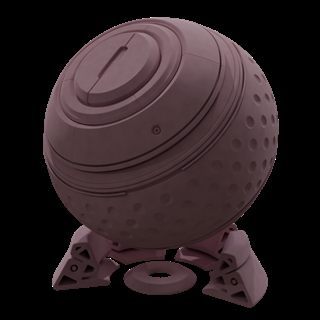
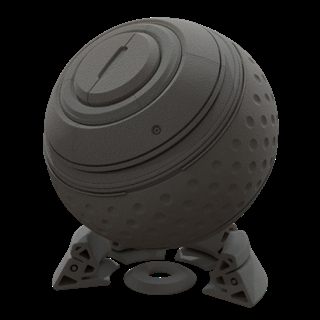
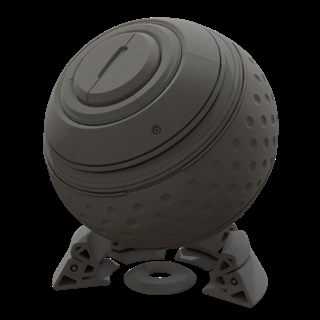
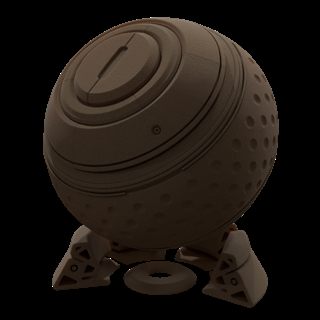
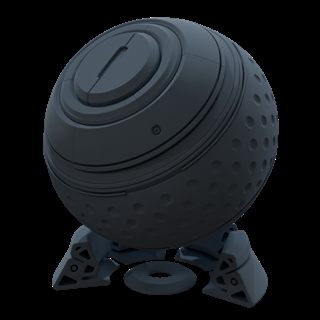
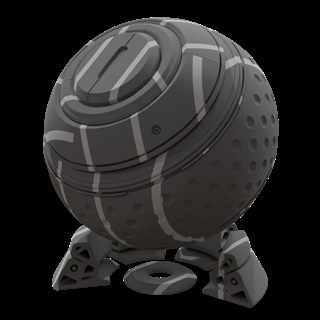
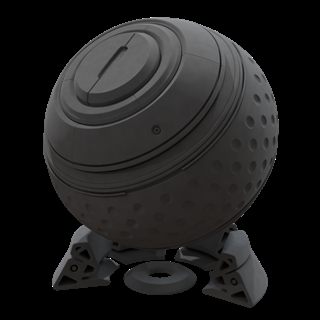
Fleece, Towel & Knit20
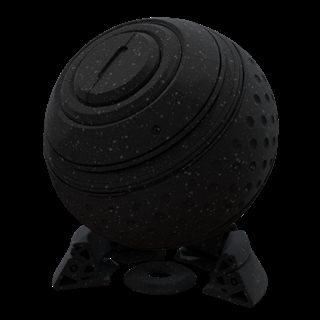
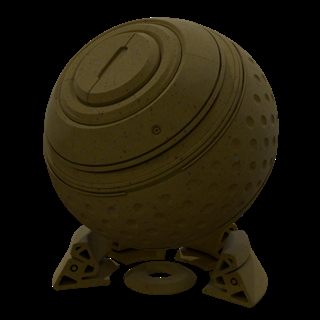
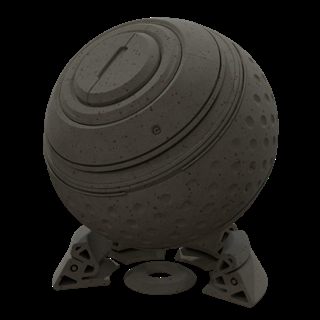
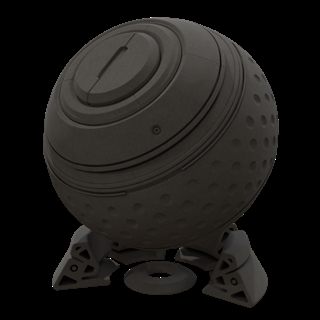
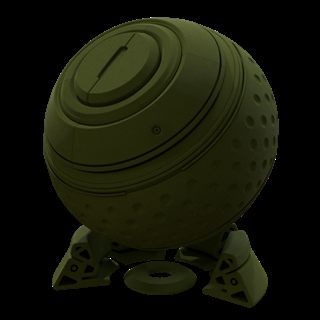
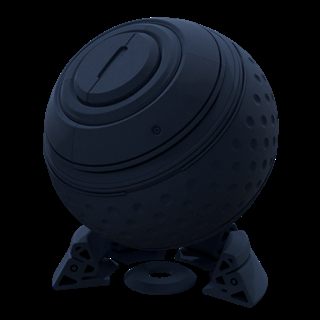
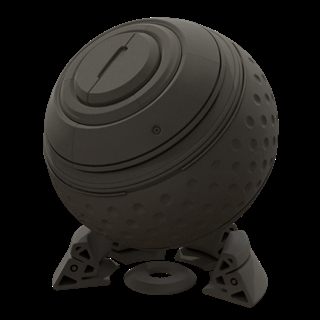
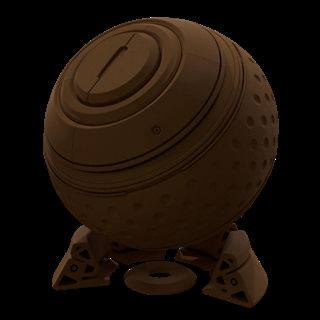
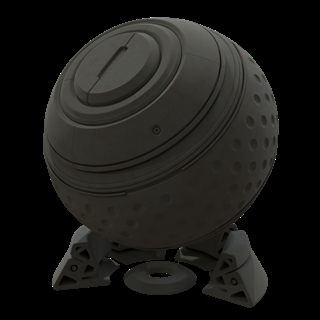
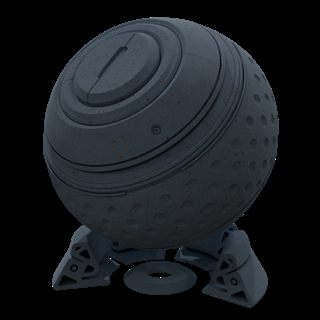
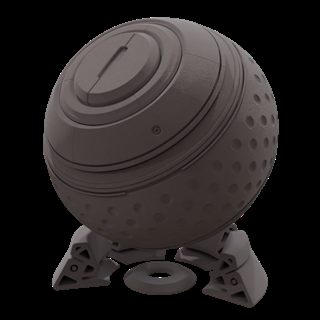
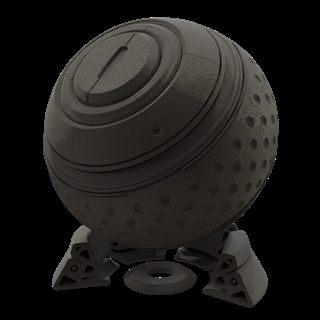
Knit & Wool9
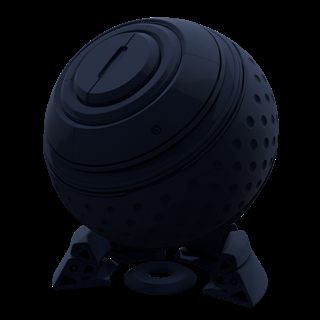
Leather & Suede4
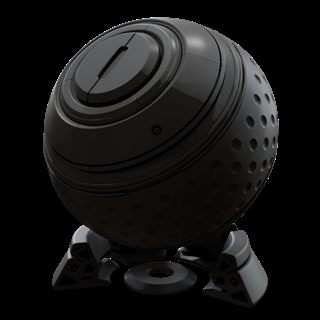
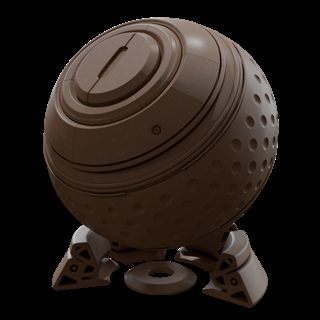
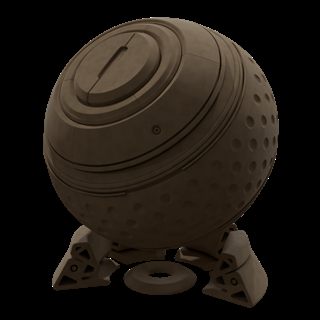
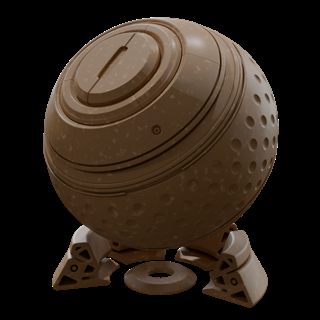
Velvet, Silk & Sequins9
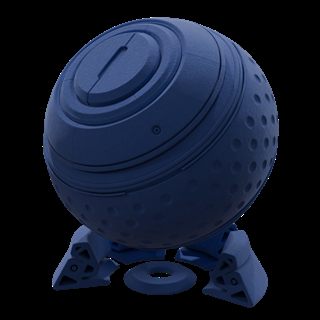
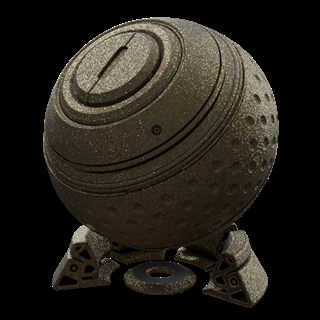
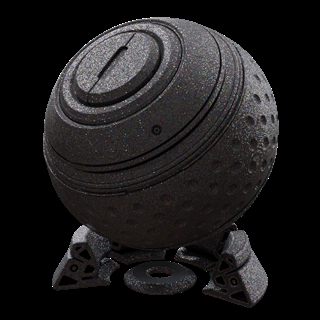
Woven Fabrics13
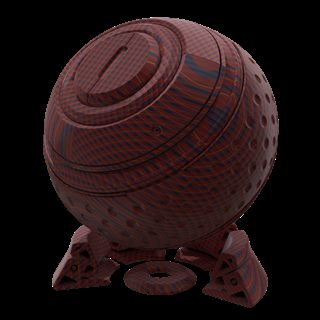
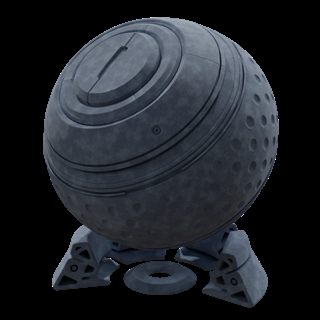
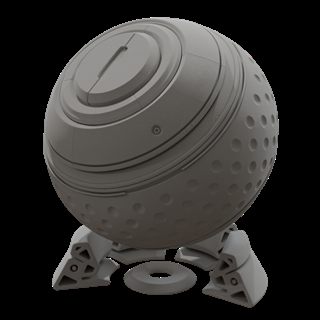
Glass, Crystal & Liquid Shaders57 shaders
Gemstones6
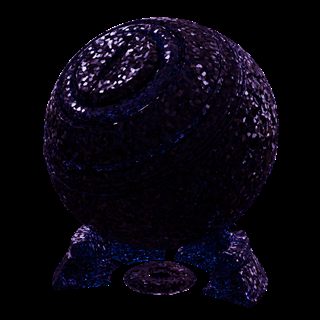
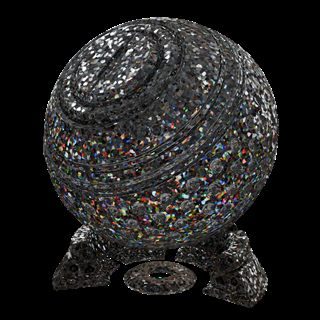
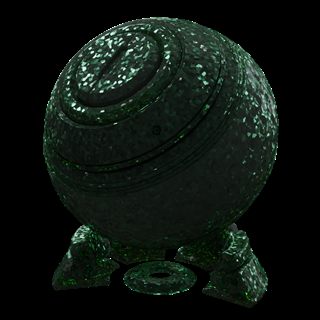
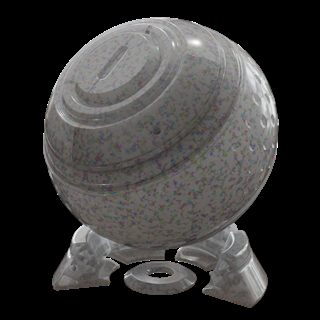
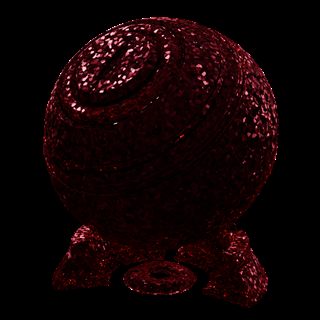
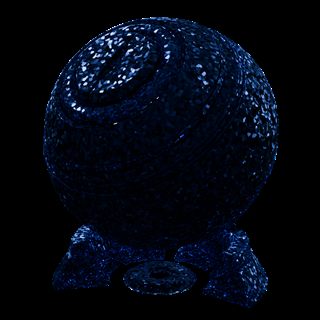
Glass & Crystal17

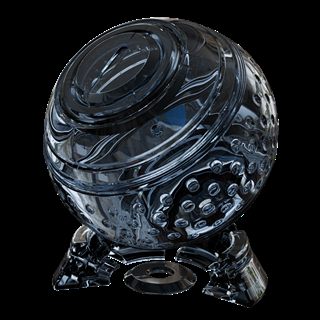
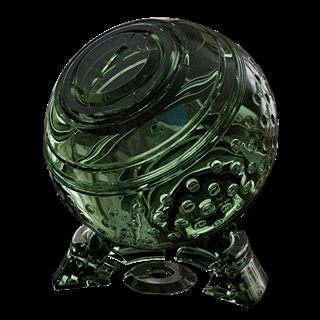
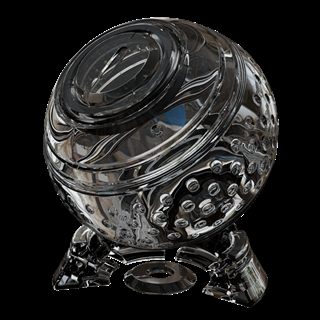
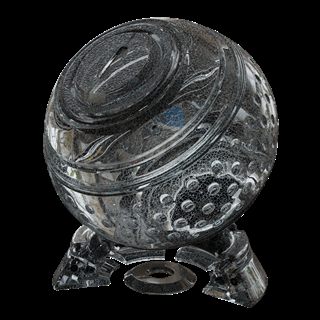
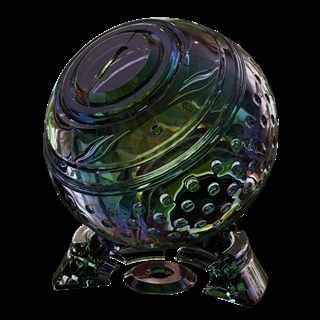
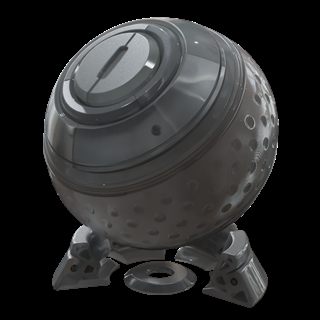
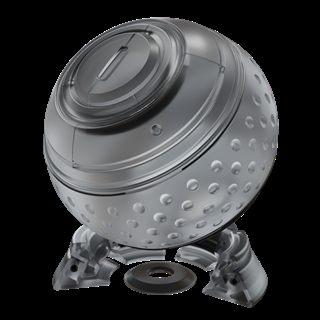
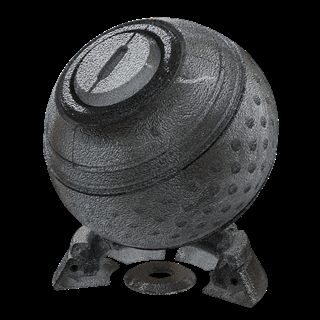
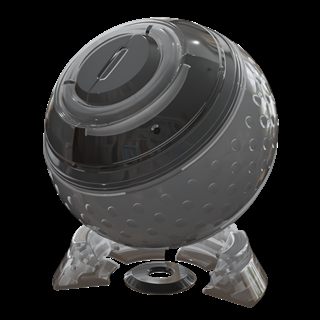
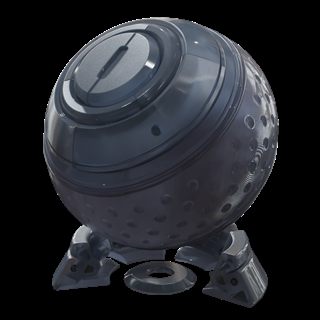
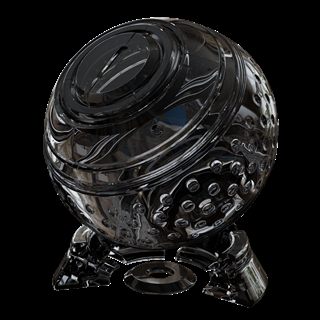
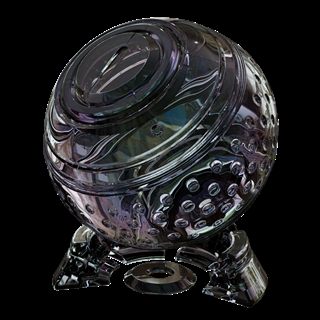
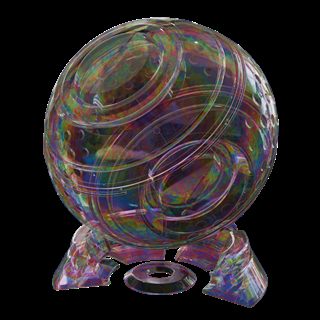
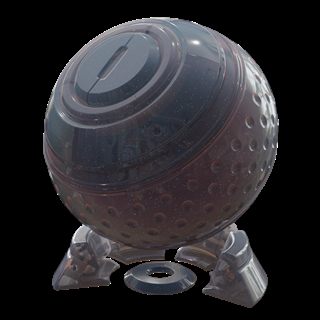
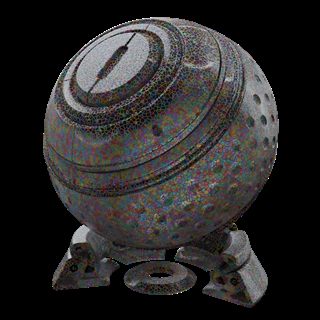
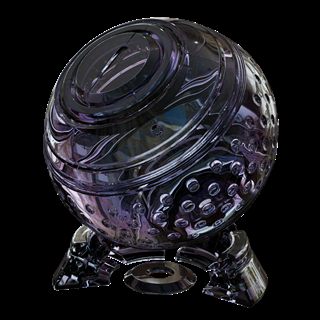
Glass & Windows3
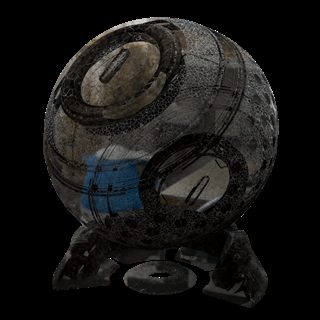
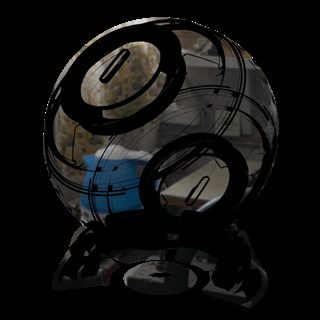
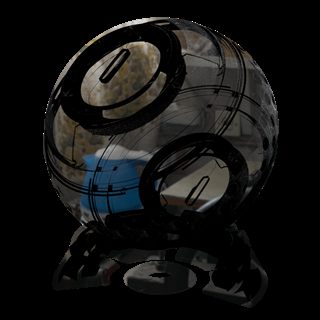
Jelly, Gummy & Resin14
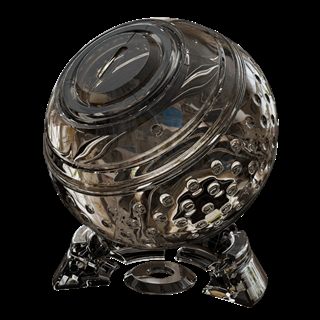
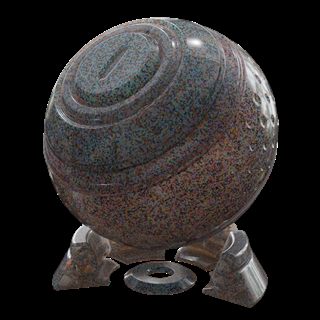
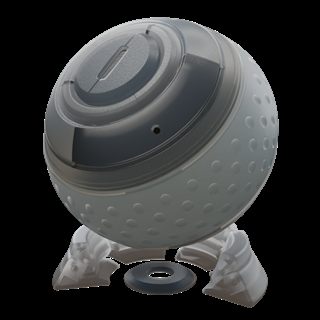
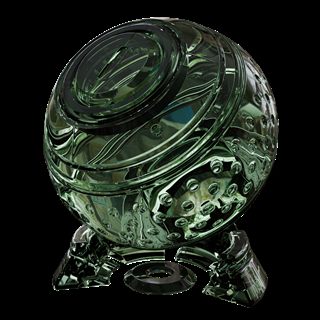
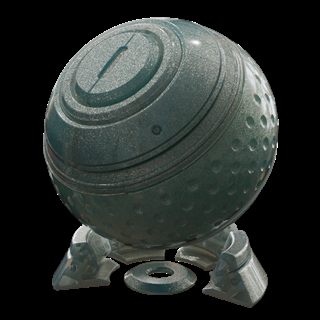
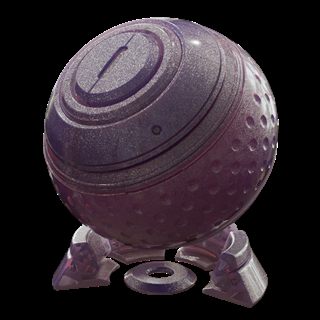
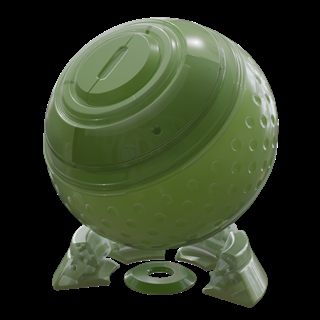
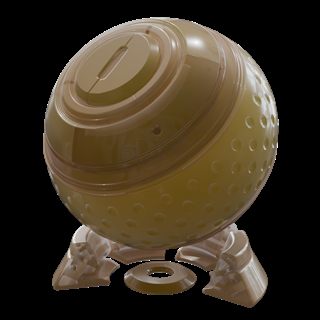
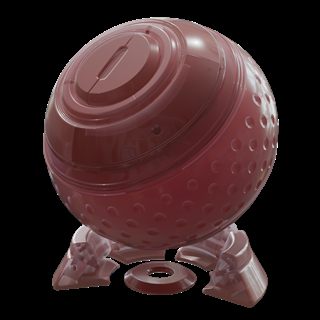
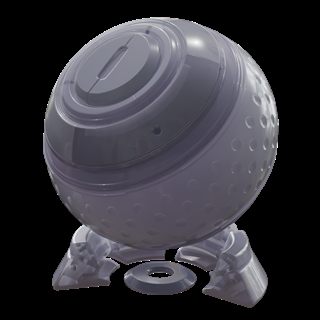
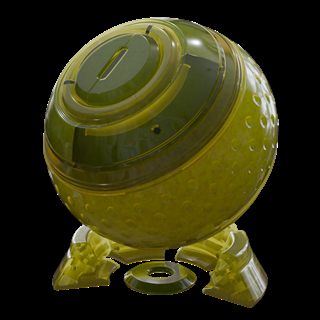
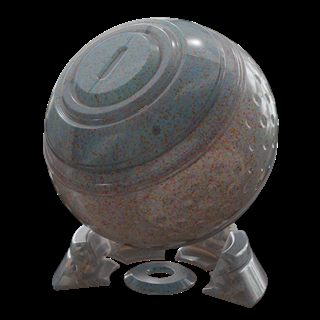
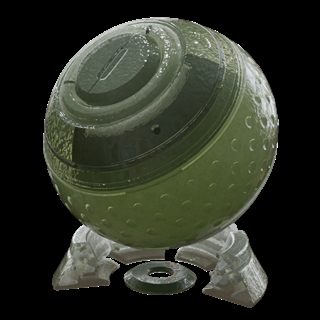
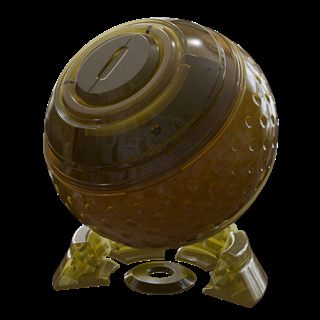
Liquids8
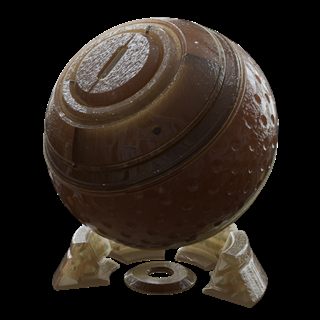
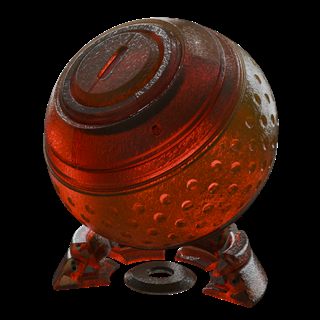
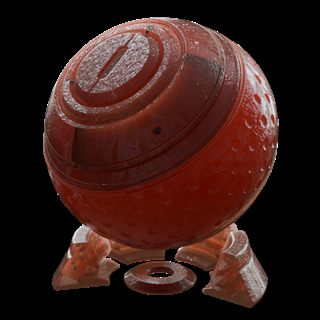
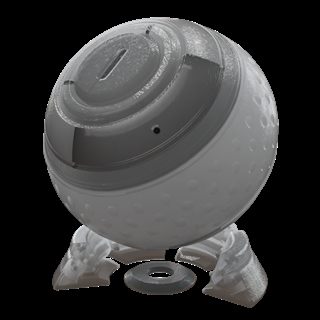
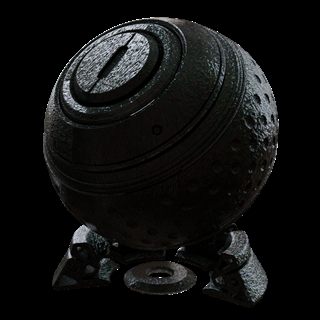
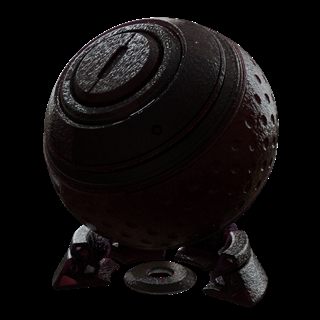
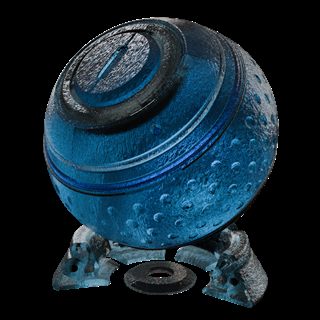
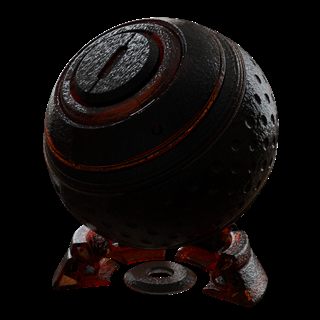
Rainy Glass & Windows9
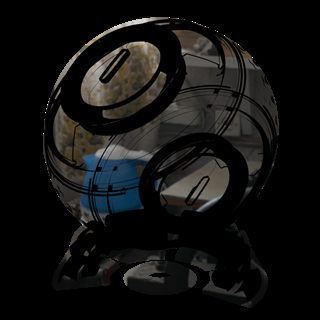
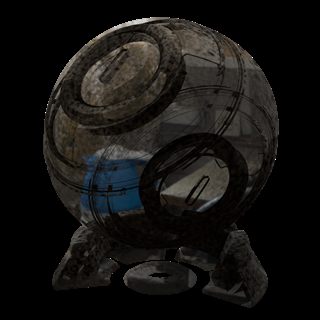
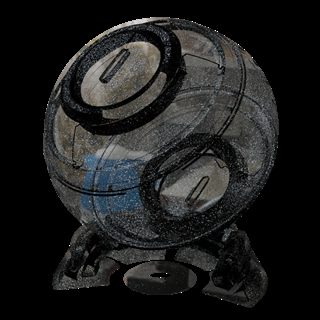
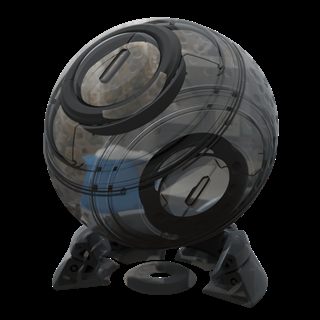
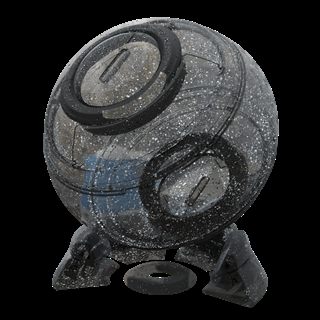
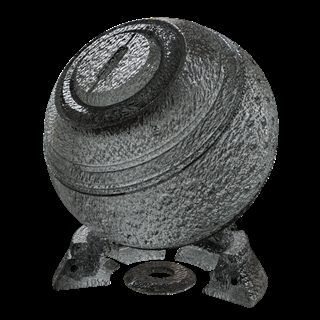
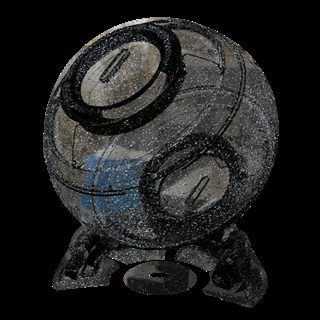
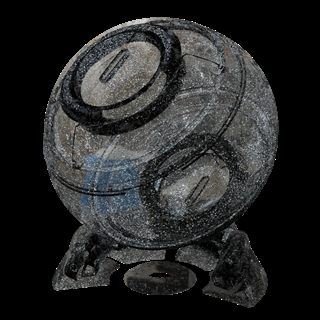
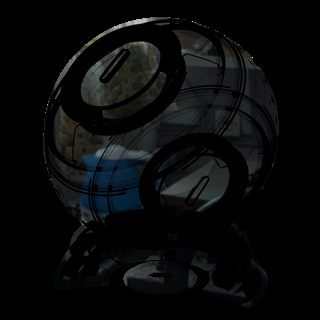
Metal Shaders34 shaders
Chrome & Metal17
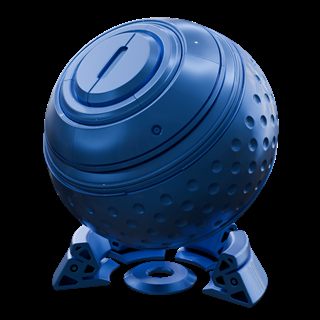
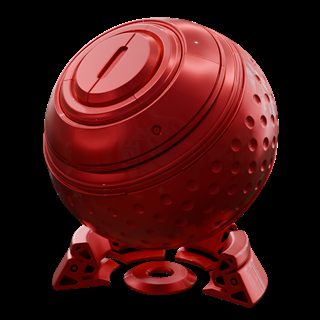
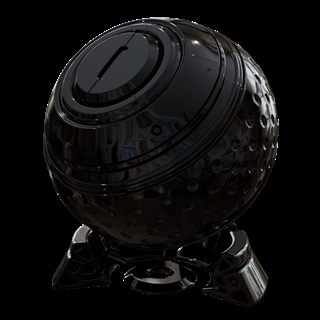
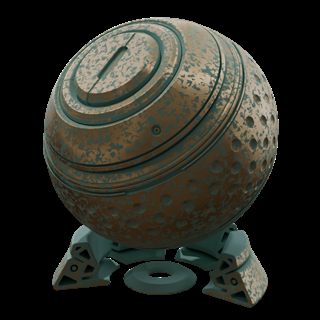
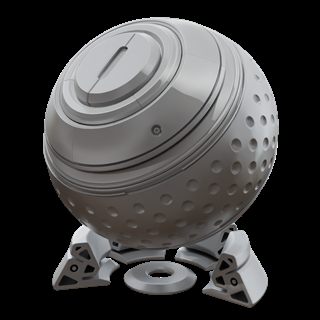
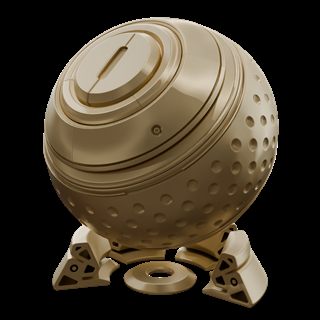
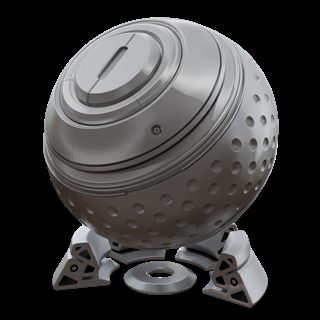
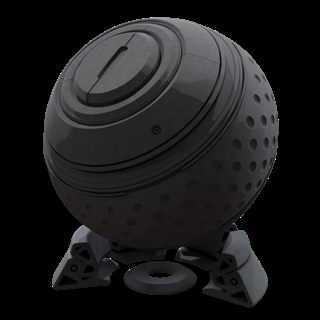
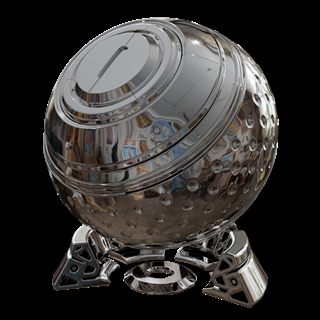
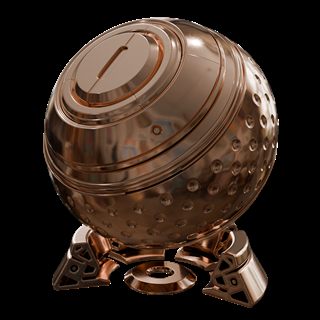
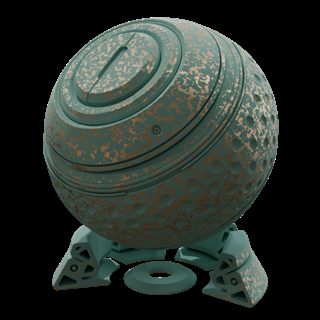
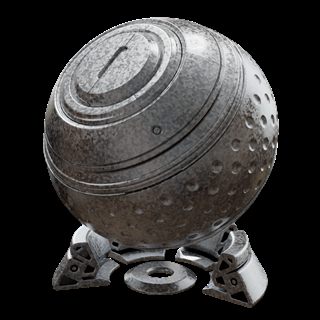
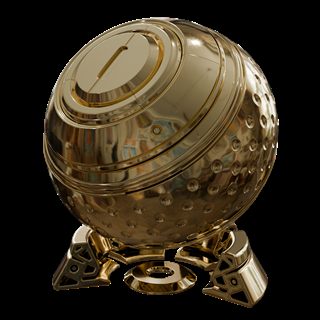
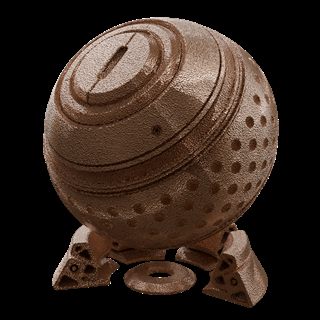
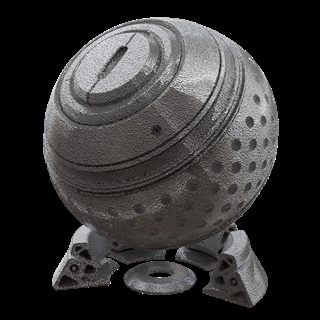
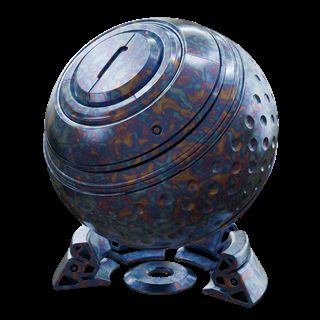
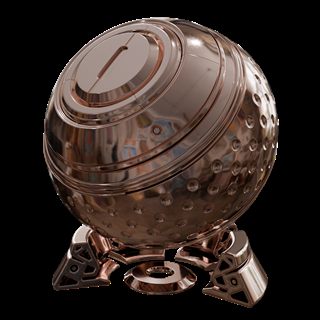
Glaze, Paint & Metal2
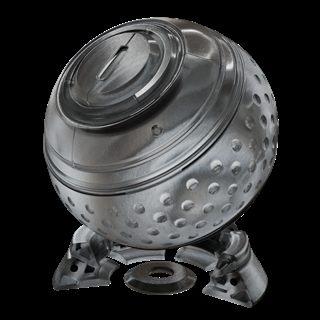
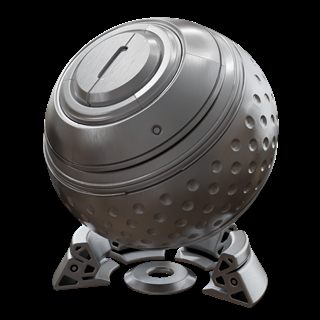
Glow & FX1
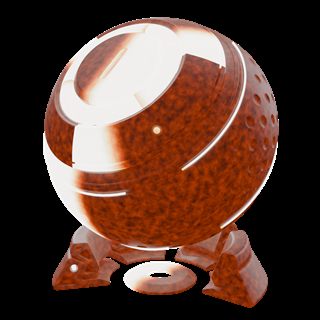
Nature & Organic1
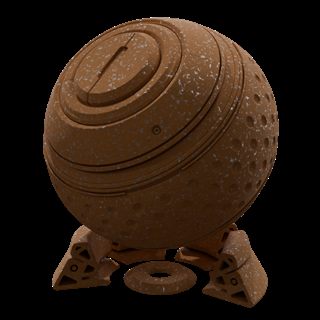
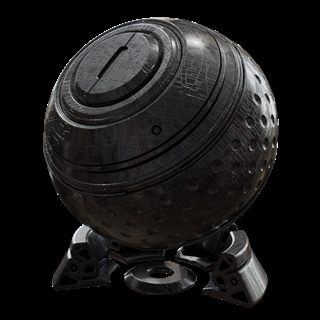
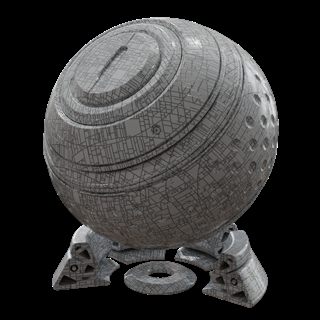
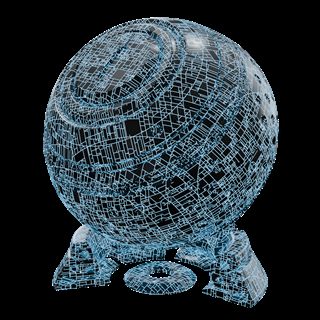
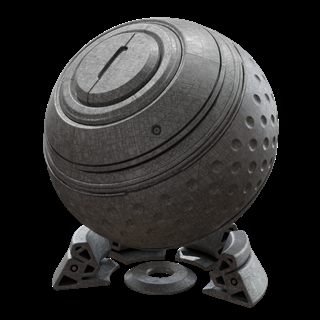
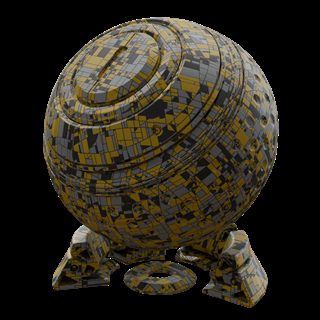
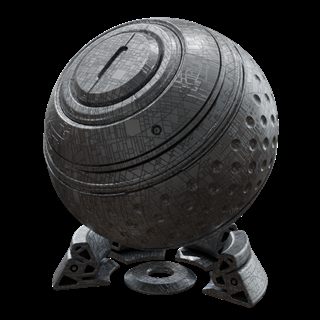
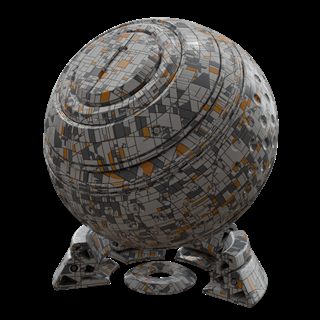
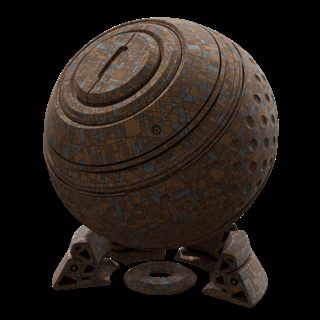
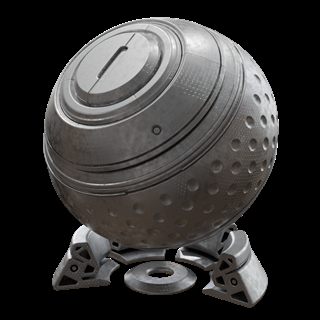
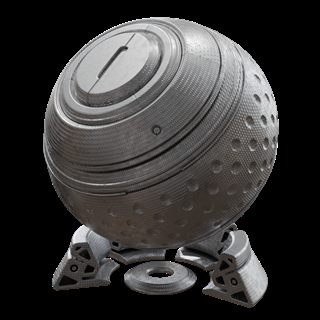
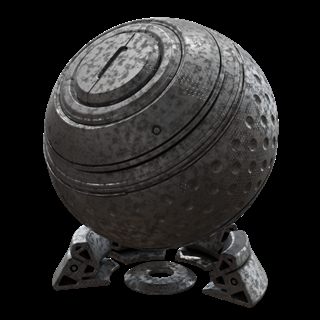
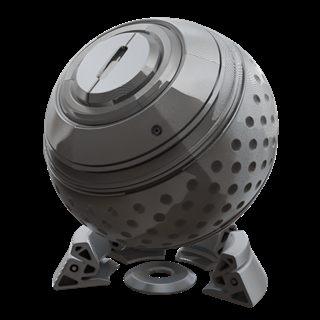
Sci-Fi Panels8
Tread Plate & Pattern Metal5
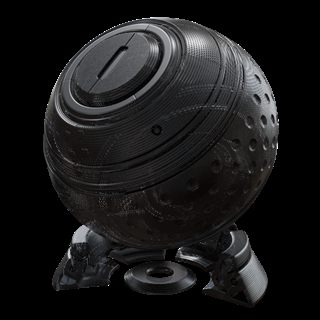
Paper & Cardboard Shaders10 shaders
Paper & Cardboard10
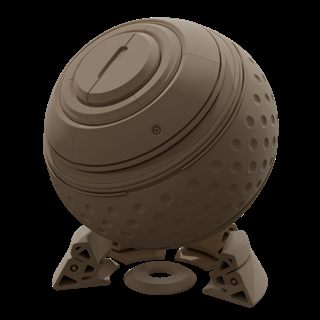
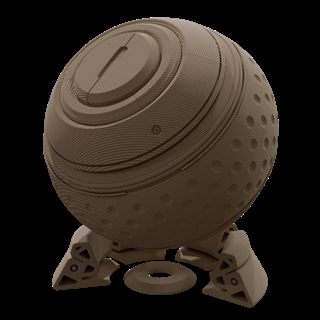
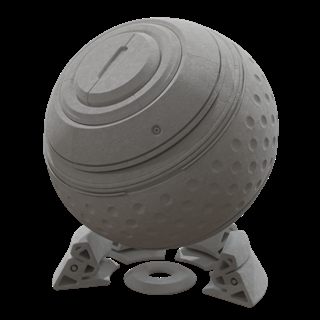
Plastic, Rubber & Foam Shaders75 shaders
Carbon & Composites3
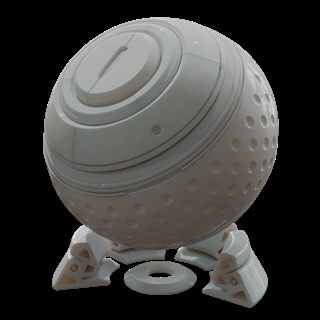
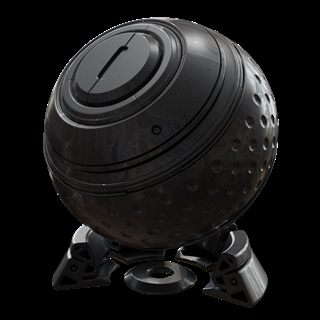
Foam & Sponge18
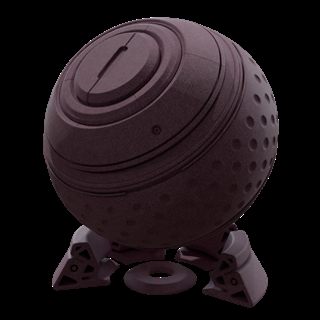
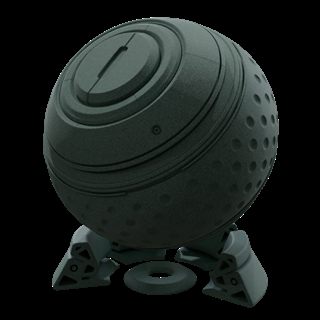
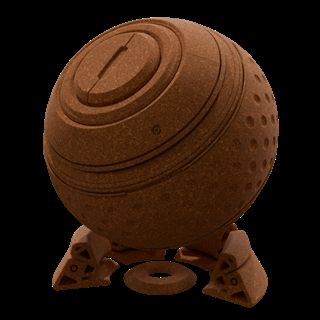
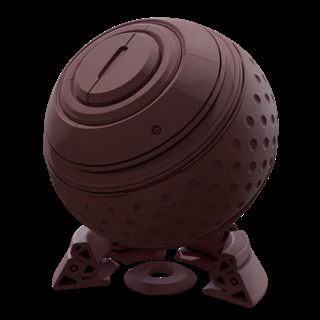
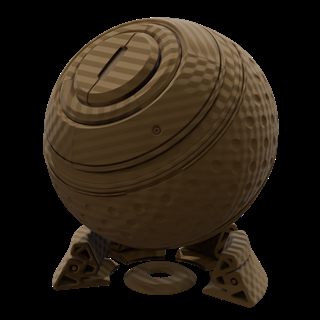
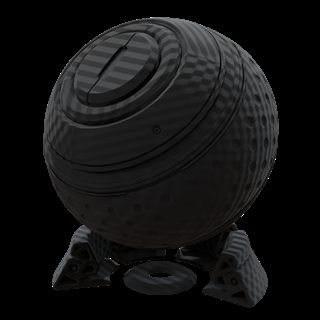
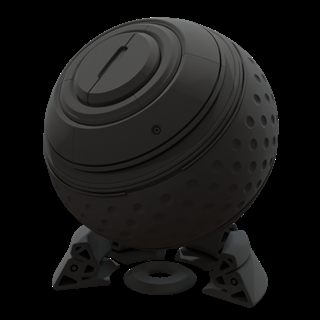
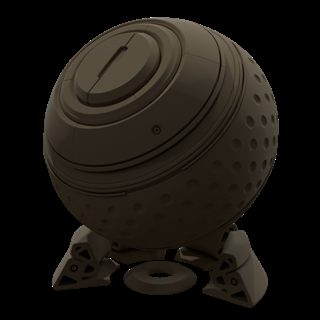
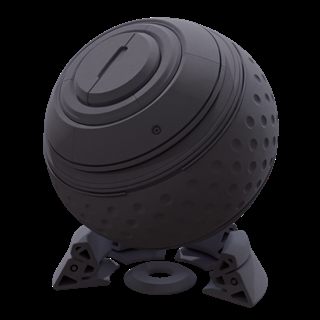
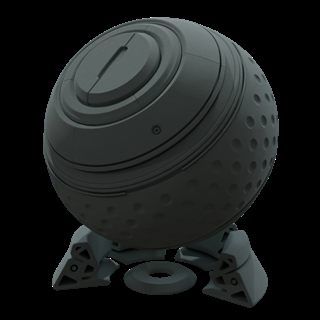
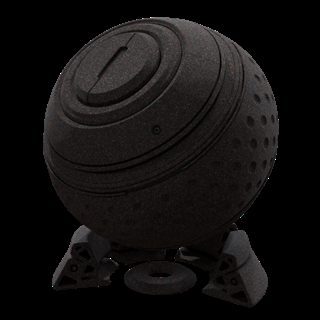
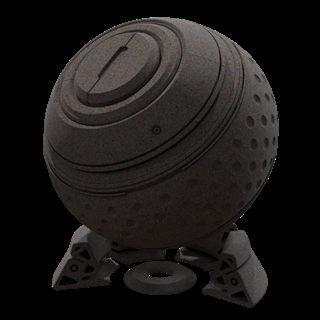
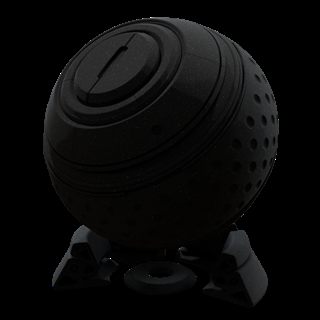
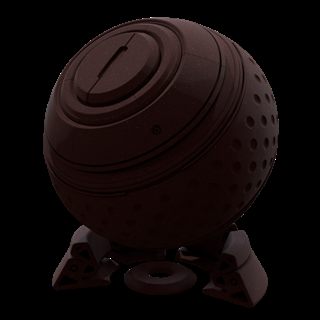
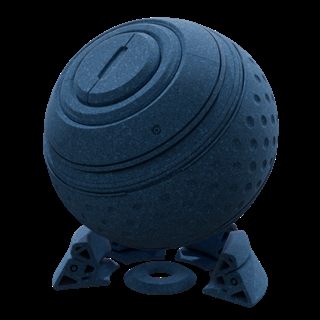
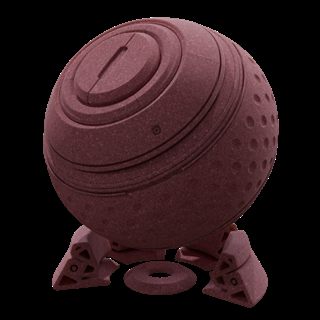
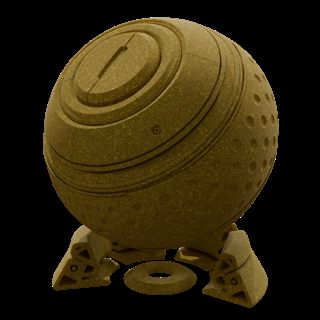
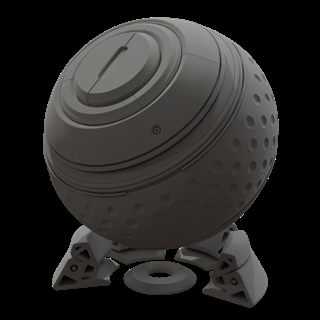
Foam & Styrofoam17
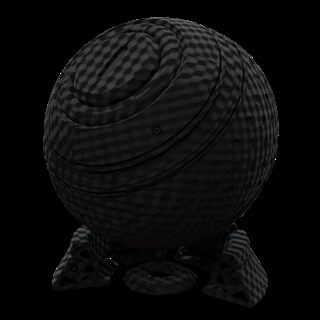
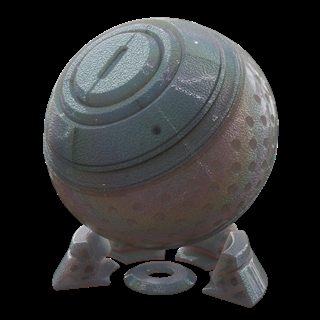
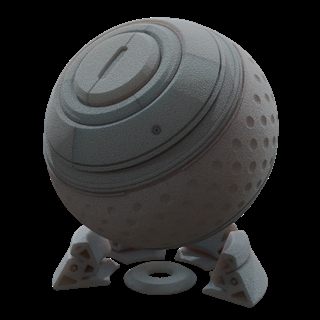
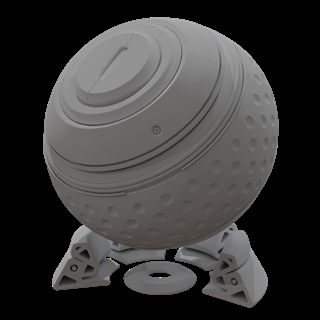
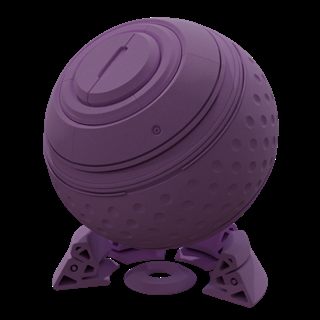
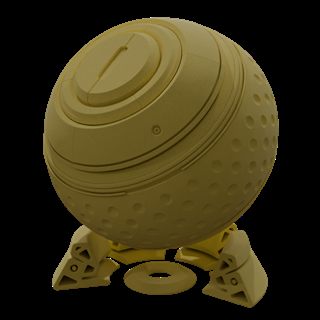
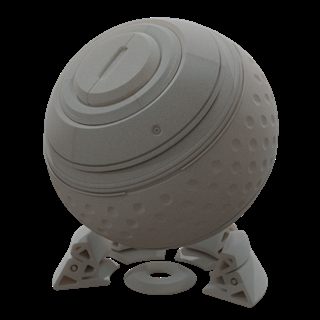
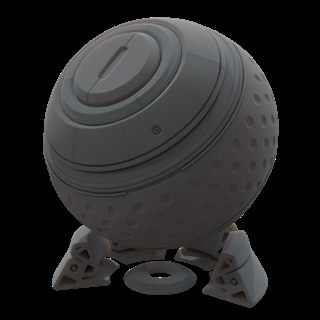
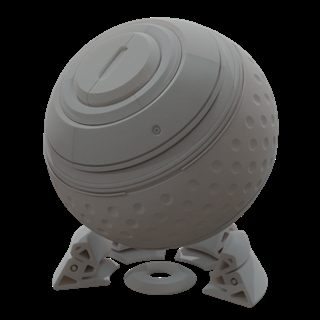
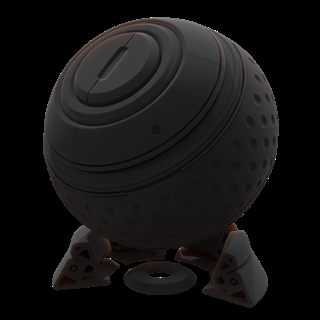
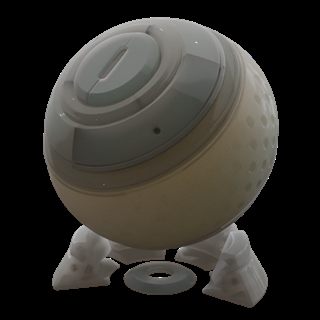
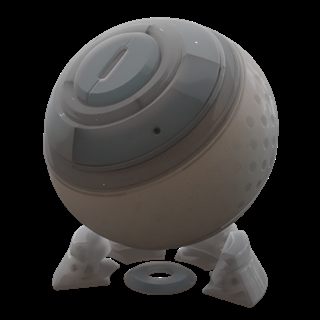
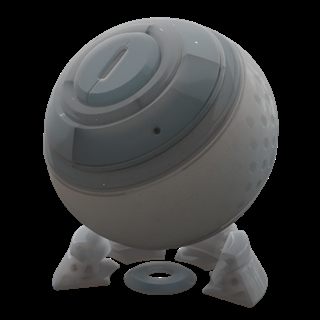
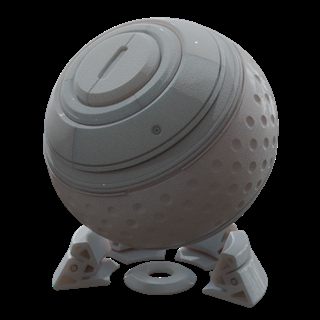
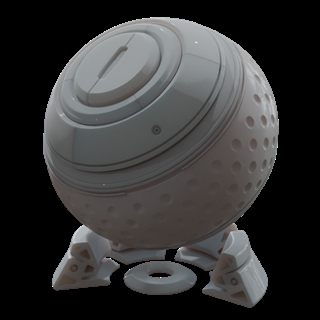
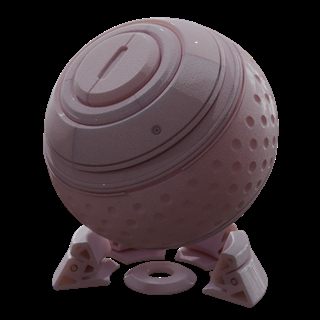
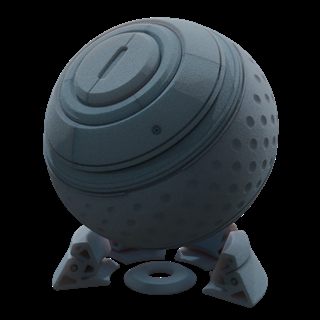
Glaze, Paint & Metal3
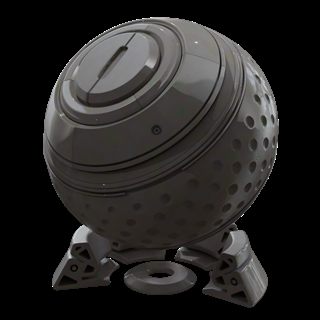
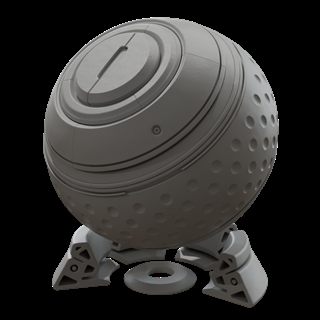
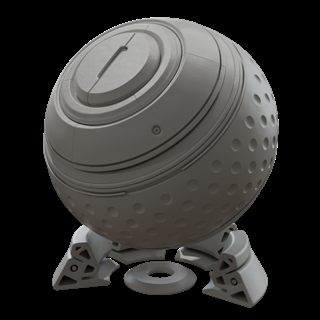
Plastic & Paint15
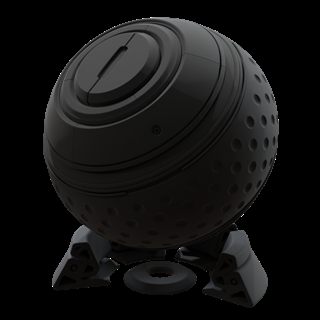

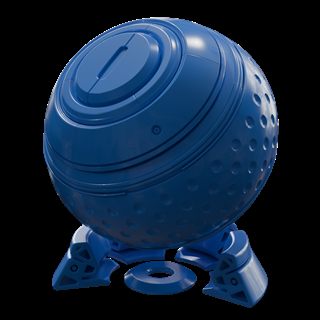
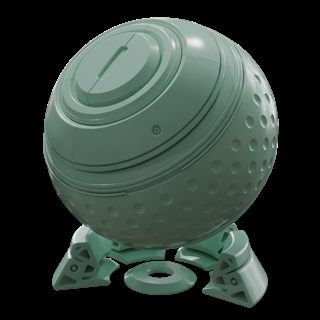
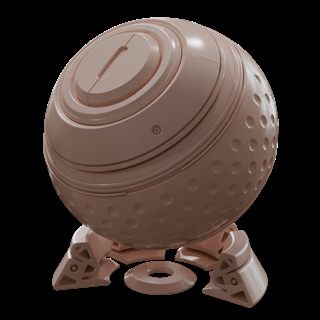
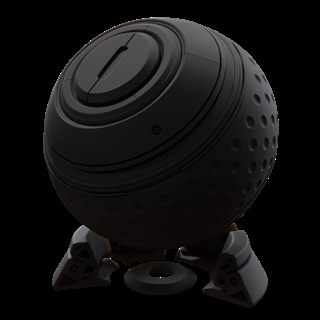
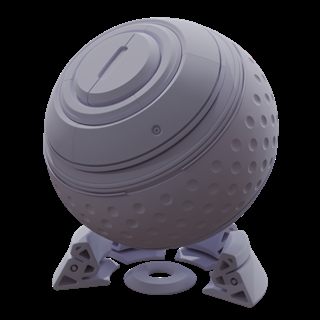
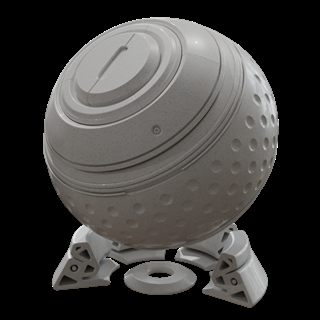
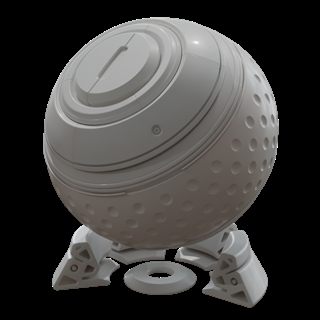
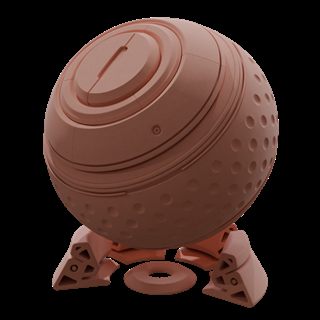
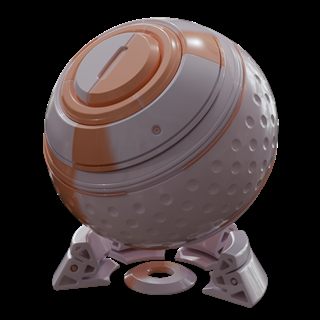
Porous & Sponge5
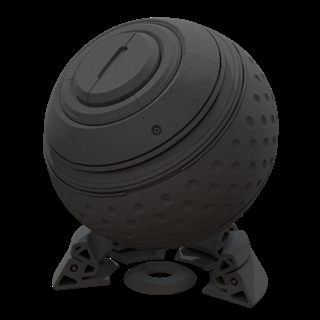
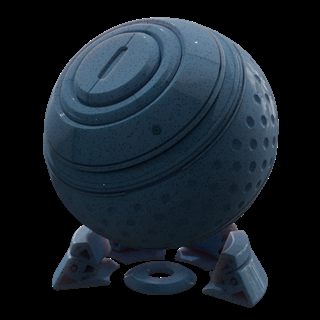
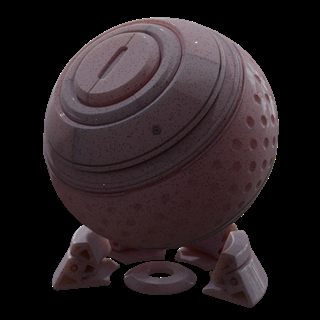
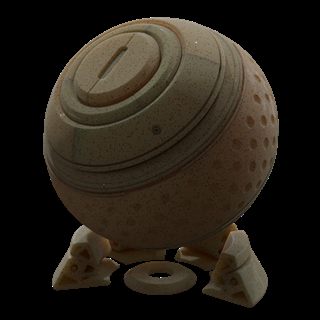
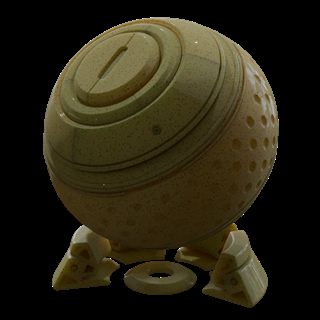
Speckled & Recycled14
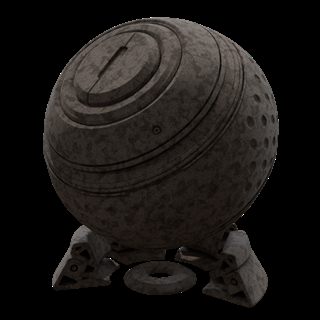
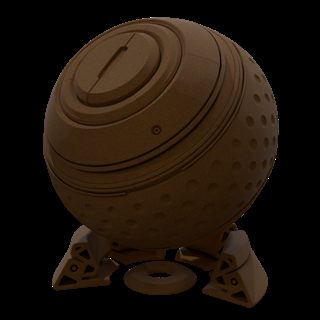
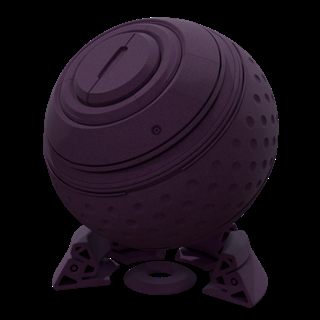
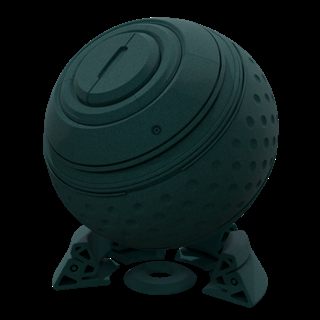
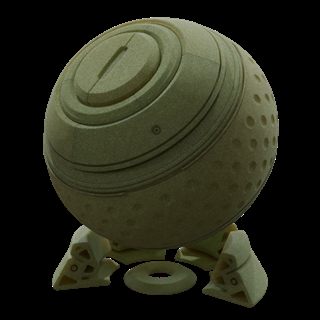
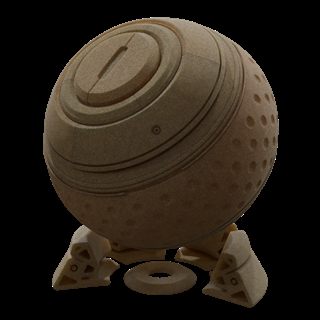
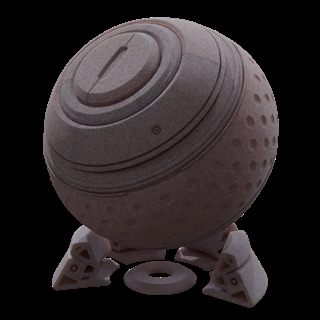
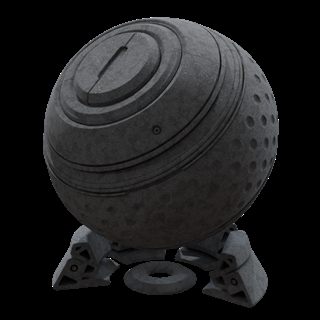
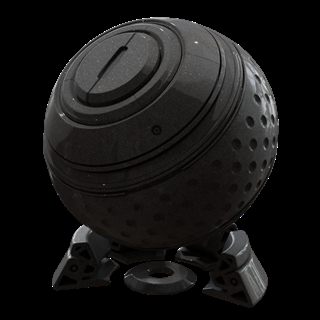
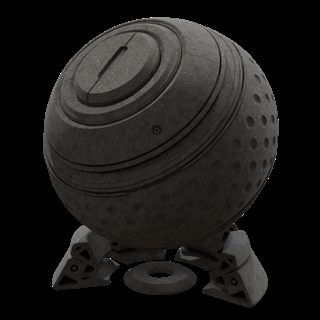
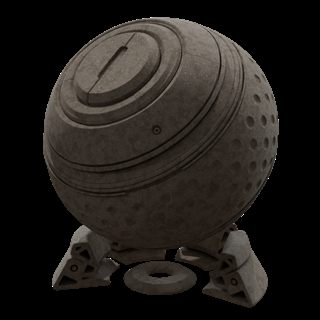
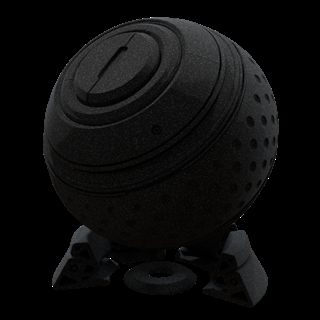
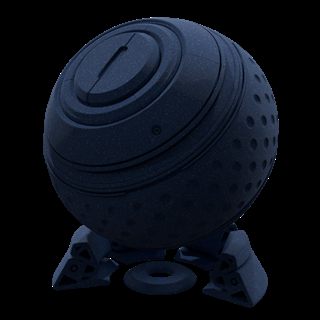
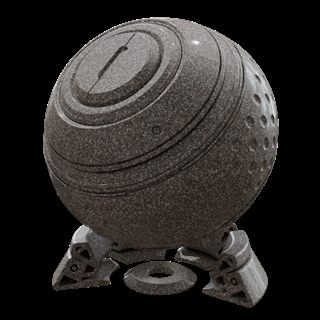
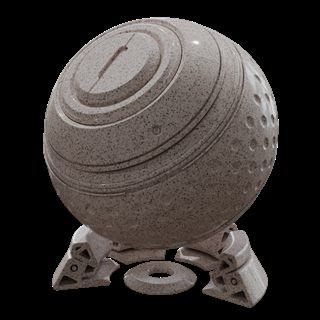
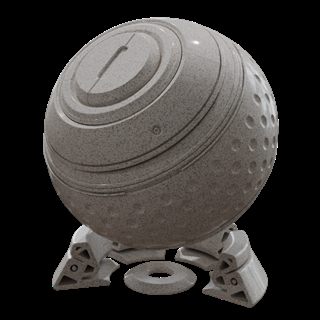
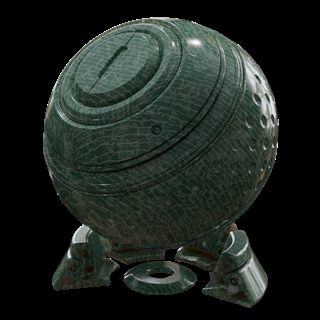
Stone, Concrete & Ceramic Shaders68 shaders
Architecture5
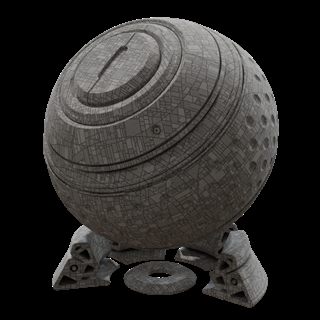
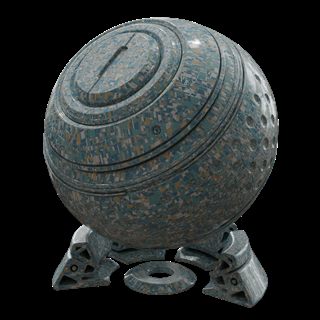
Ceramic & Porcelain14
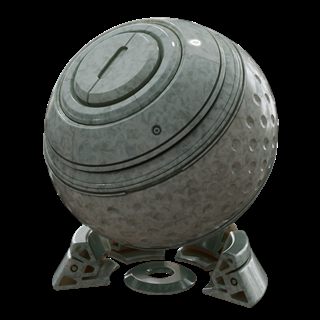
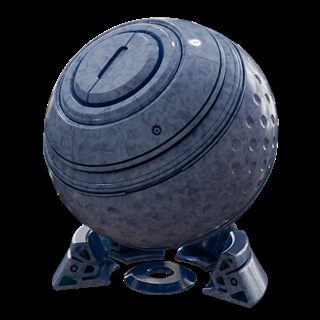
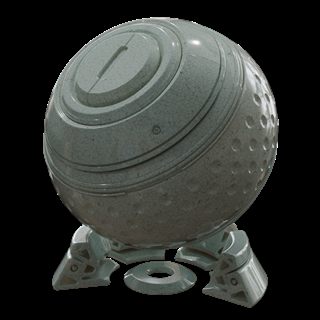
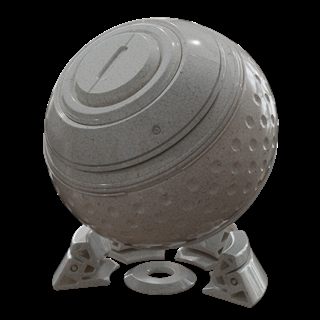
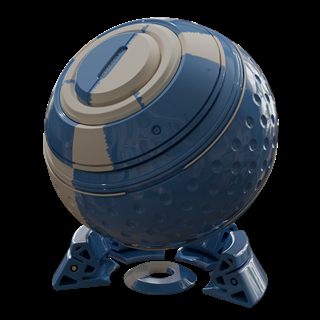
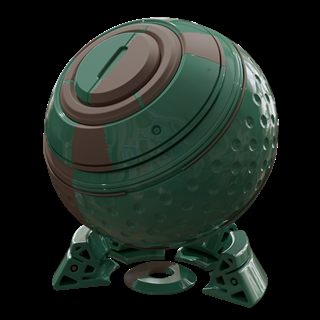
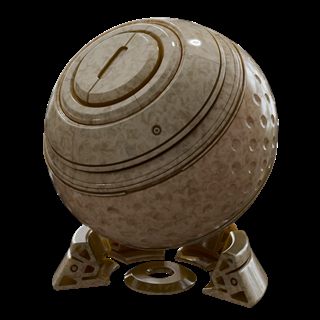
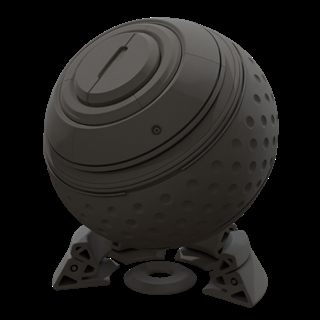
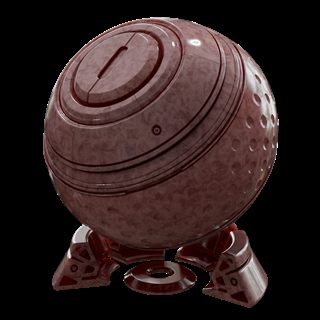
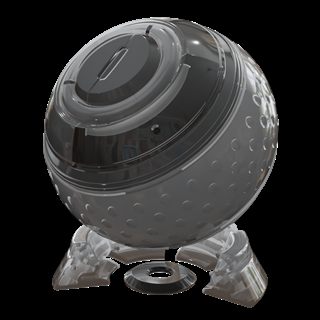
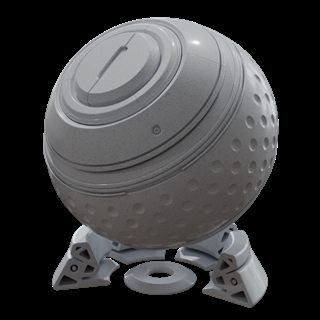
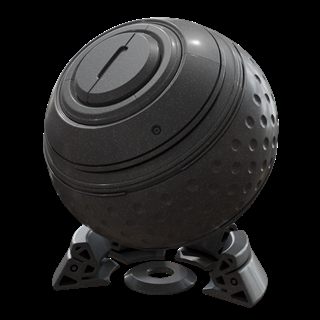
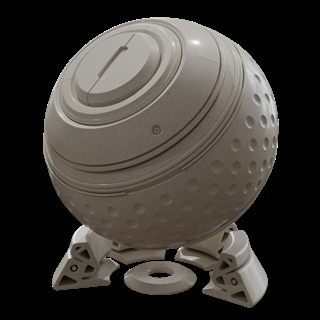
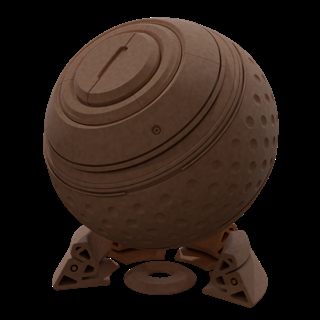
Glaze, Paint & Metal4
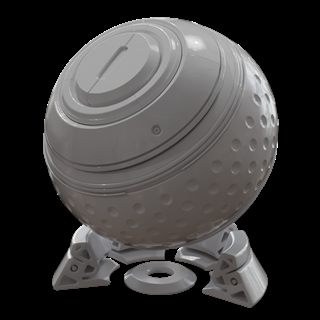
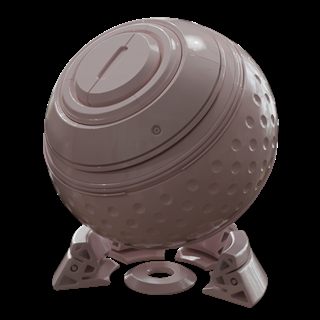

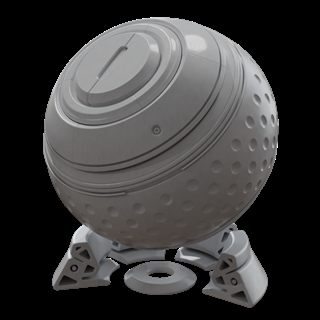
Hero Materials4
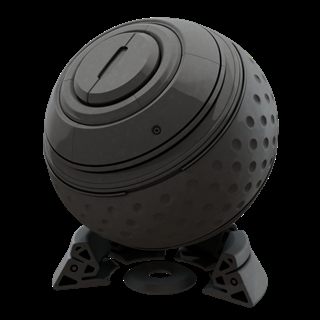
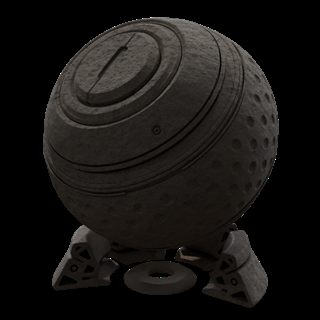
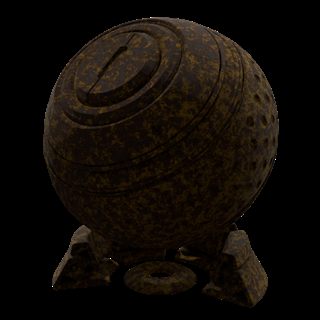
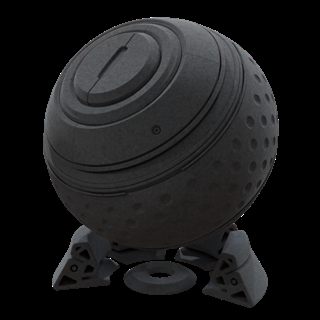
Porous & Sponge7
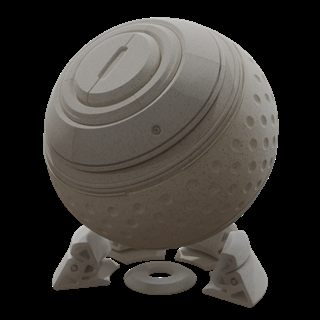
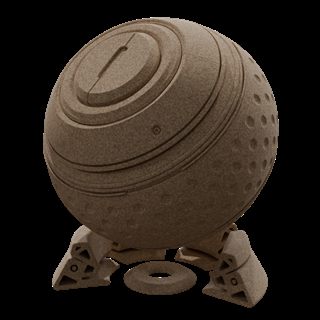
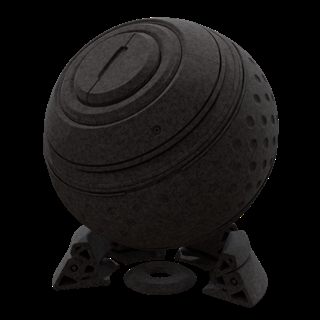
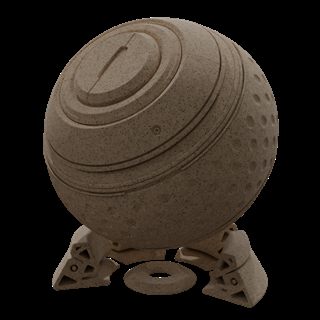
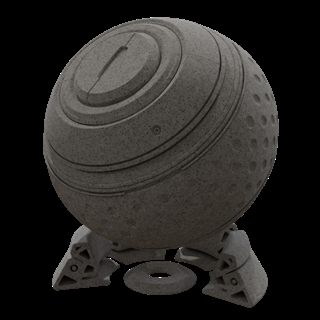
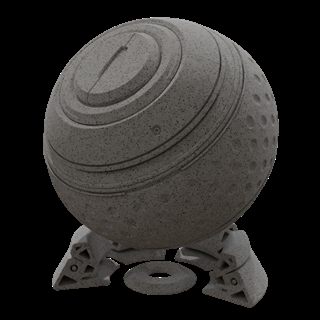
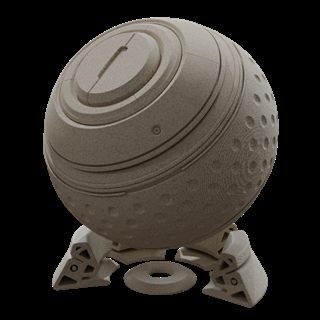
Speckle Stone & Terrazzo13
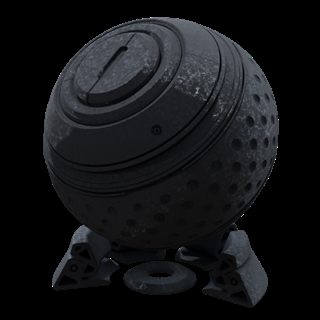
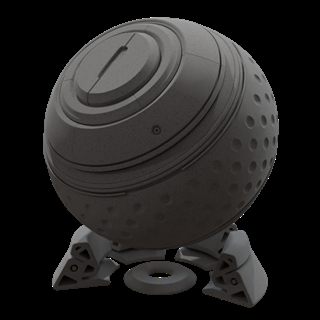
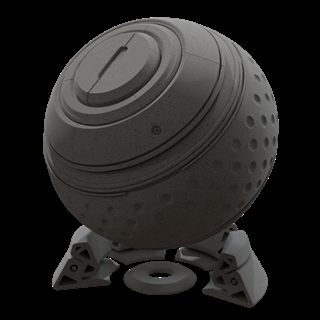
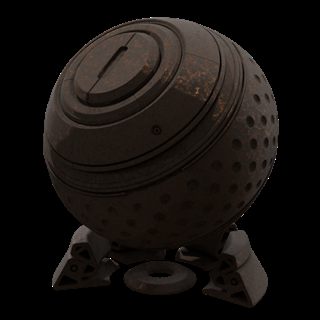
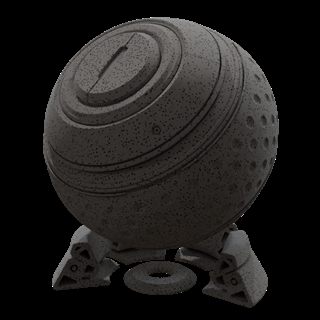
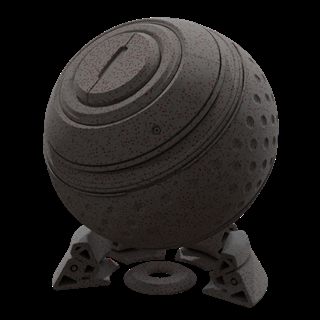
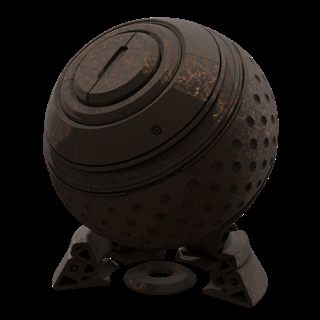
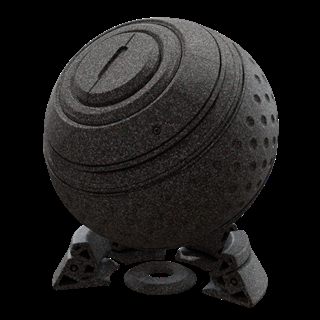
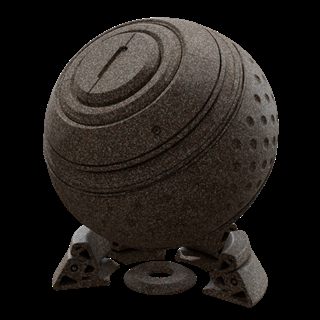
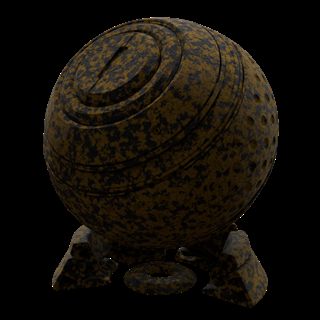
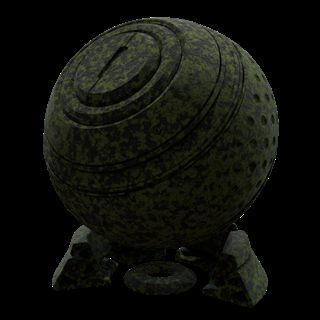
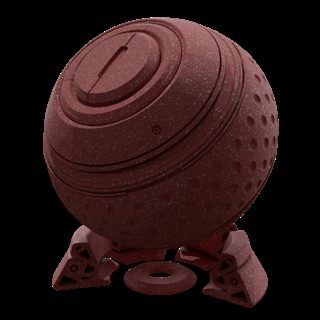
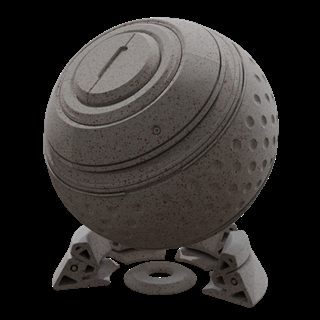
Stone & Mineral21
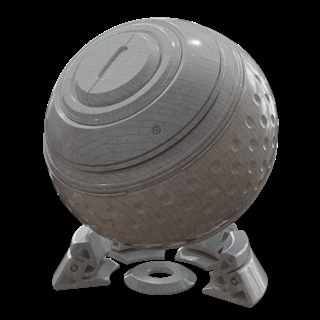
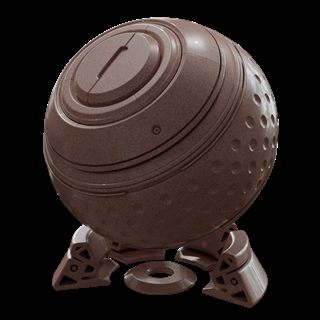
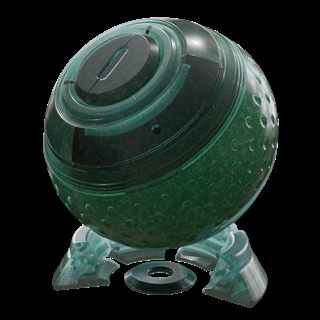
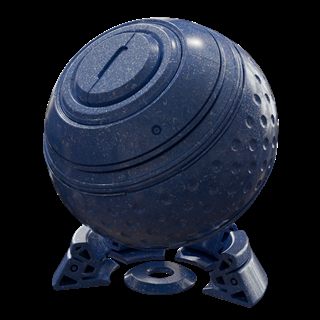
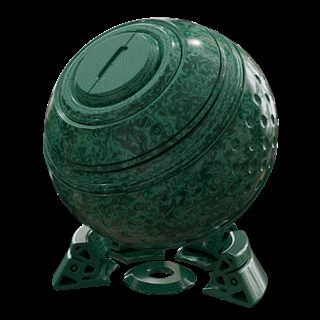
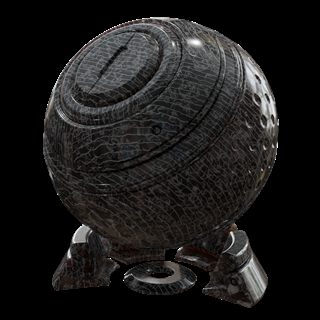
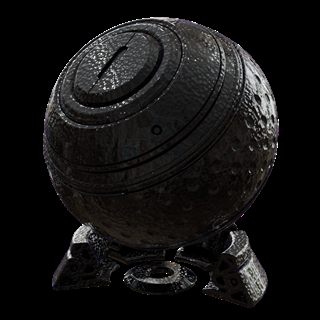
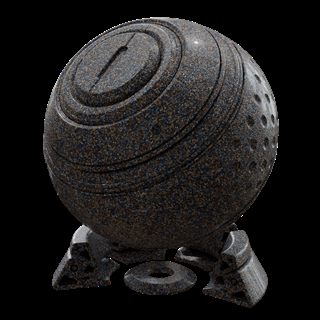
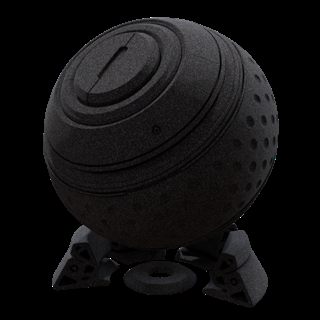
Weather Shaders80 shaders
Weather Shaders80

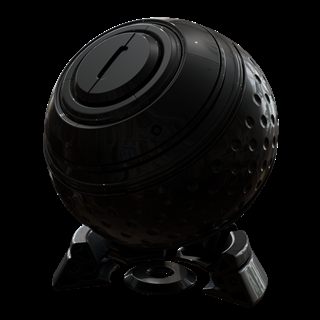
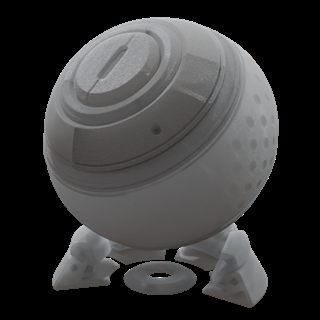
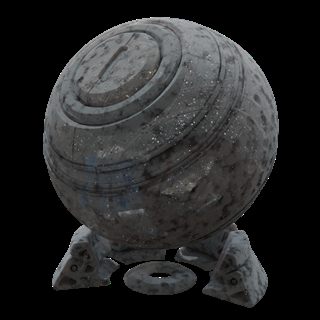
Wood Shaders16 shaders
Architecture1
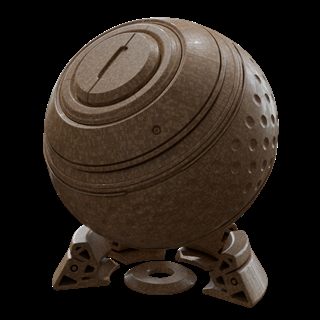
Hardwood12
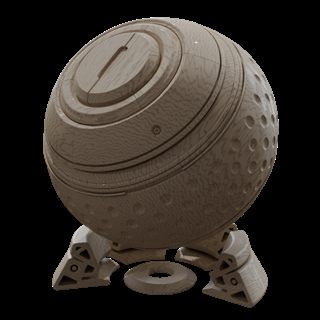
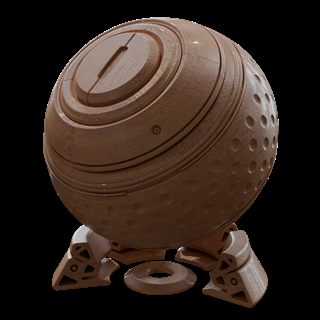
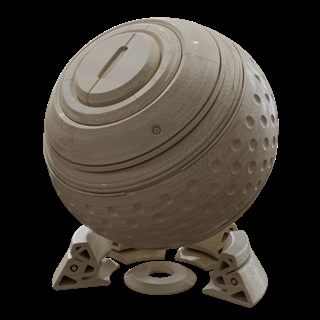
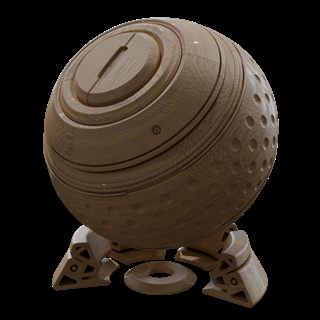
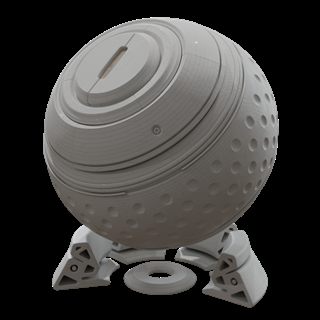
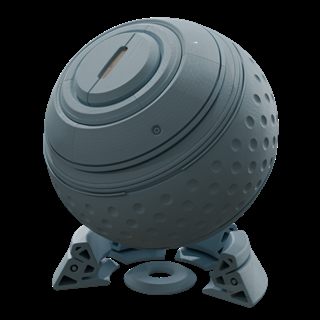
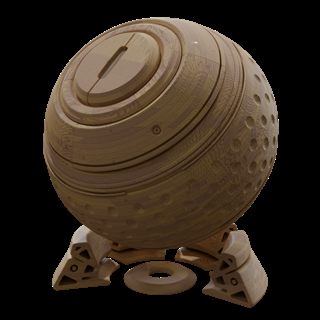
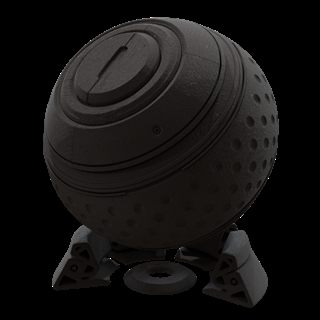
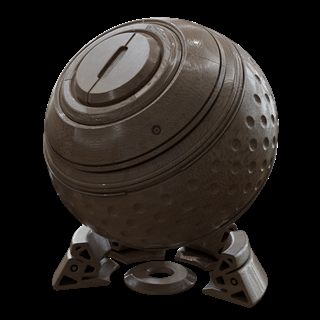
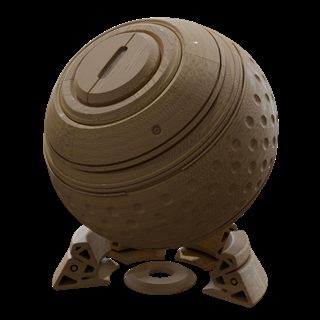
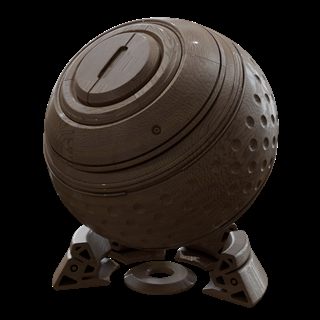
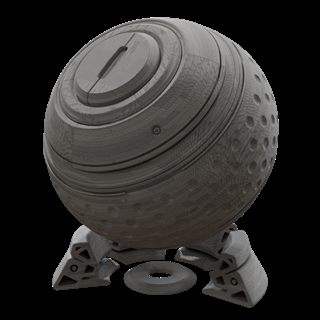
Nature & Organic3
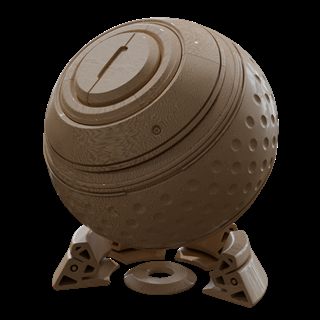
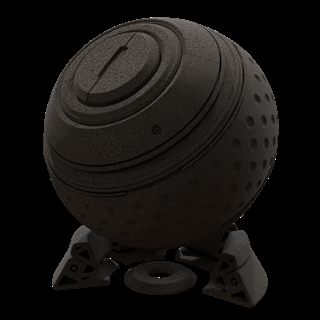
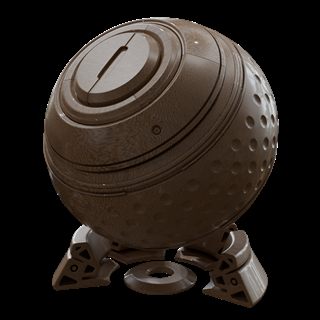
Procedural Shaders Asset Browser Set543 materials · 10 packs · 54 categories