Chrome Type Kit 2
Your vectors deserve more than an extrude.
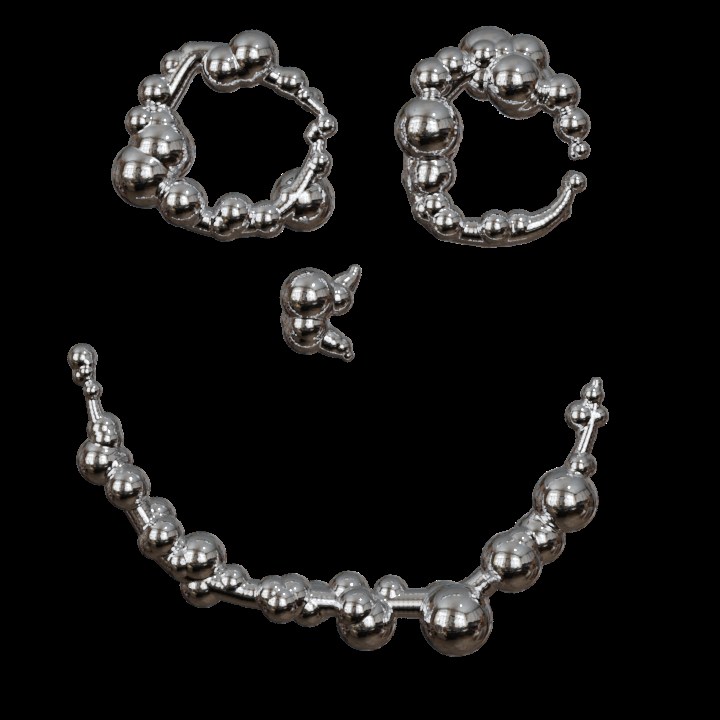
Chrome Type Kit 2 turns flat artwork into rich 3D objects in one click. Import an SVG from Illustrator, drop in a PNG with transparency, paint with Grease Pencil, or select any mesh – pick a style, press Apply, done.
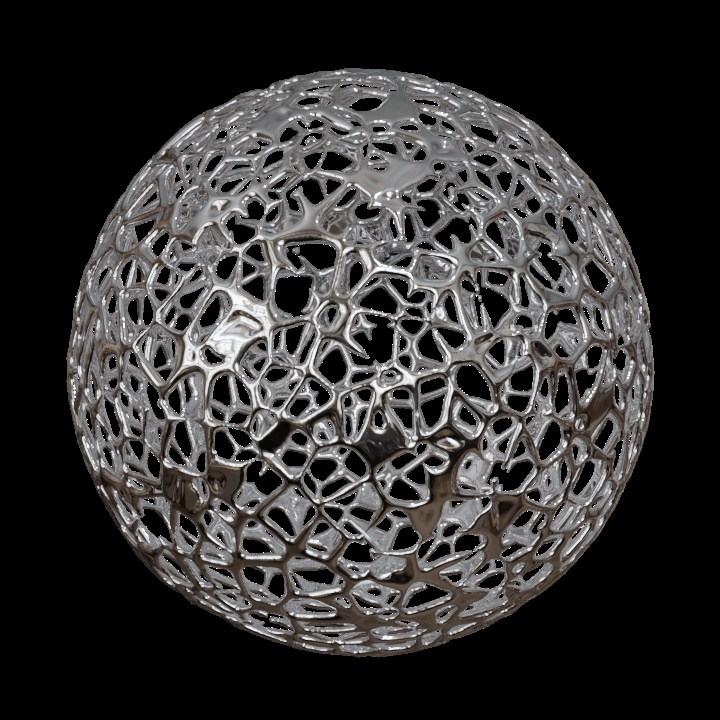
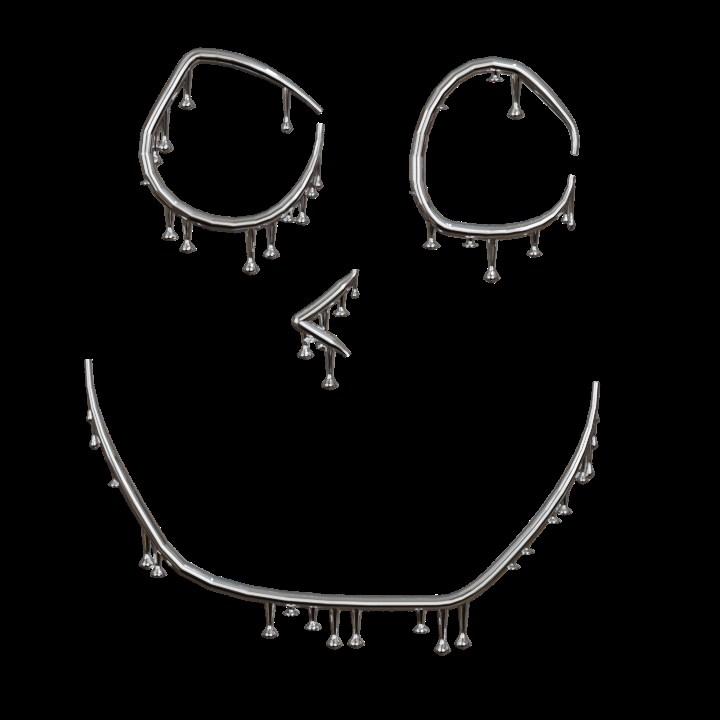
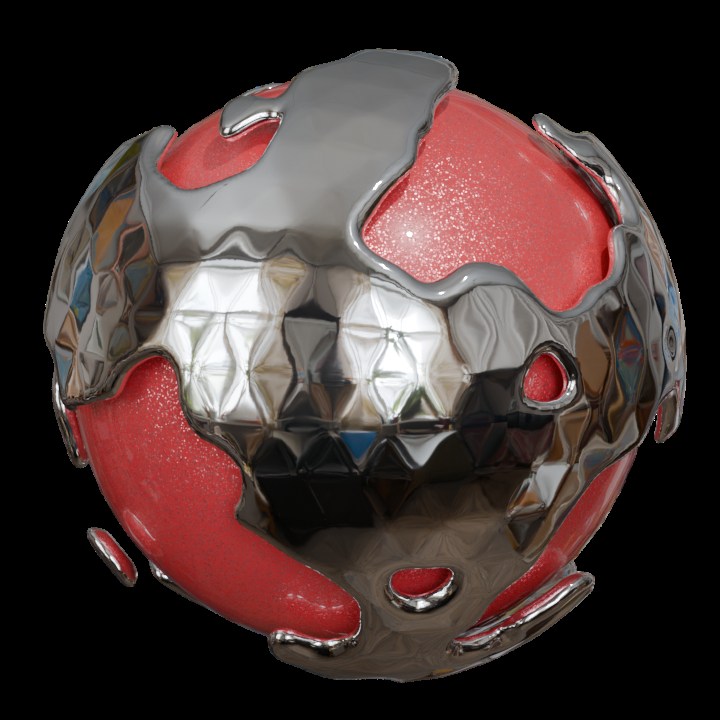
Four modes, one workflow
Pick the mode, choose the source, pick a style, create. Every result is a live Geometry Nodes modifier, nothing is ever destructive.
SVG
Import an SVG from Illustrator. Illustrator CSS styles are fixed automatically, open paths stay open, holes stay holes.
PNG (Image)
Image with alpha: logos, lettering, tattoo flash. The contour is traced live.
Paint
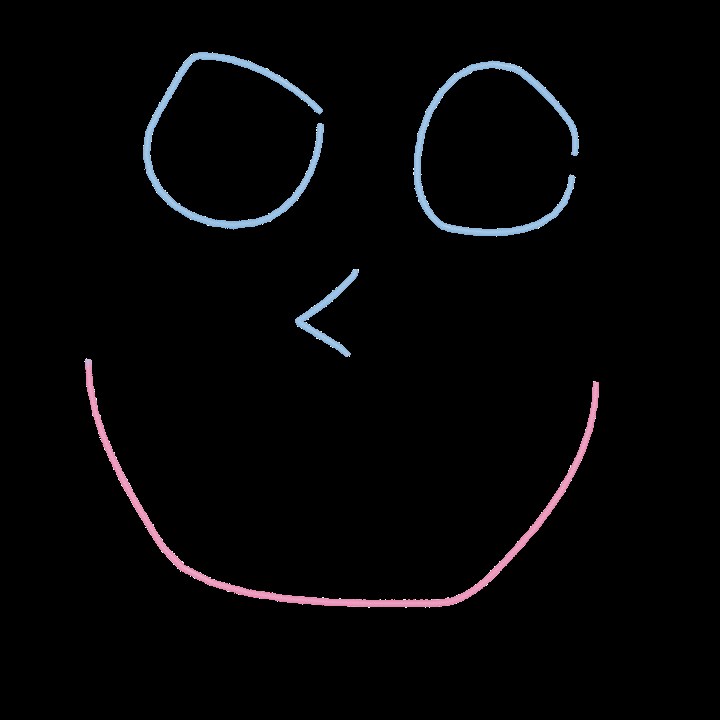
Paint with Grease Pencil. Every style becomes a brush layer, pen pressure controls thickness.
Mesh
Select any mesh, pick a Mesh Workshop style, press Apply. Works on a 5 cm ring or a 50 m statue alike.
Tools
Mesh tools: drop them on any mesh, curve or text.
Mesh Workshop9
Drop a style on any mesh, curve or text. Live and editable.
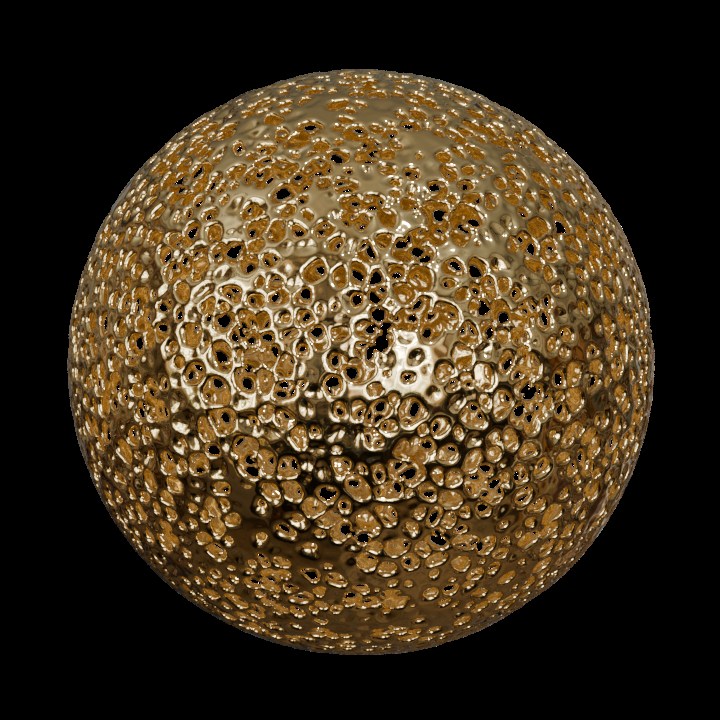
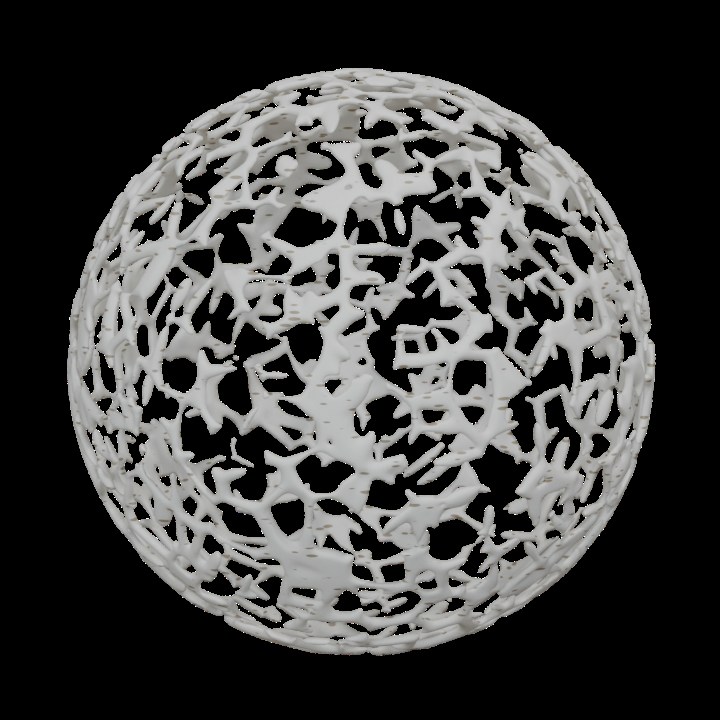
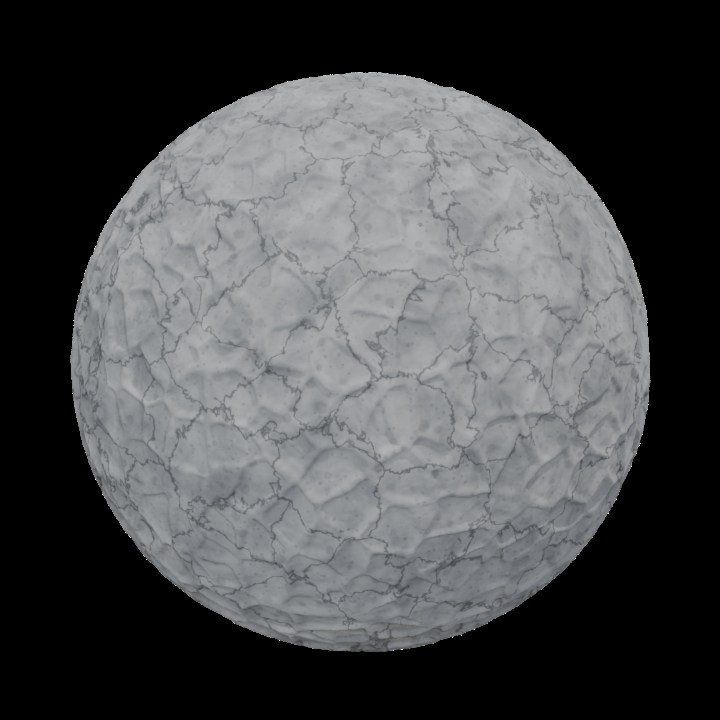
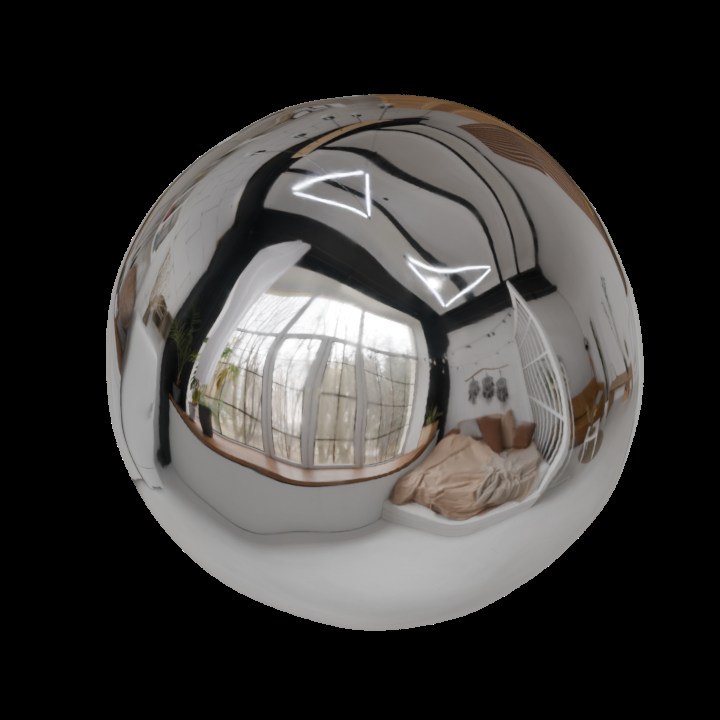
Mesh Surface9
Surface effects that change the skin of any mesh.
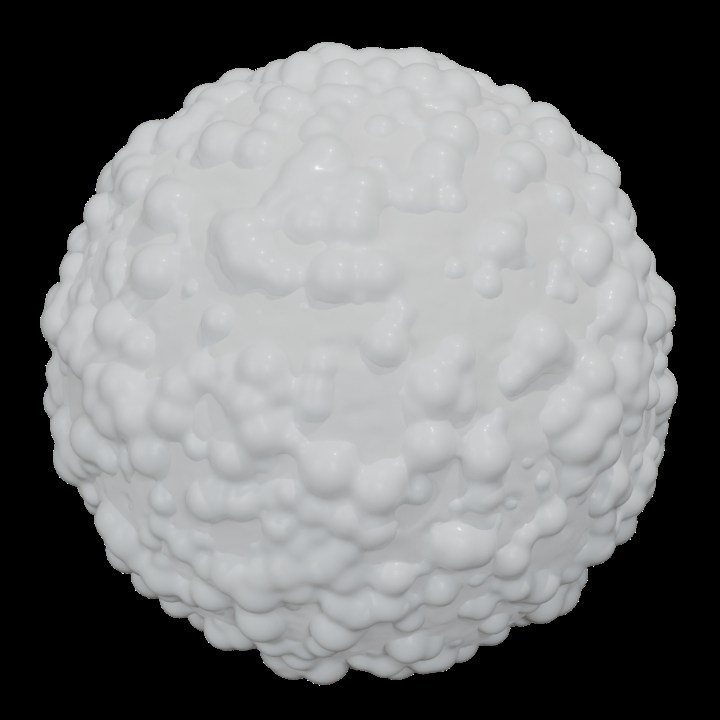
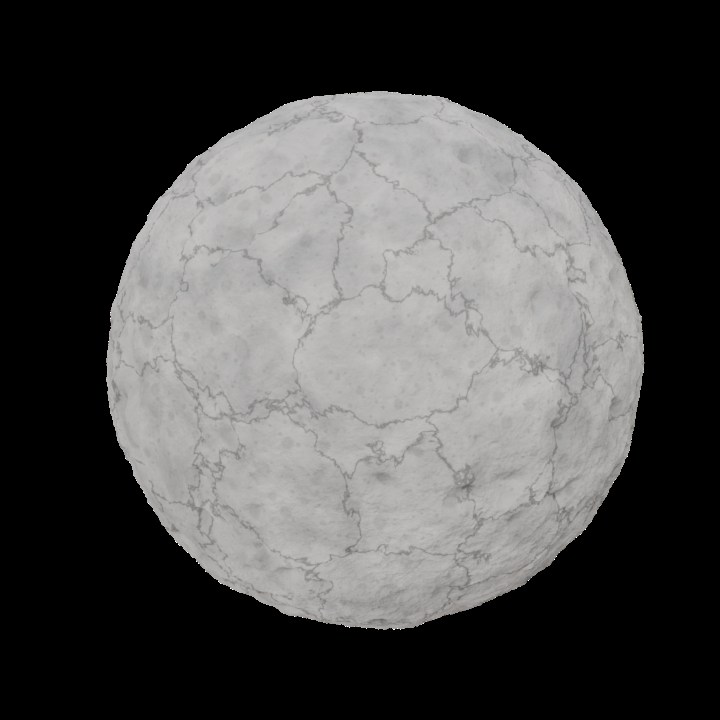
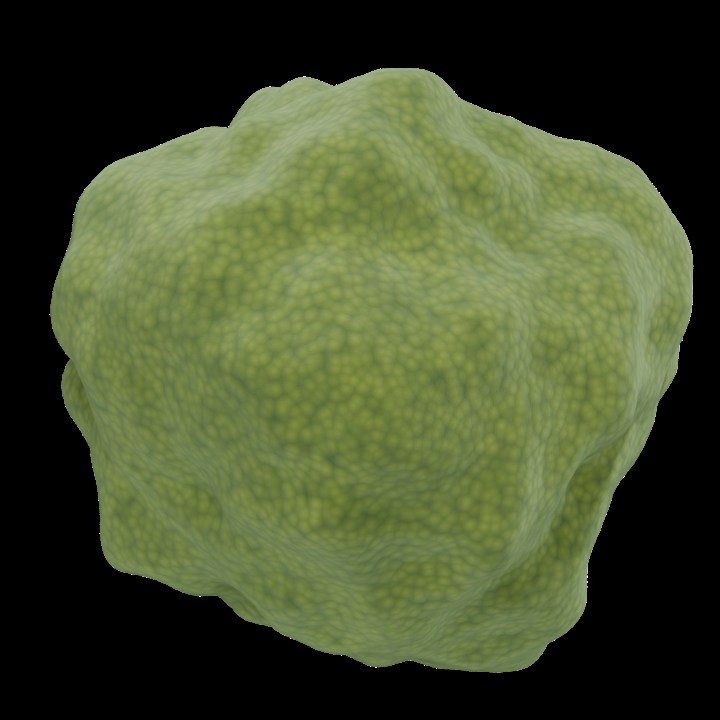
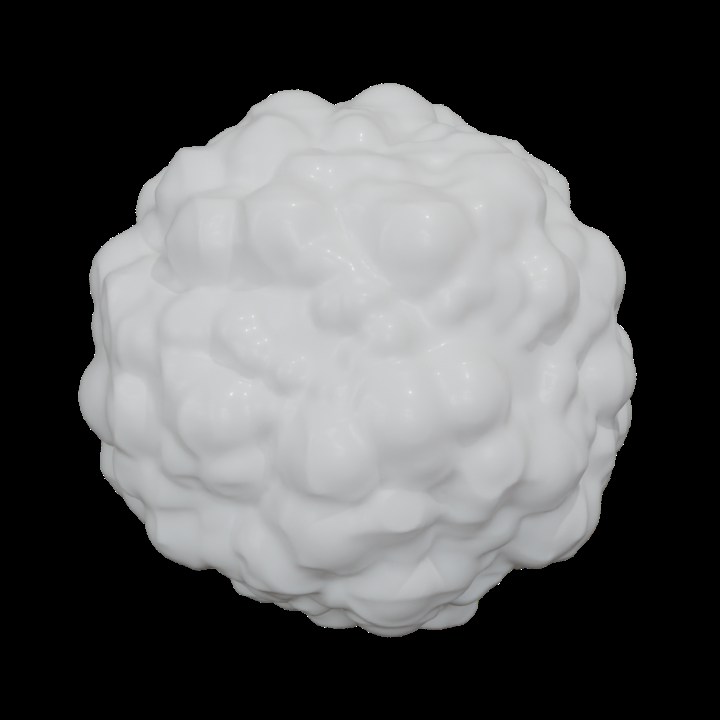
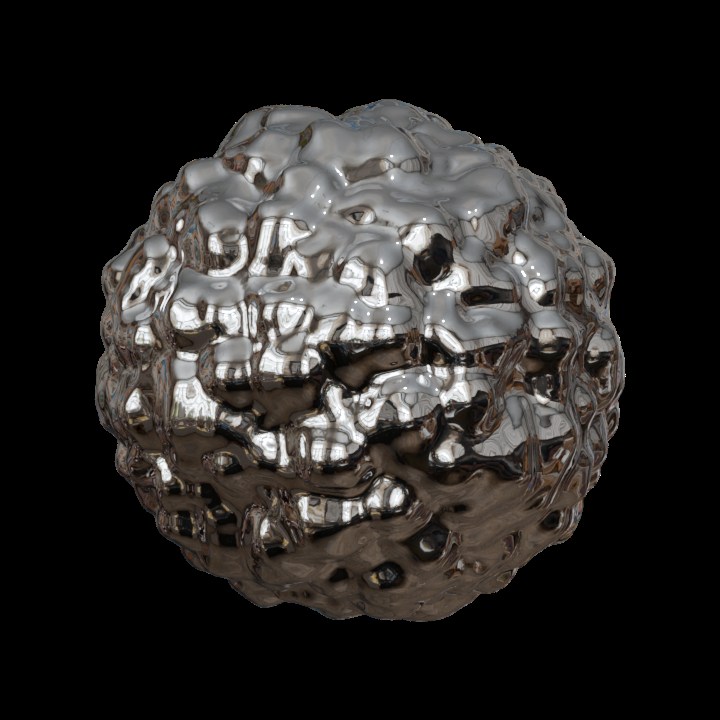
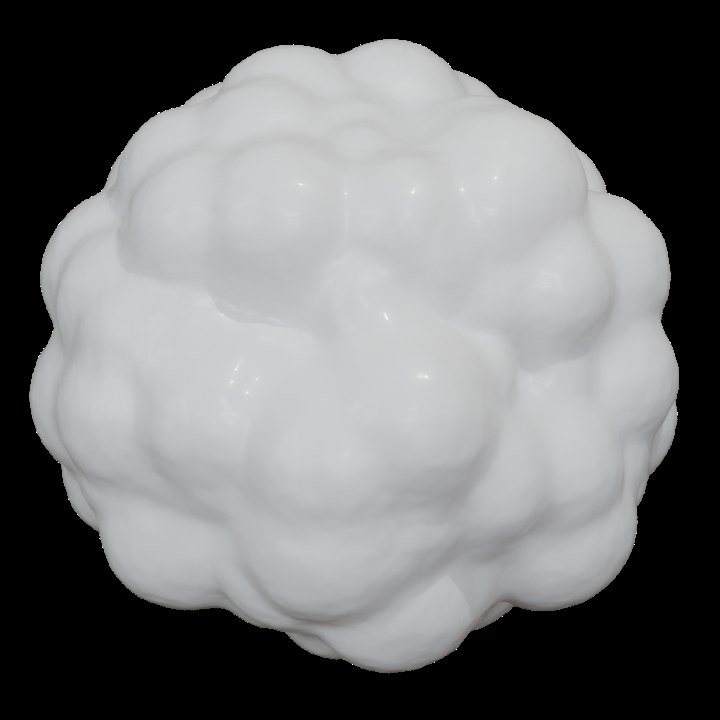
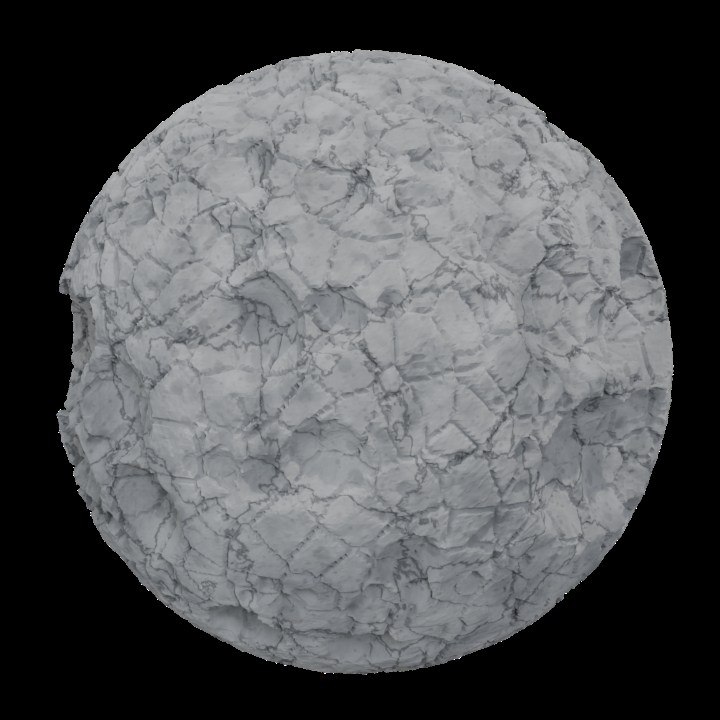
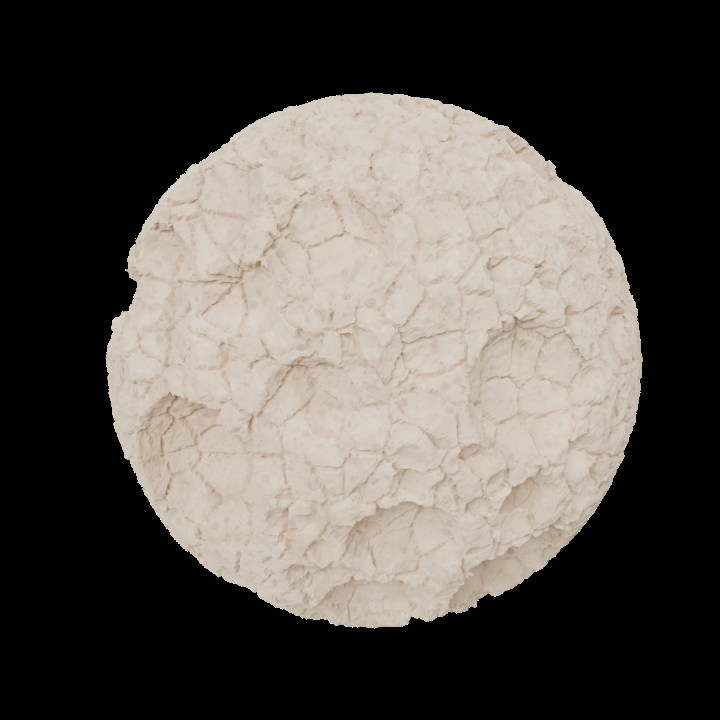
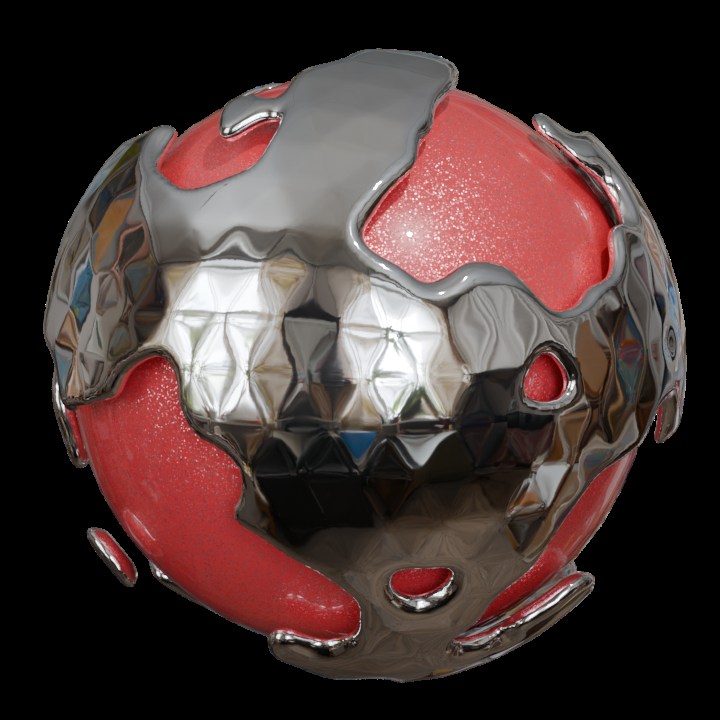
Mesh Art9
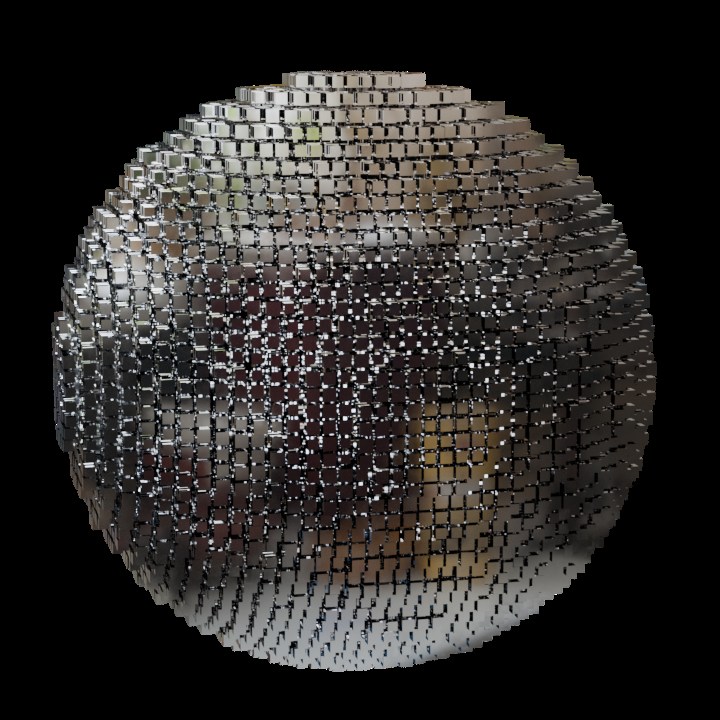
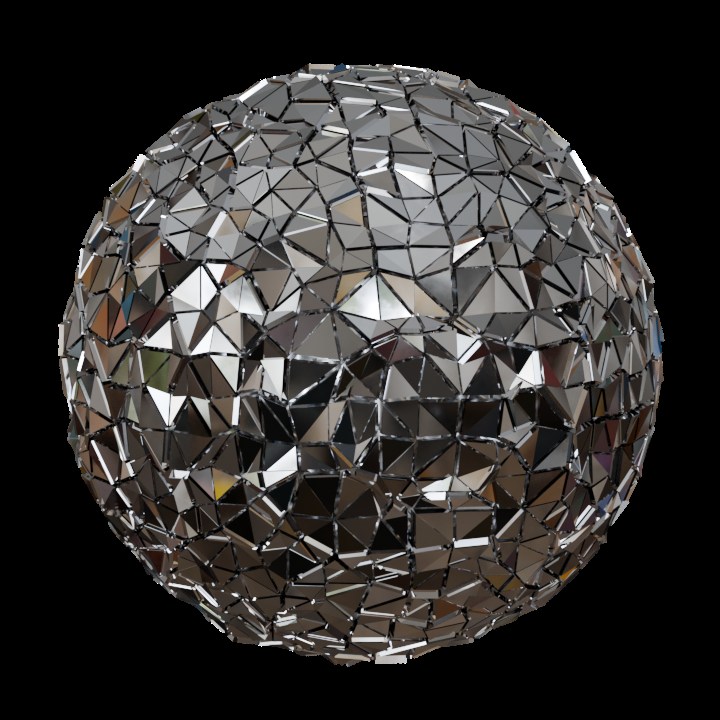
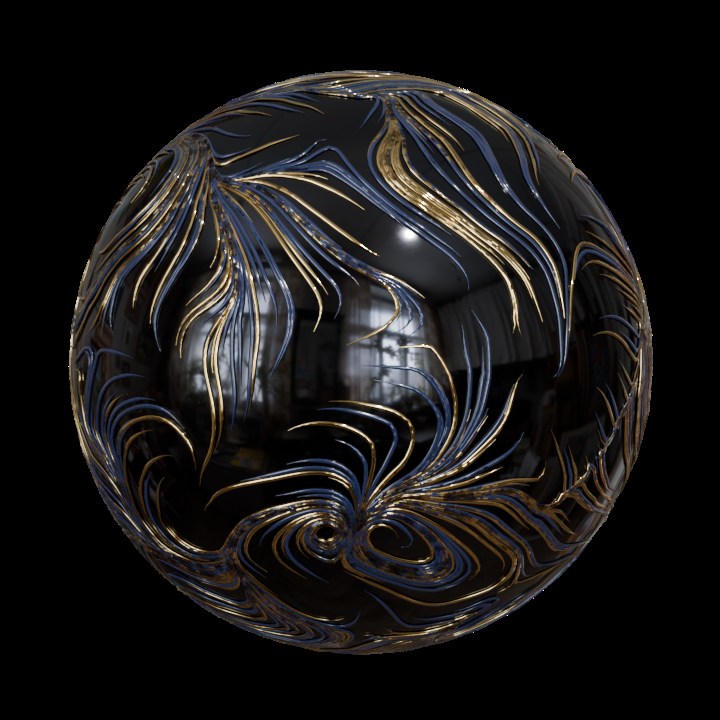
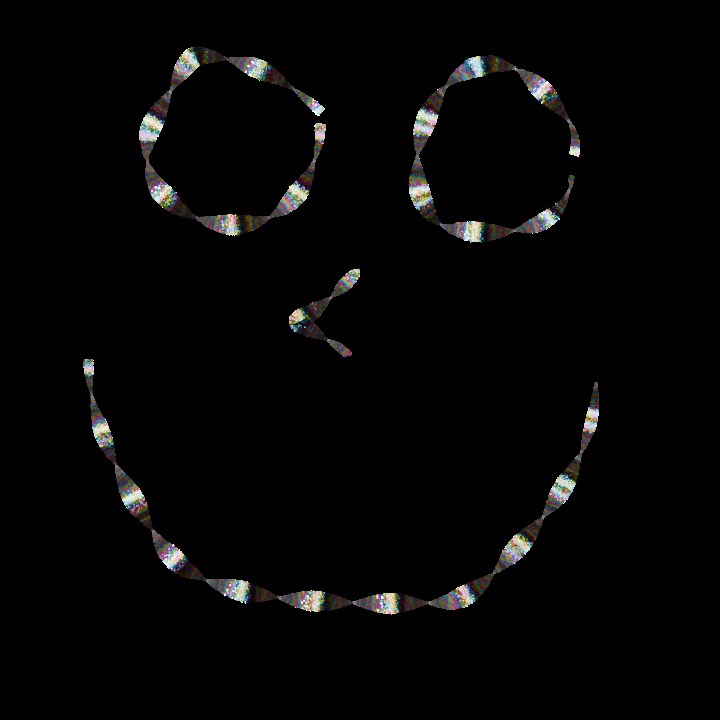
Graphic mesh effects: slices, voxels, triangles, spikes and flow lines.
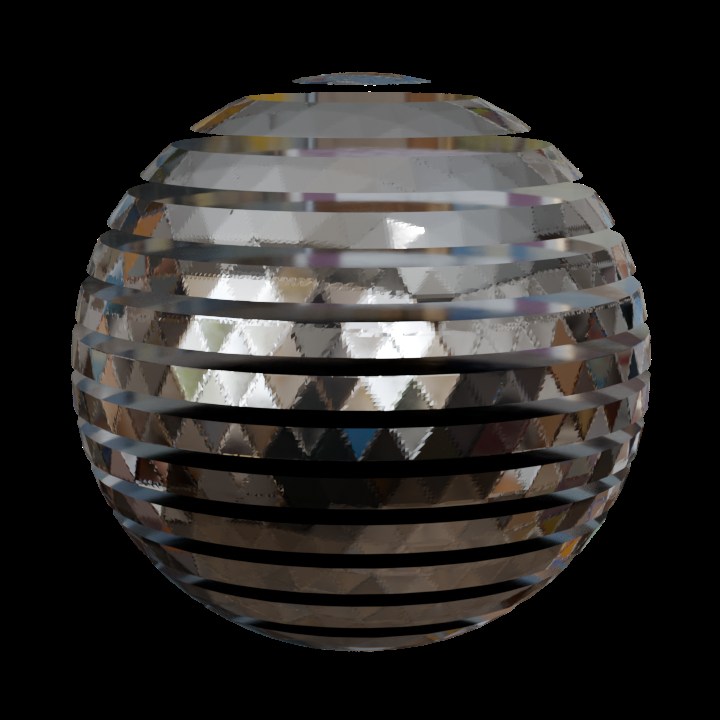
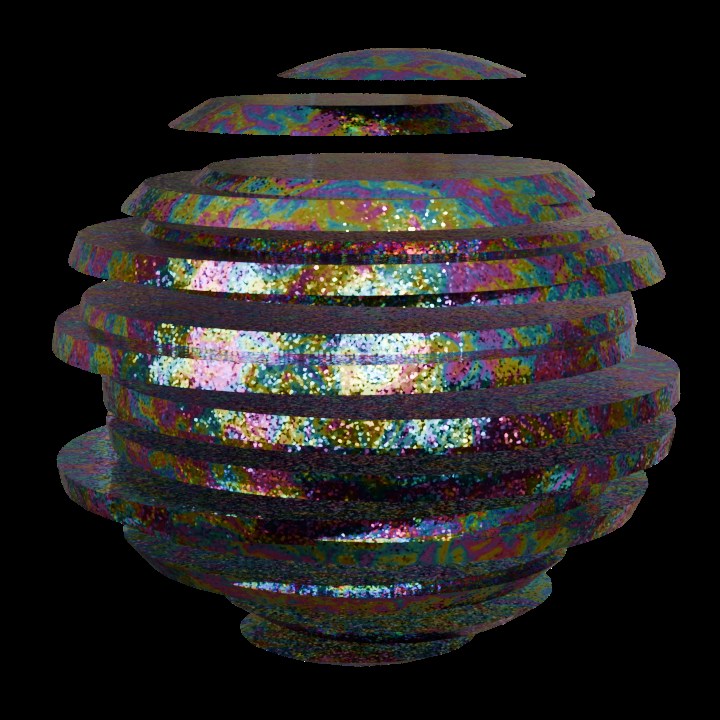
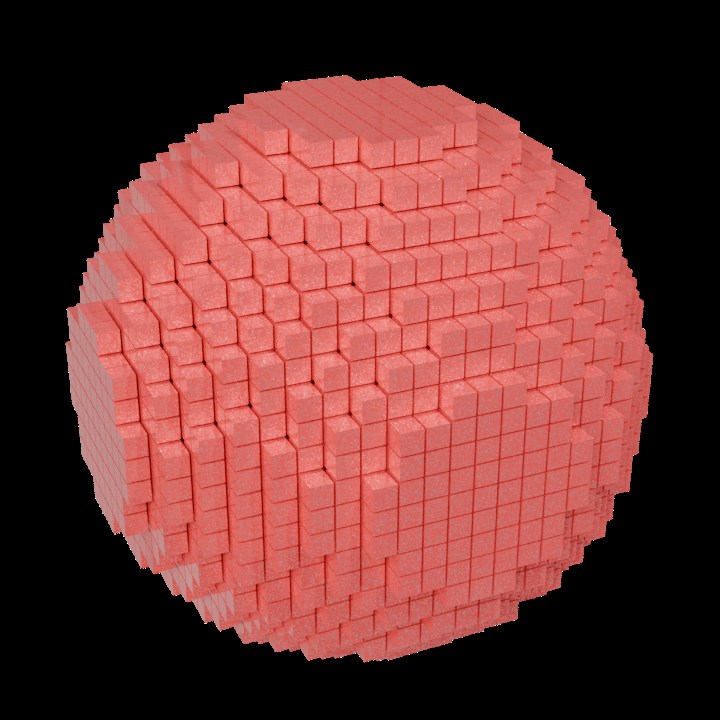
Brushes
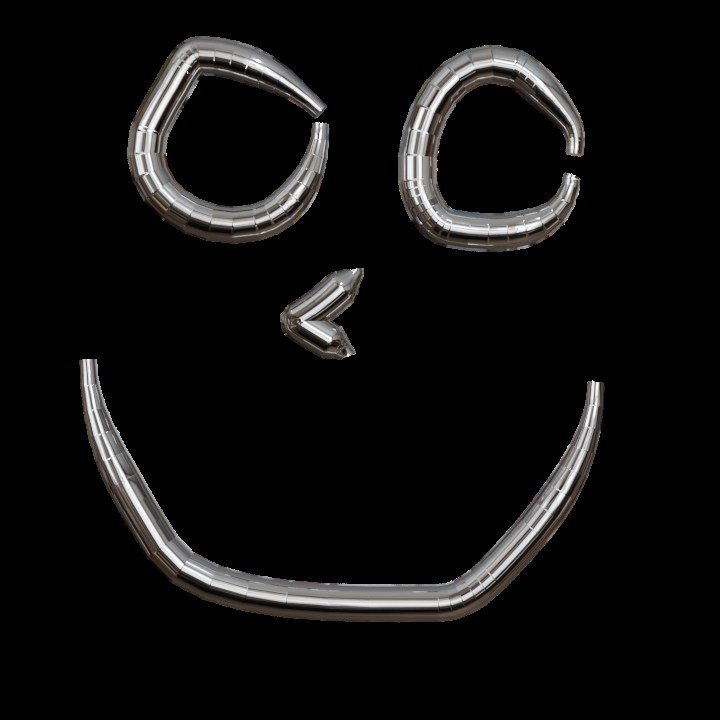
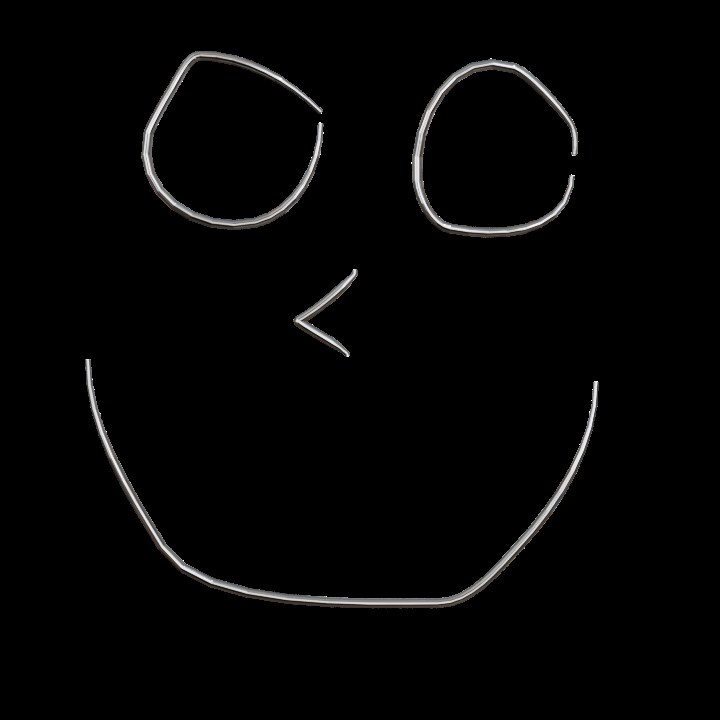
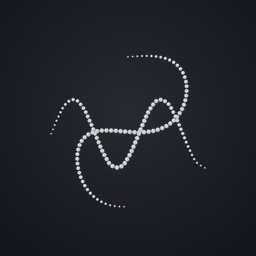
Draw brushes for painting with Grease Pencil.
Draw Brushes23
Paint strokes with Grease Pencil. Pen pressure controls the thickness.
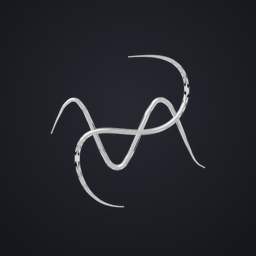
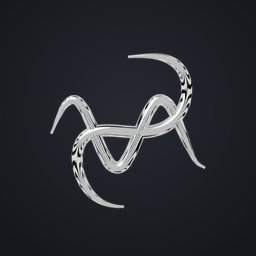
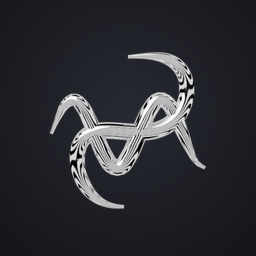
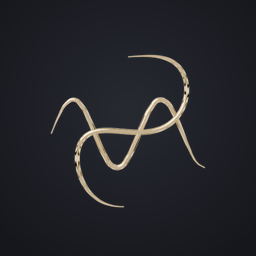
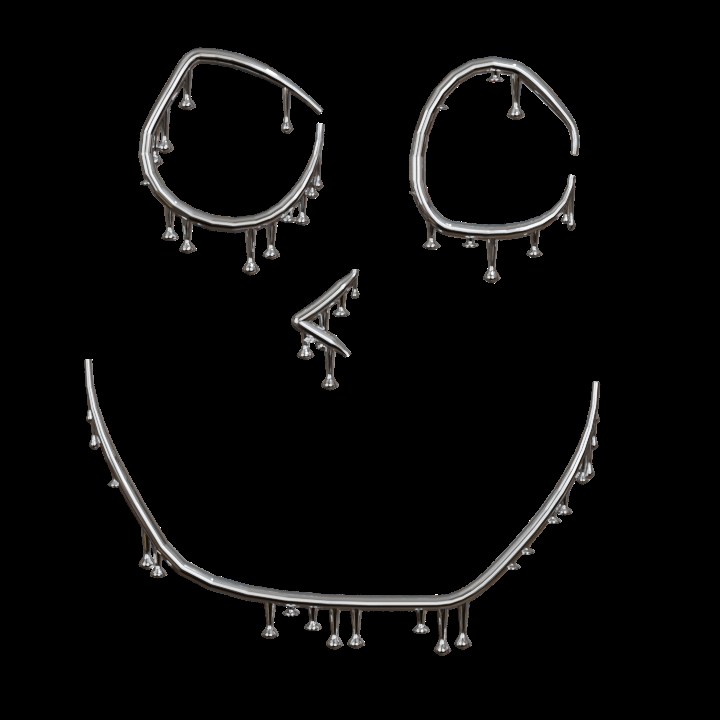
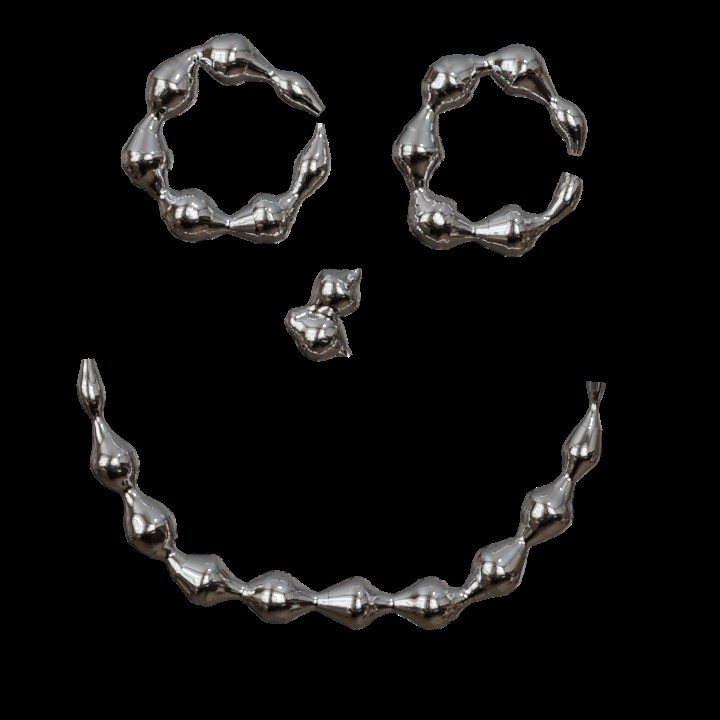
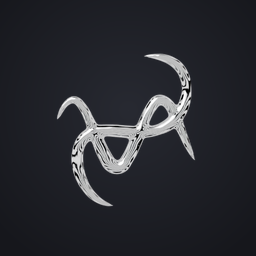
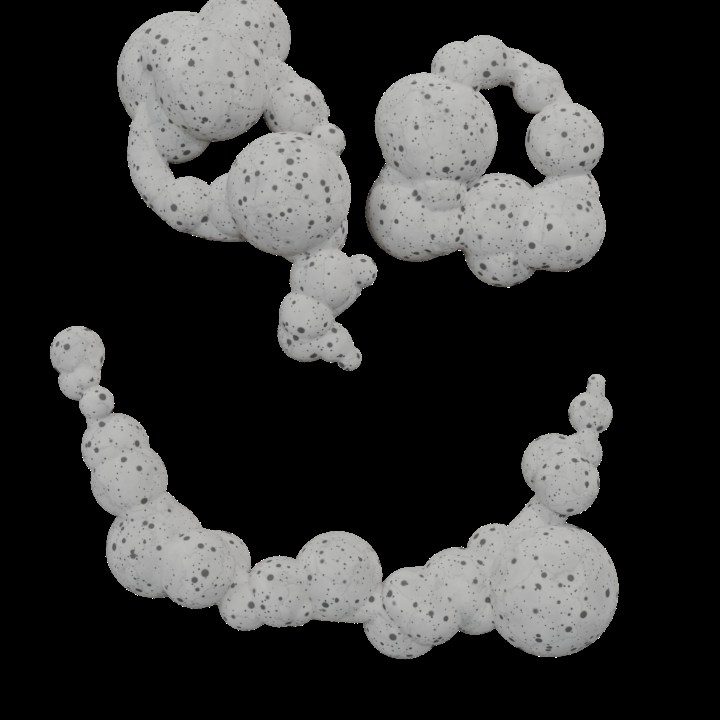

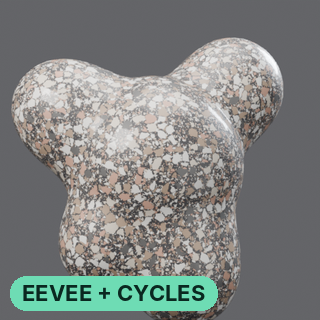
Materials
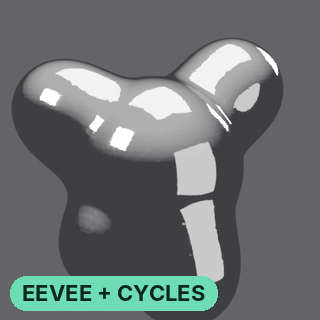
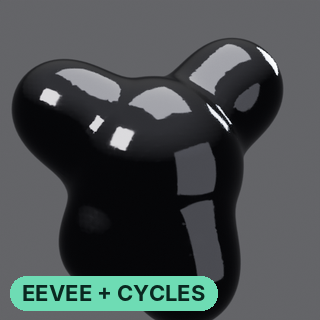
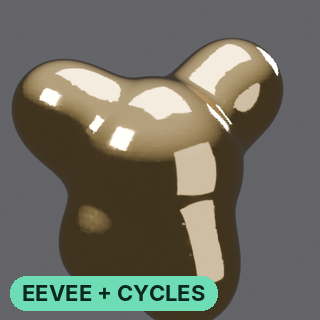
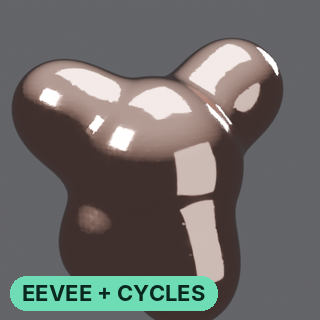
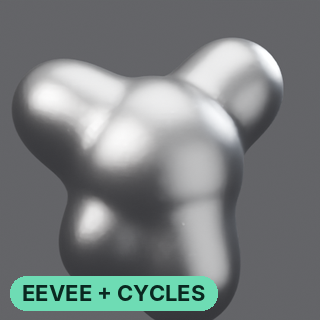
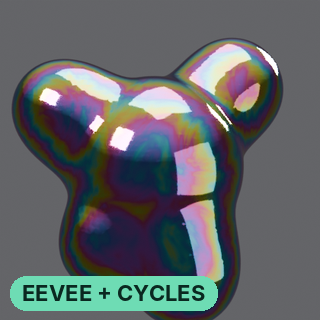
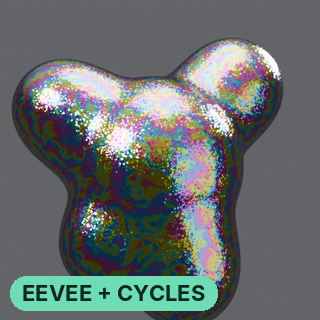
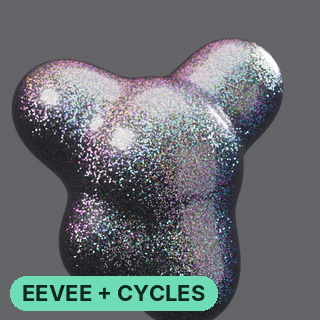
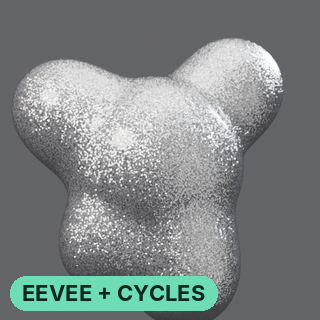
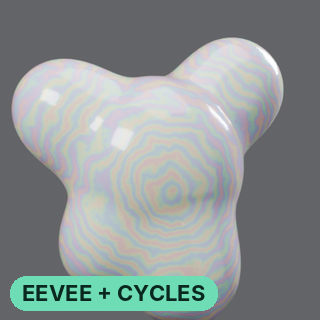
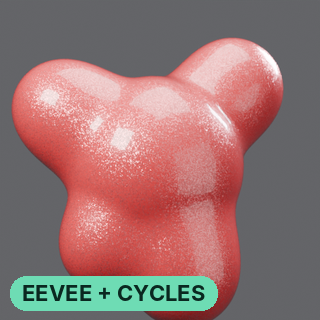
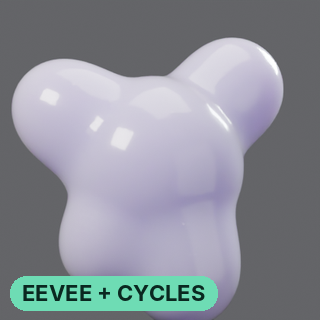
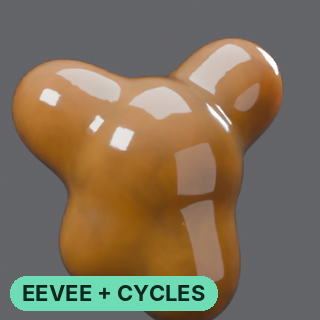
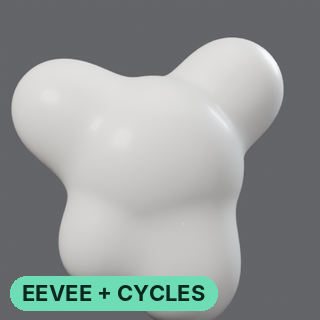
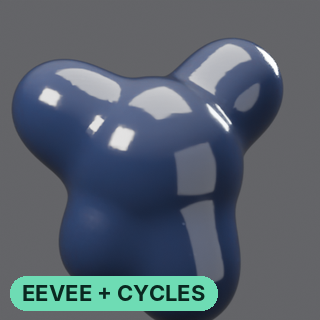
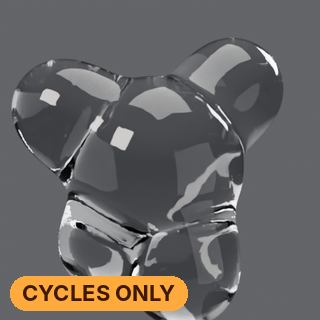
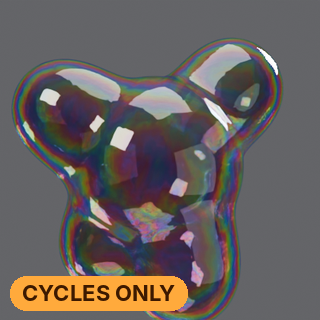
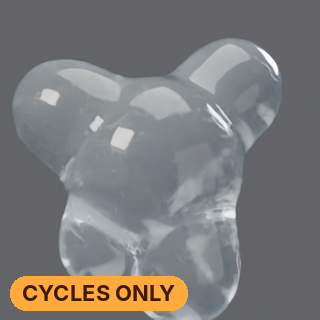
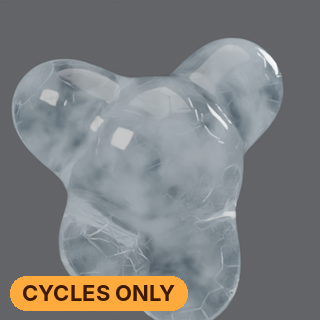
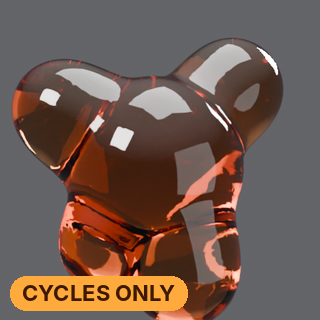
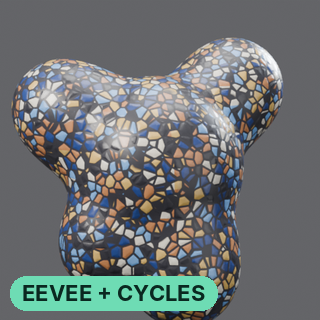
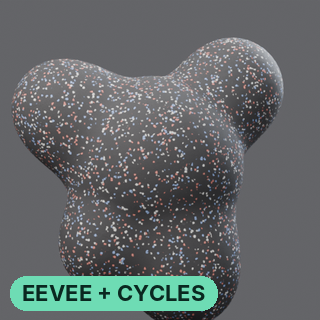
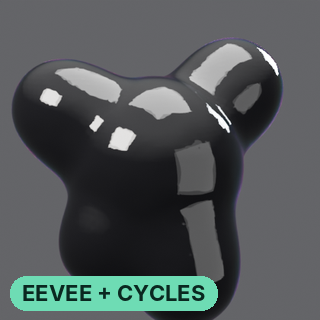
Ready-made materials with Smart Controls.
Materials55
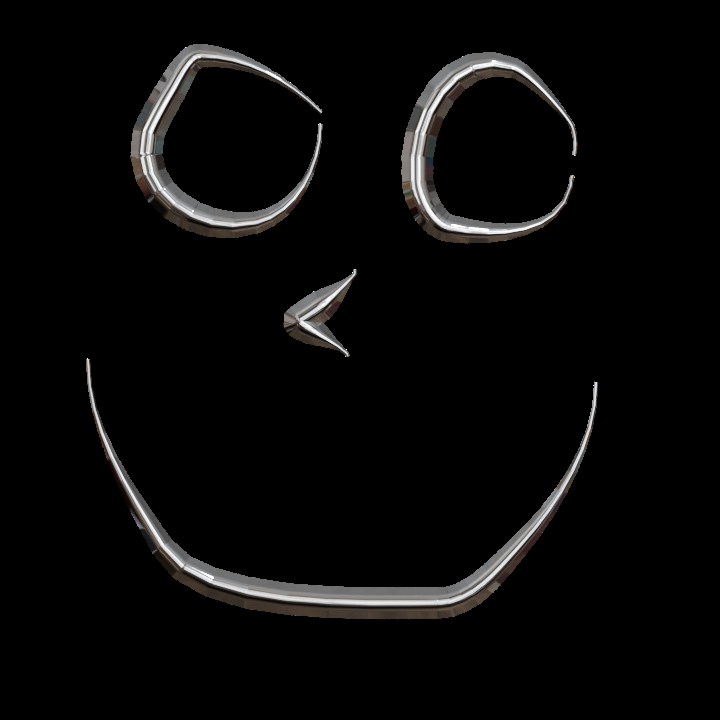
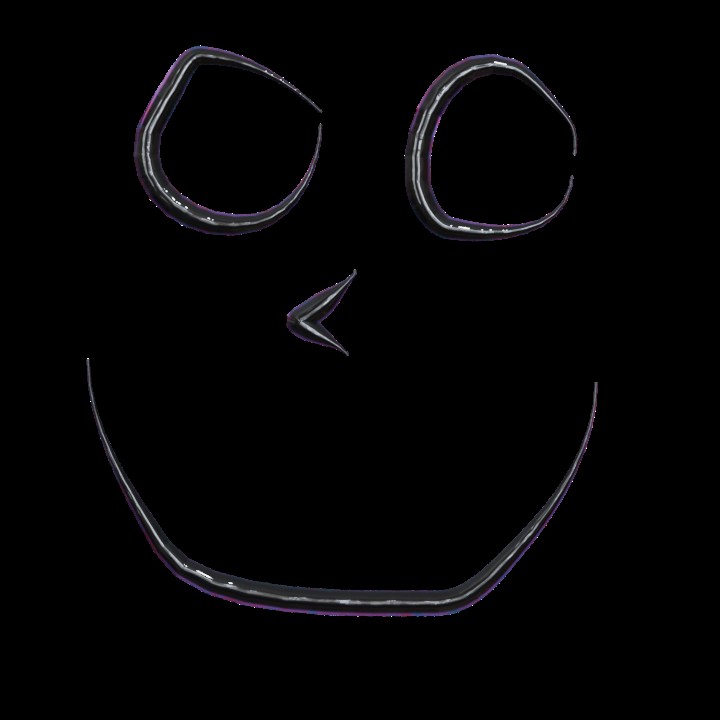
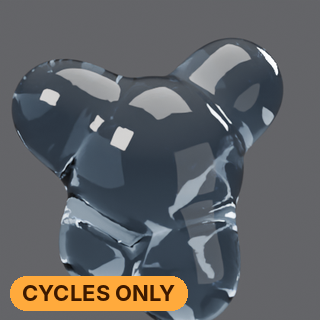
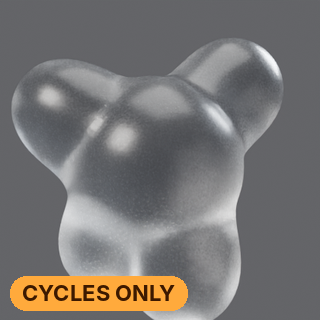
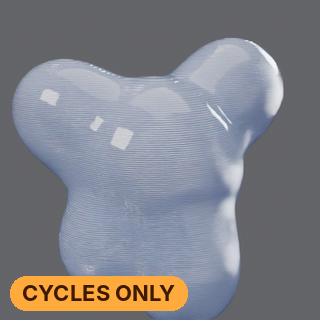
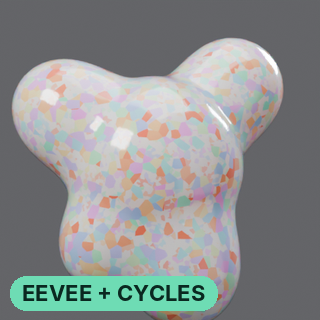
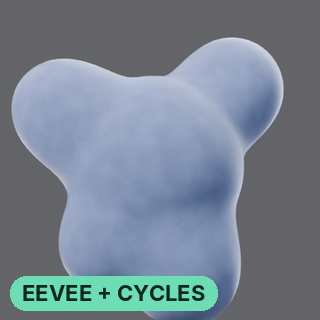
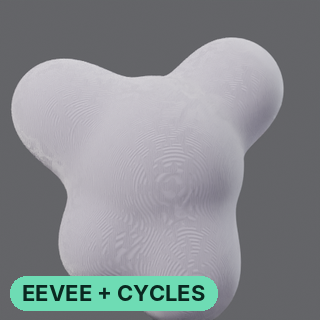
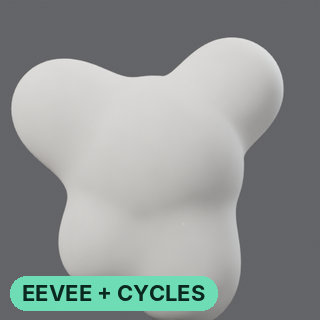
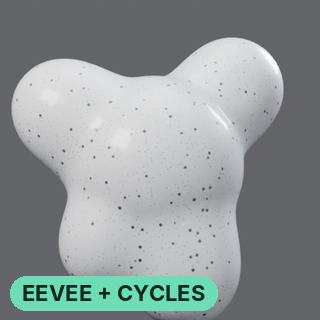
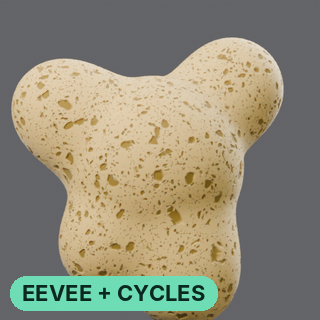
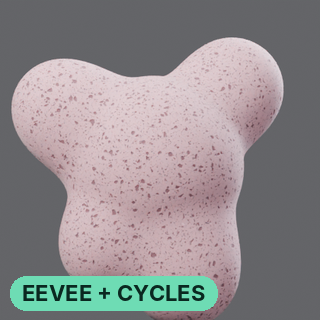
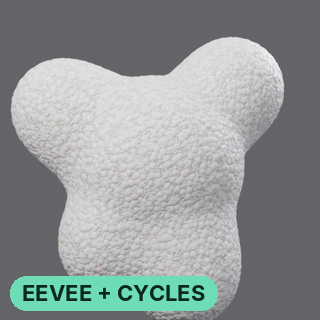
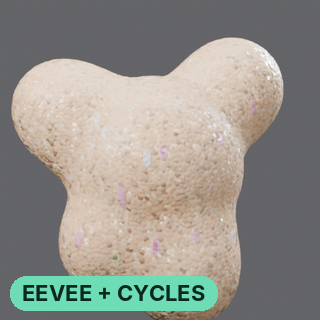
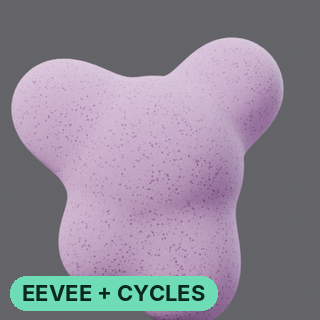
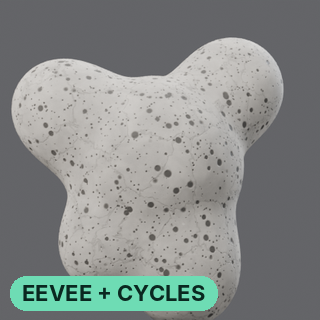
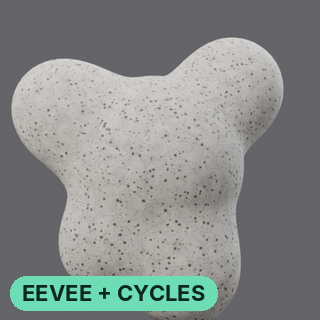
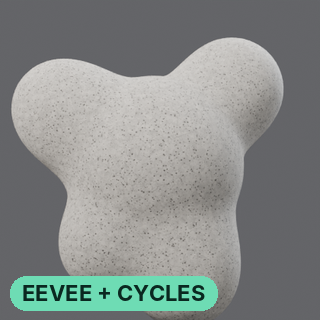
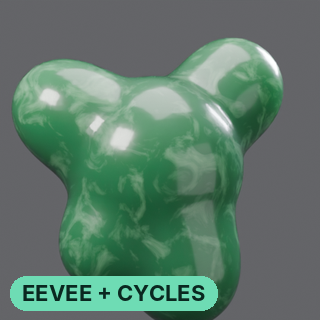
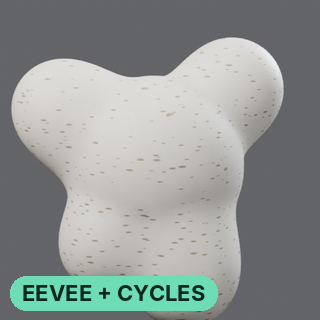
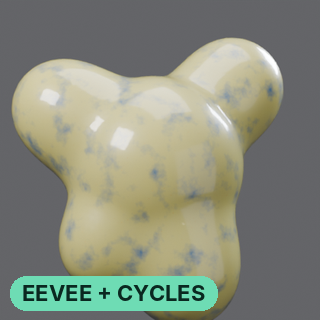
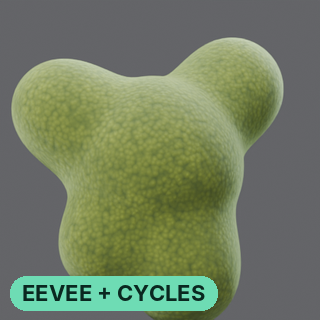
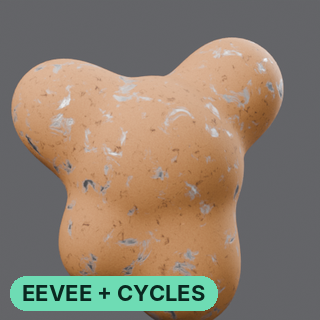
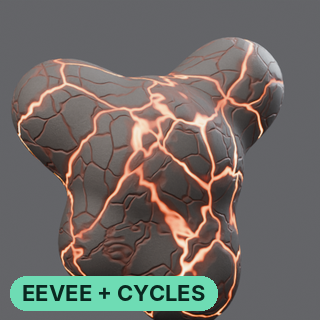
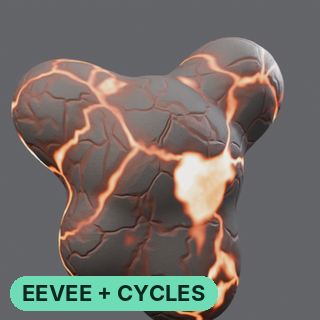
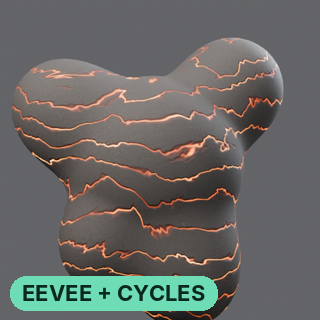
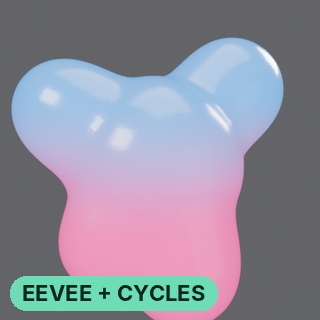
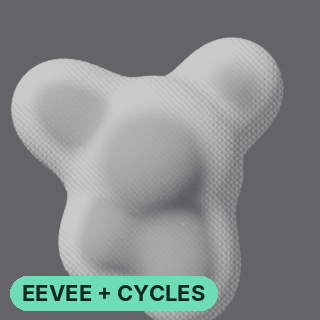
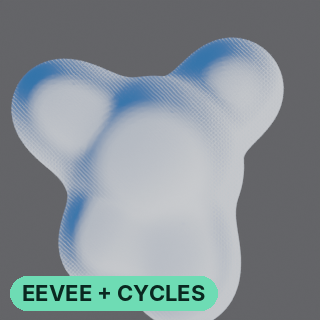
Ready-made materials: chrome, glass, stone, fabric and more, with Smart Controls.
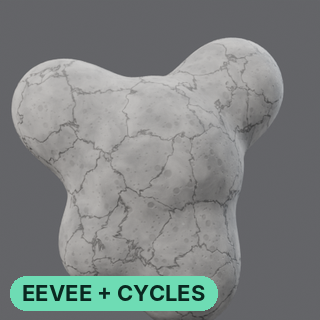
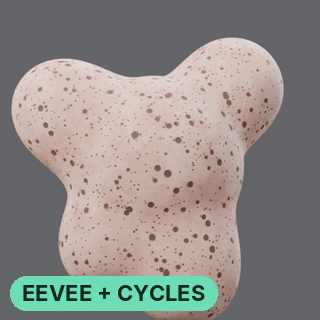
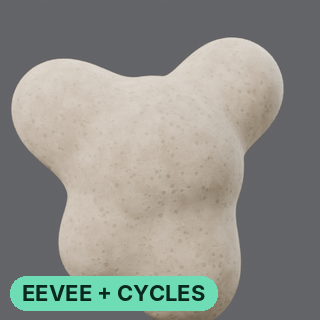
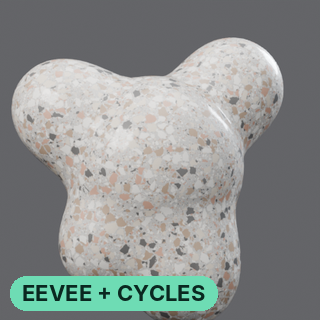
Shaders
The procedural styles for SVG, Image and Mesh.
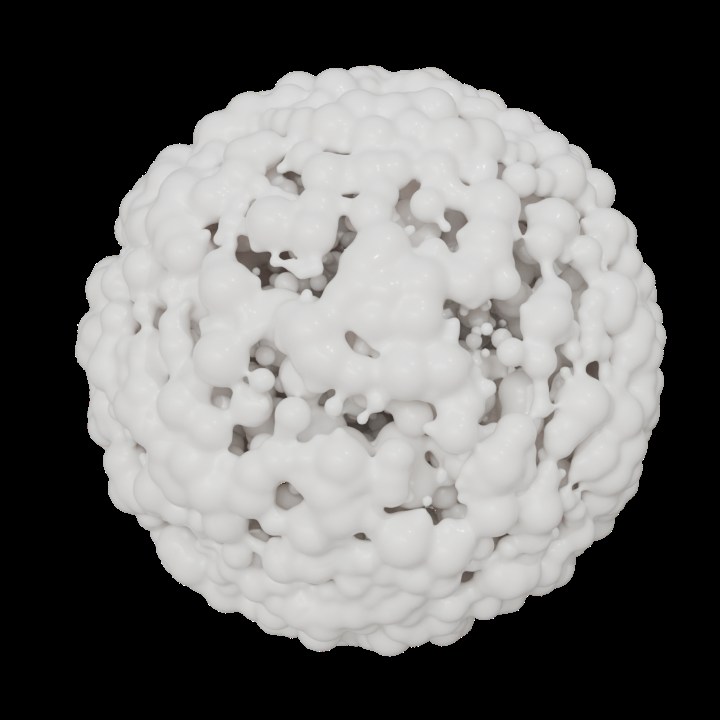
Organic8
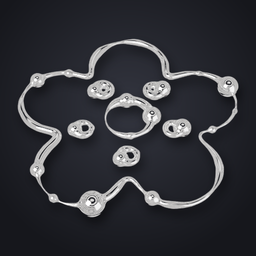
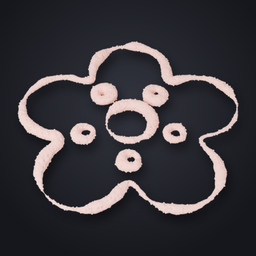
Soft, flowing forms: tubes, bubbles and coral.
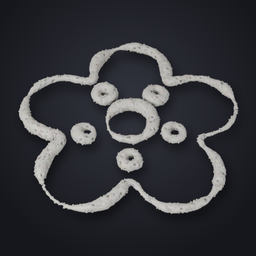
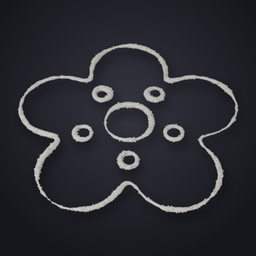
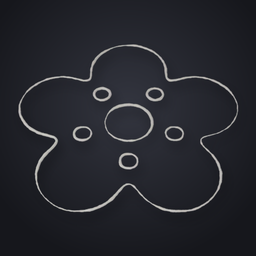
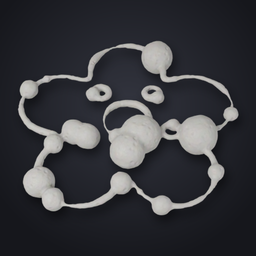
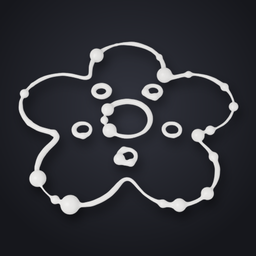
Tribal & Inflate6
Bold, inflated and tribal shapes.
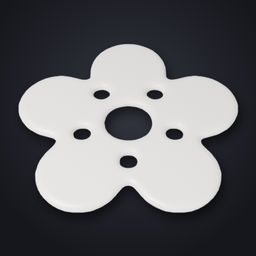
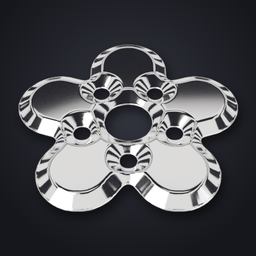
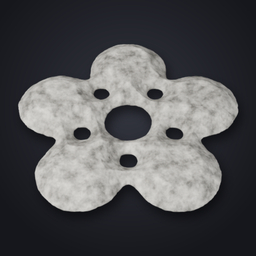
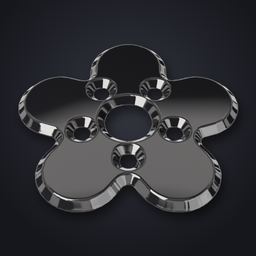
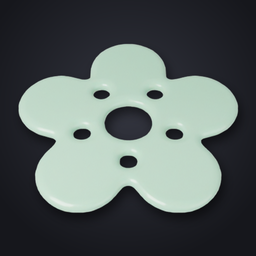
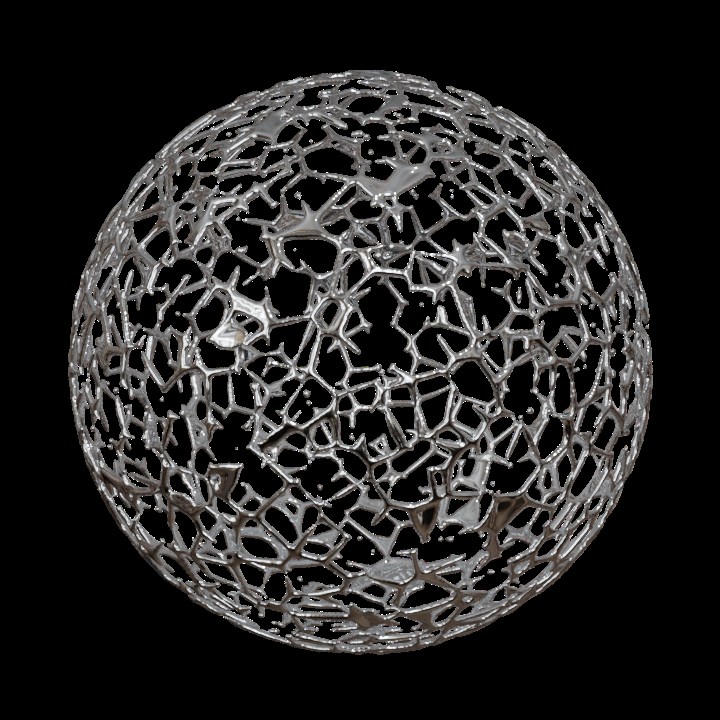
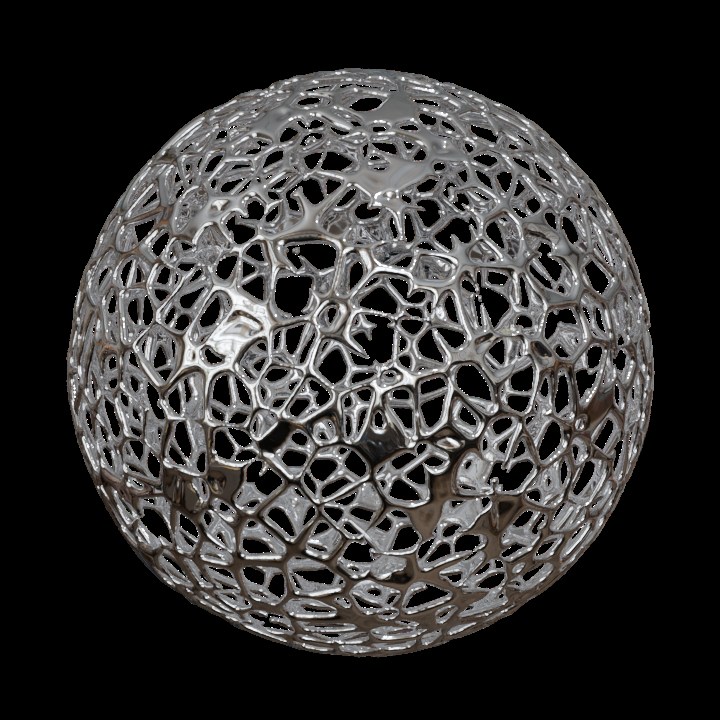
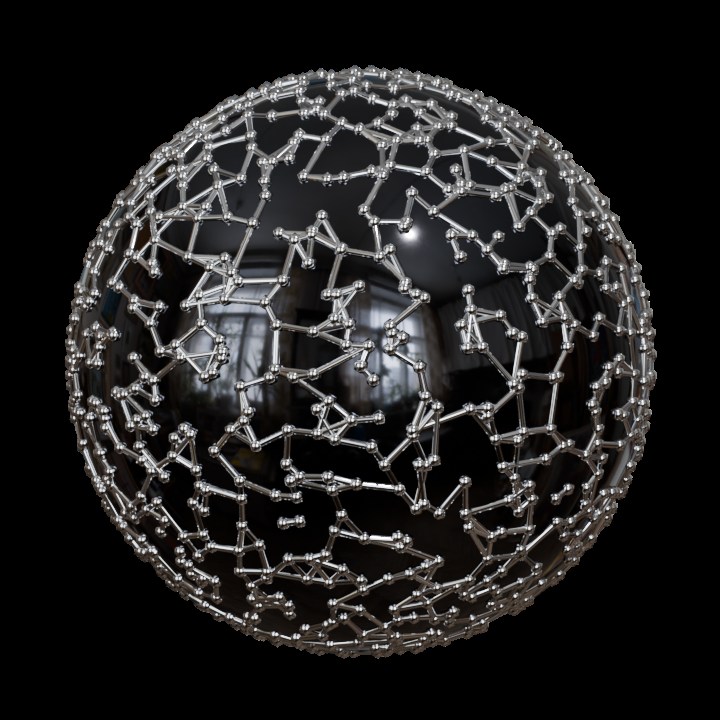
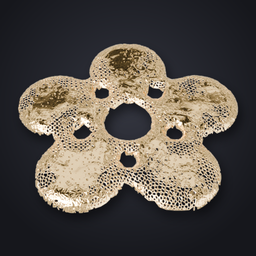
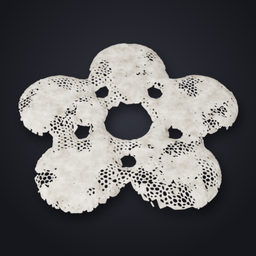
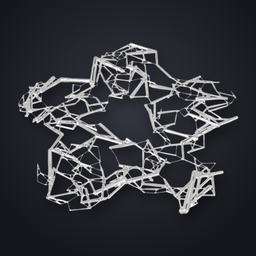
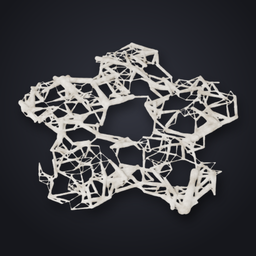
Voronoi & Nets5
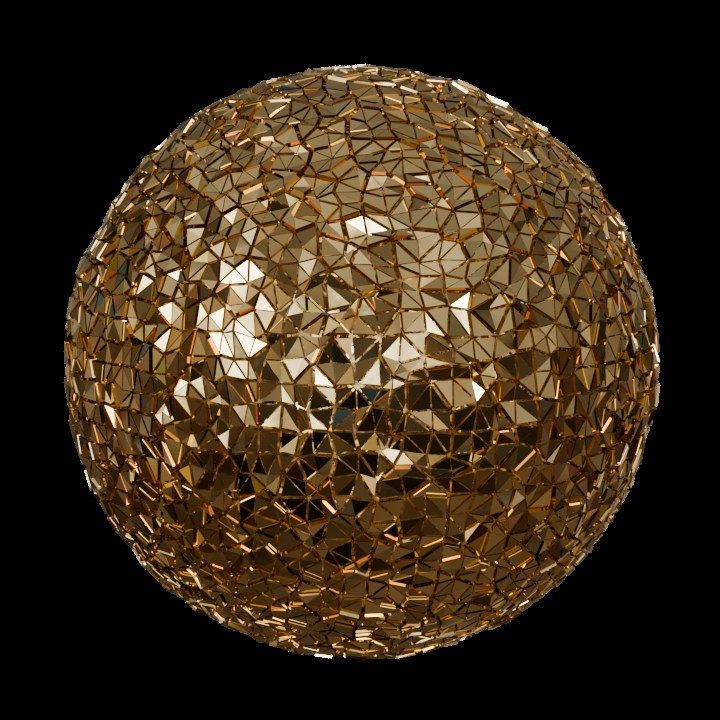
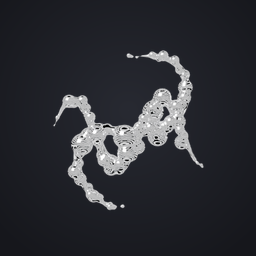
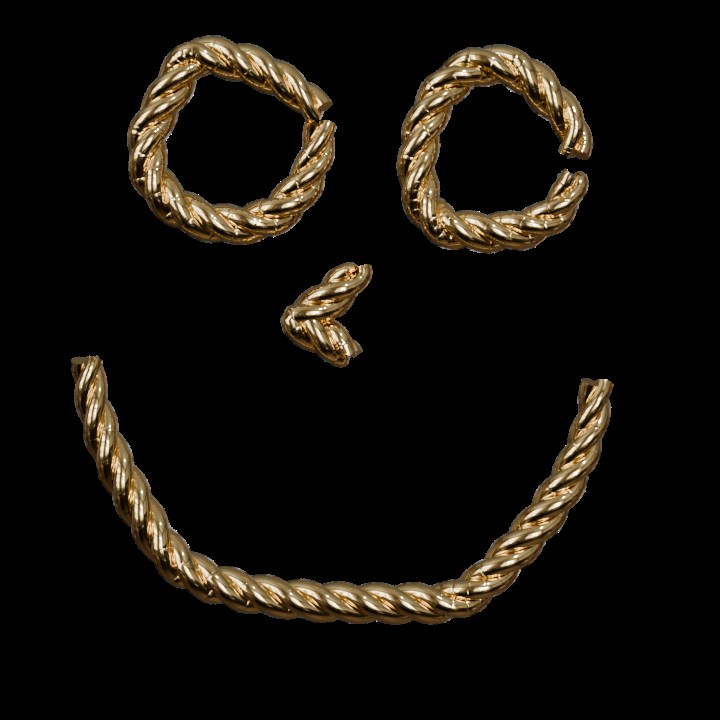
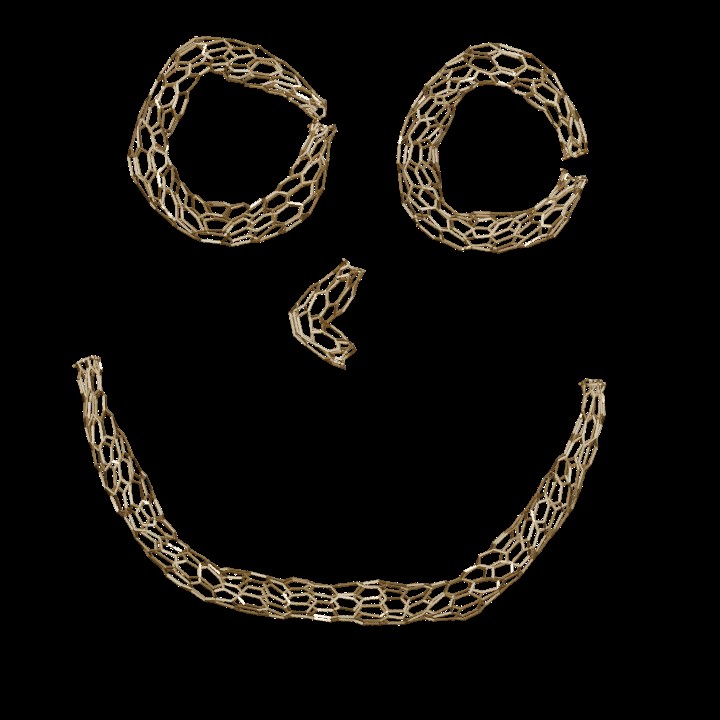
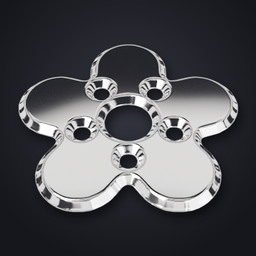
Cell patterns and nets, from chrome to gold foam.
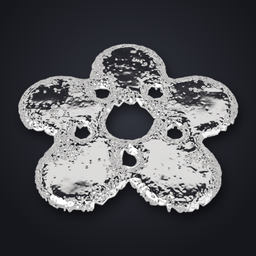
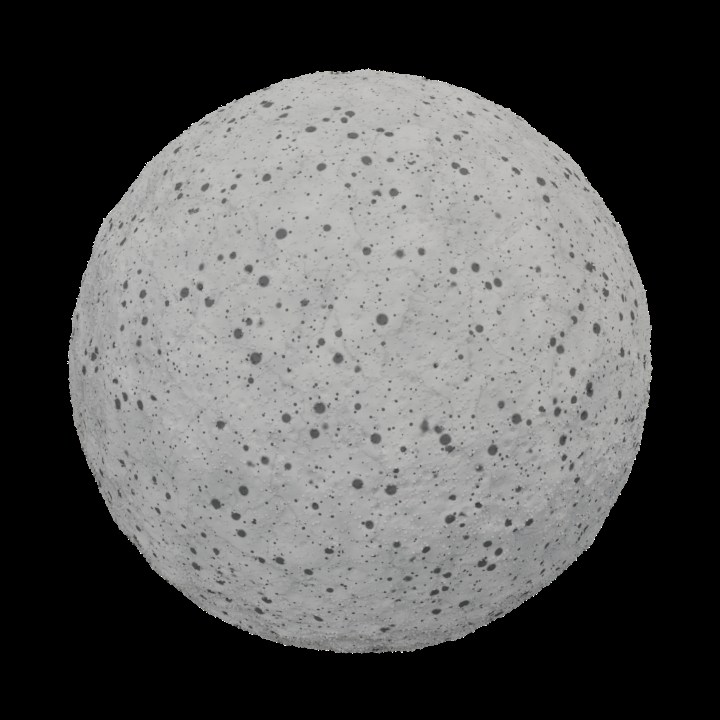
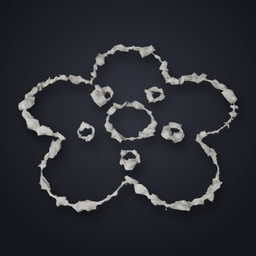
Rocks5
Rough stone and rock forms.
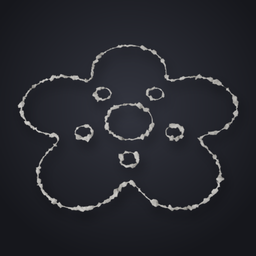
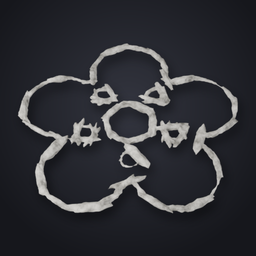
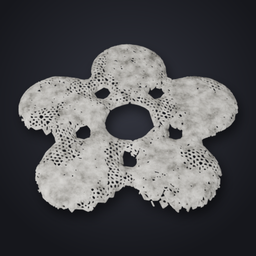
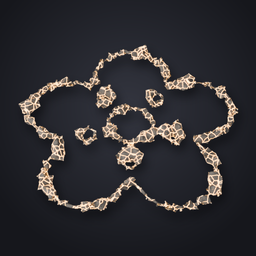
FX11
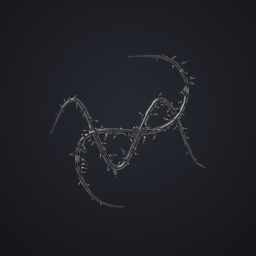
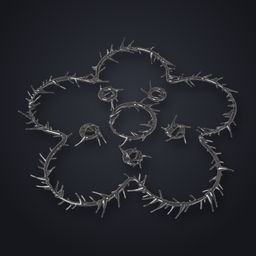
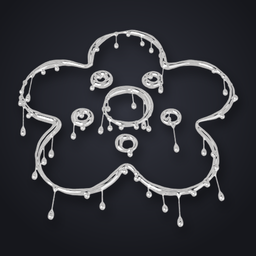
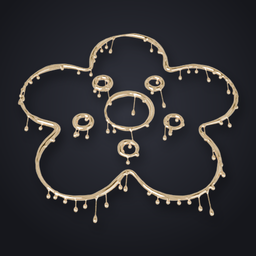
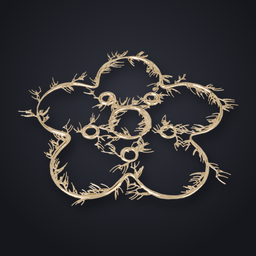
Effects: melting, thorns, glitch, ice and bubble explosions.
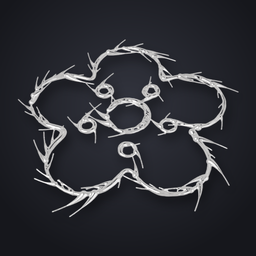
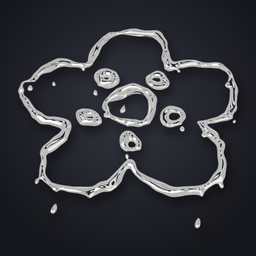
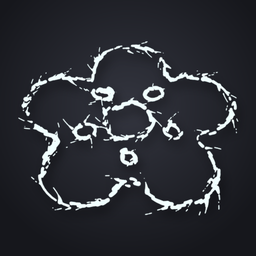
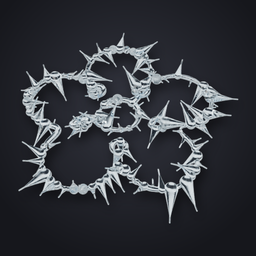
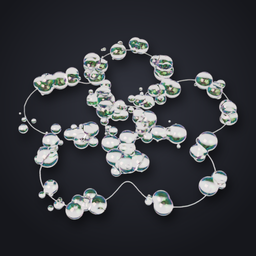
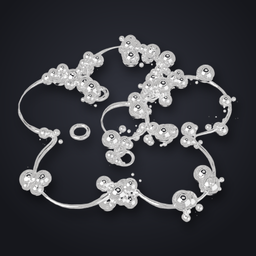
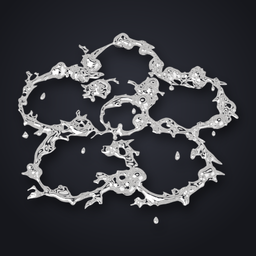
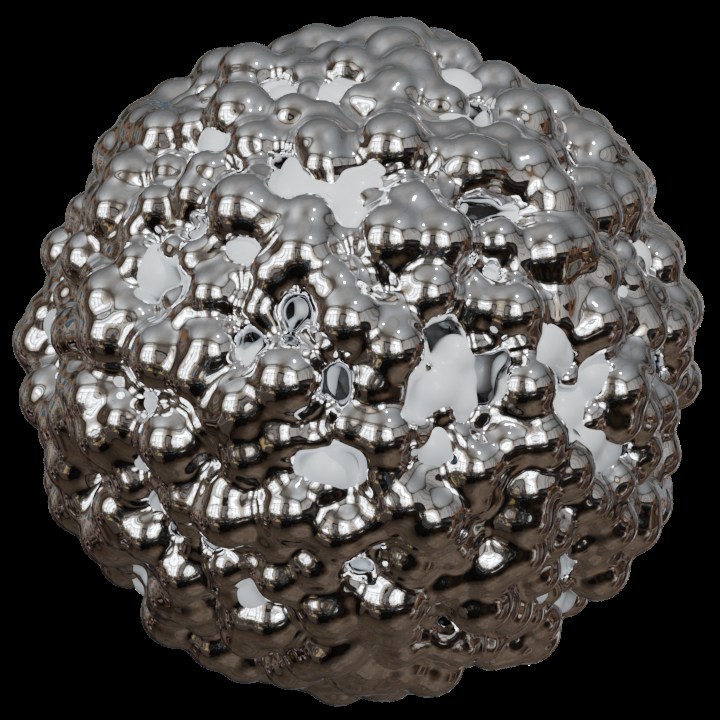
Clusters9
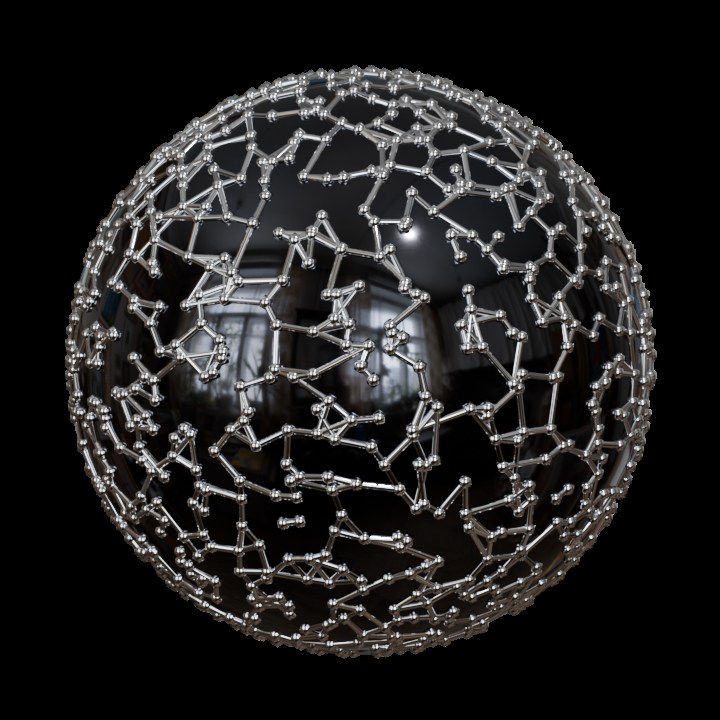
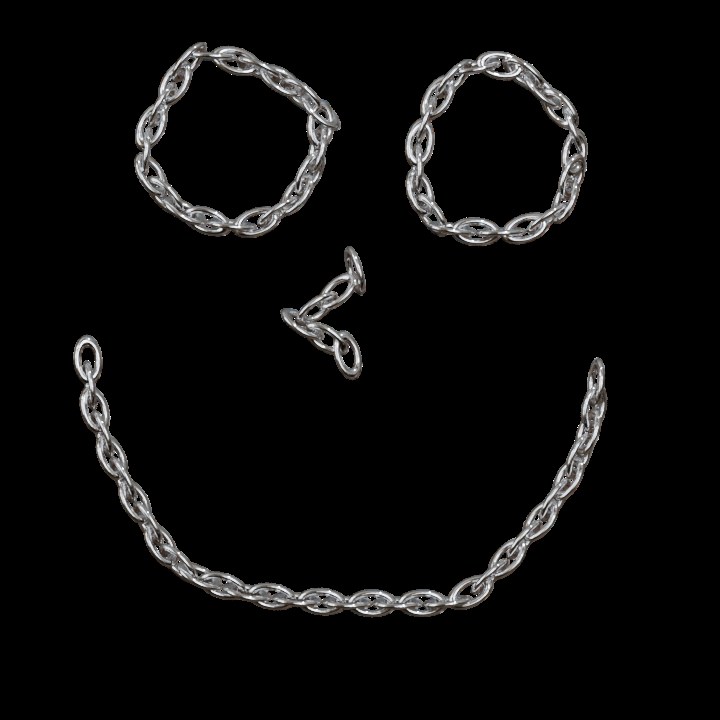
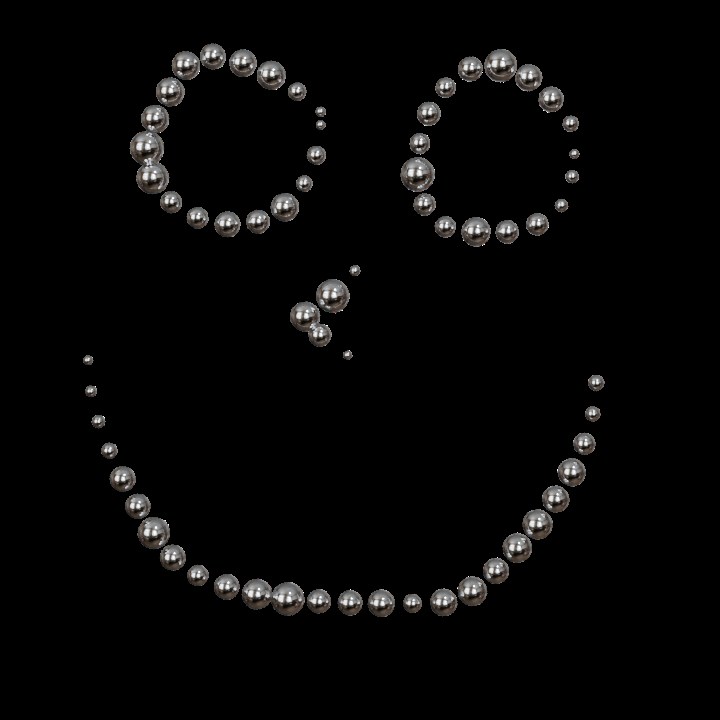
Repeated clusters of bubbles, rocks, chains and spikes.
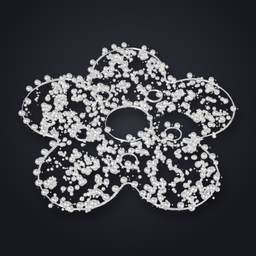
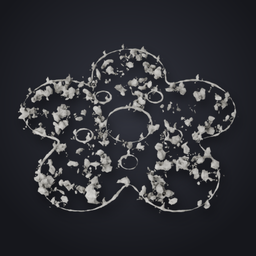
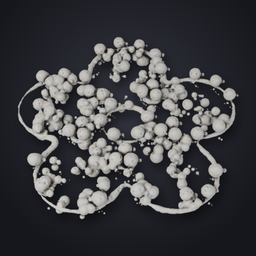
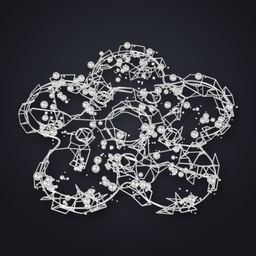
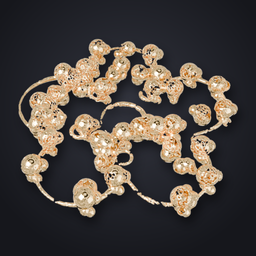
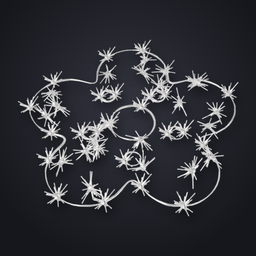
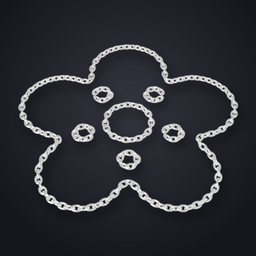
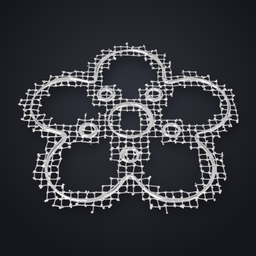
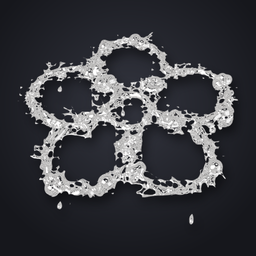
Sphere Lines8
Lines and hatching wrapped around spheres.
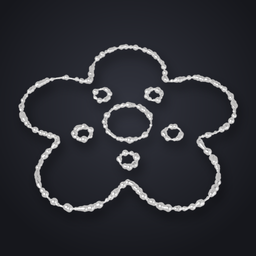
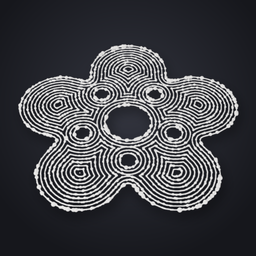
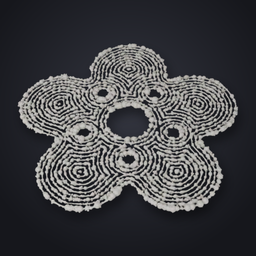
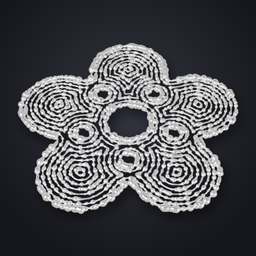
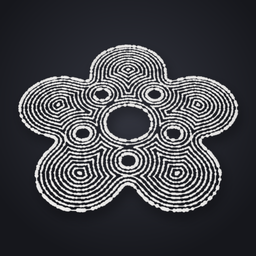
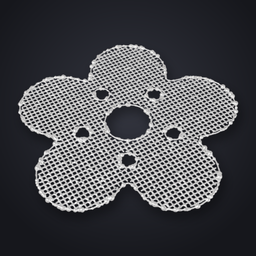
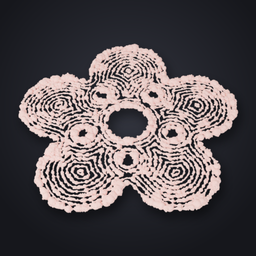
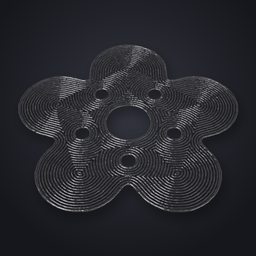
Line Art5
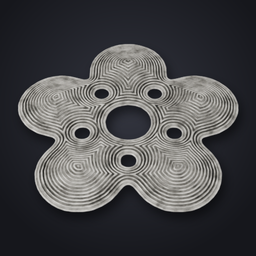
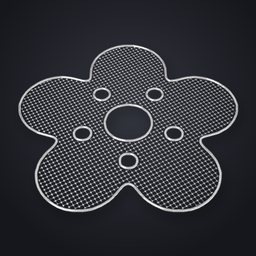
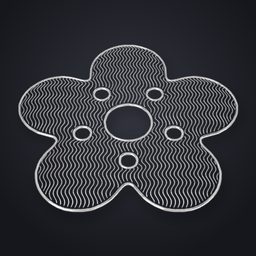
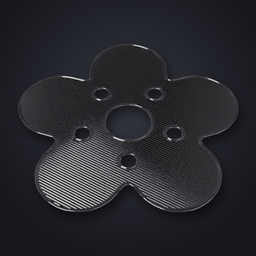
Topo lines, hatching, waves and engraving.
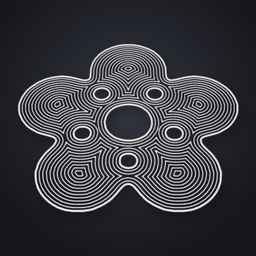
The most important things
- Same Main Controls on every style – Size, Thickness, Effect Size, Amount, Smoothness (plus Pen Pressure when painting).
- Effect Controls – the 2–5 settings that matter most for each style.
- Quality modes – Draft, Standard, Hero, Ultra. Heavy styles start in Draft.
- Bake to a real mesh for export, sculpting or game engines; the live original is kept.
- Chaining – send an SVG or Image result through the Mesh styles (logo → domed shape → Voronoi chrome).
- All Parameters stay available in a collapsed panel – no node editing required.
Included styles
| Category | Count |
|---|---|
| Draw Brushes | 23 |
| Mesh Workshop | 9 |
| Mesh Surface | 9 |
| Mesh Art | 9 |
| Organic | 8 |
| Tribal & Inflate | 6 |
| Voronoi & Nets | 5 |
| Rocks | 5 |
| FX | 11 |
| Clusters | 9 |
| Sphere Lines | 8 |
| Line Art | 5 |
| Styles total | 107 |
| Materials | 55 |
190 HDRIs (Lighting Only)
Carefully curated HDRIs designed exclusively for lighting and reflection setups. Not all HDRIs are seamless, and they are not intended for background use.
Requirements & install
- Requirements: Blender 5.2 or newer (uses the 5.2 SDF and Volume Grid nodes). Windows, macOS, Linux. Cycles recommended for the materials; geometry works in any engine.
- Install: Download chrome_type_kit_2-2.2.0.zip – do not unzip. Edit › Preferences › Get Extensions › ˅ menu › Install from Disk. Then 3D Viewport › Sidebar (N) › Chrome Type Kit.
FAQ
Is it destructive?
No. Sources are only hidden, results are live modifiers.
Can I use results commercially?
Yes, everything you create is yours.
It gets slow on huge files.
Use Draft quality while tweaking, or raise Detail (Voxel Size).
A result is empty.
The voxel size is too small for that shape – raise Detail (Voxel Size).
Can I edit the nodes?
Yes, every result is a regular Geometry Nodes modifier.